
Checkout · Supermarket Simulator · read from a local copy
Barcodes, the scanner and the discount label
A barcode is an object the game spawns, with a spawner and a way of dragging it.
Supermarket Simulator makes the barcode an object rather than a marking: the game spawns one for a product, lets you drag it onto the scanner, and keeps a second, green label for discounted goods.
What the game establishes
- A barcode is an object the game spawns, with a spawner and a way of dragging it. (checked against the game's own files)
- The scanner is a device with its own interaction and a networked version. (checked against the game's own files)
- The game keeps a helper that tells you what input the scanner expects. (checked against the game's own files)
- What is scanned is recorded as a sale item rather than only changing a total. (checked against the game's own files)
- The game ships a second label picture for discounted goods, and discounts have a manager and a panel. (checked against the game's own files)
- One of the game's task records applies a barcode at the scale. (checked against the game's own files)
- The build has a handler for the animation a scan plays. (checked against the game's own files)
- A till is made of named parts, and a checkout carries a type. (checked against the game's own files)
- Barcodes are drawn from their own pieces: a barcode material with an icon, a background for that icon and a shadow, plus a barcode of its own for produce. (checked against the game's own files)
In play
In this shop a barcode is a thing you handle rather than a marking printed on the box. The game has a barcode object, a spawner that produces it and a way of dragging it, which is why scanning is an action you take rather than a menu choice you make.
The scanner is a device of its own. It has its own interaction and its own networked version, so in a shared shop the game can show one player scanning without letting the other do it by accident.
A hint handler tells you what the scanner expects. The same device keeps a helper for its input hint, which is how the game prompts you at the till rather than leaving you to guess at a button.
Scanning produces a sale item. What you scan is recorded as a sale item on the scanner rather than quietly changing a total, which is why an item that went through wrongly can still be dealt with before the customer pays.
Discounts have a barcode of their own. The game ships a second label picture for discounted goods, and the discount side of the shop has a manager and a panel of its own, so a reduced product is not simply the ordinary label with a smaller number behind it.
The scale shares the same work. One of the game's task records applies a barcode at the scale, so weighing a loose item and scanning a packaged one belong to the same flow rather than two separate jobs.
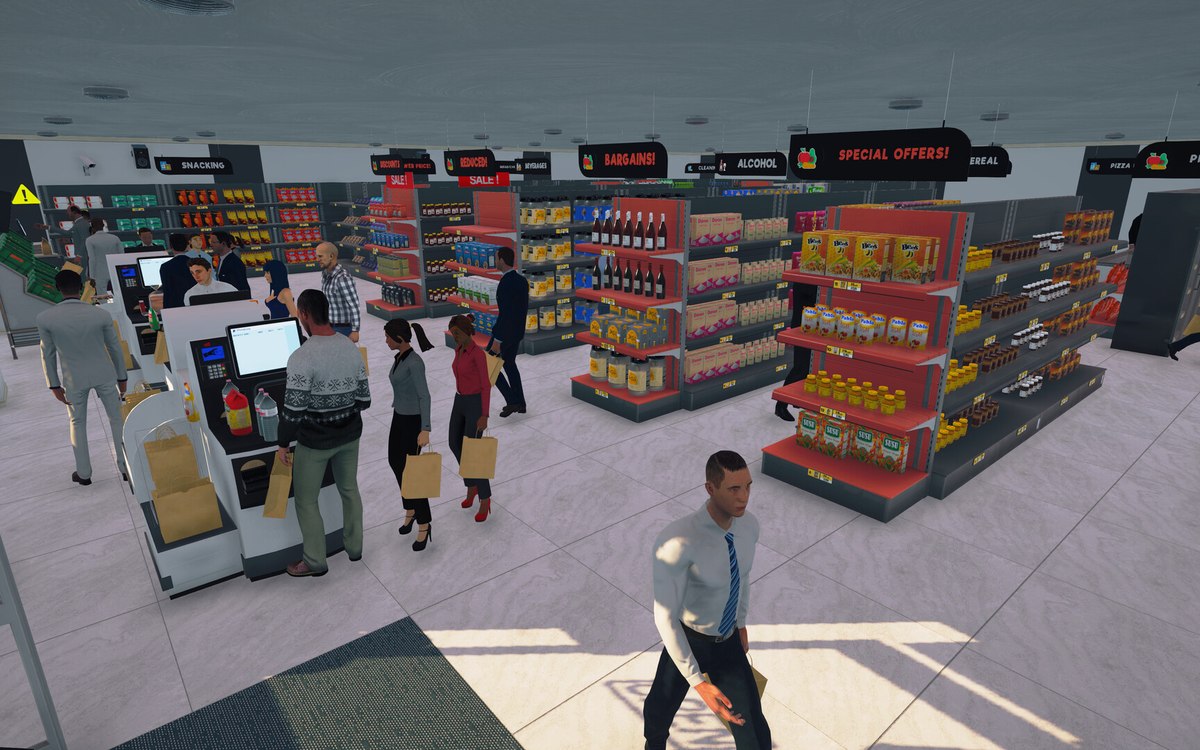
The till itself is a set of named parts: a belt, a belt grid, a drawer, a change manager and a screen, and a checkout carries a type, which is how the game tells an ordinary till from the self-service one.
The two labels beside this entry are the game's own: the one it spawns for a product and the green one it keeps for discounted goods.
What this entry does not tell you: how the digits on the label are generated, what they mean, or how a discount is calculated. We have not verified those, so we do not print them.
Related
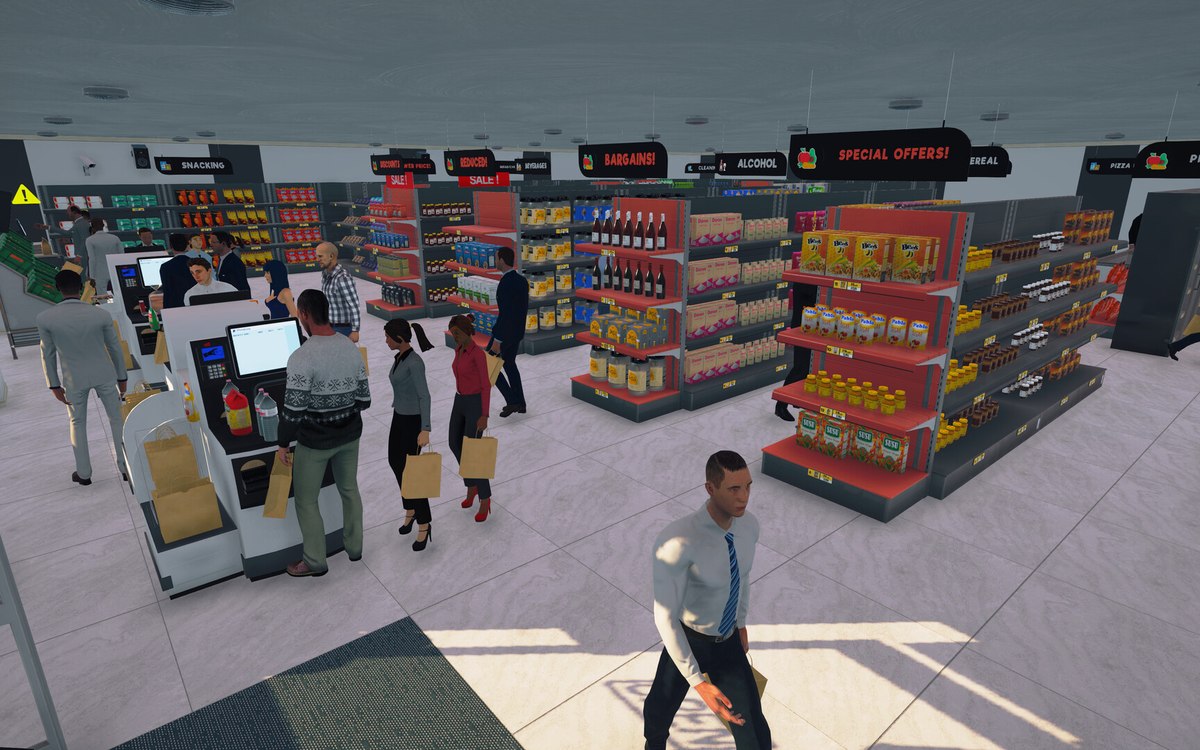 CheckoutCheckout and cashiersA checkout can be operated by a hired cashier.
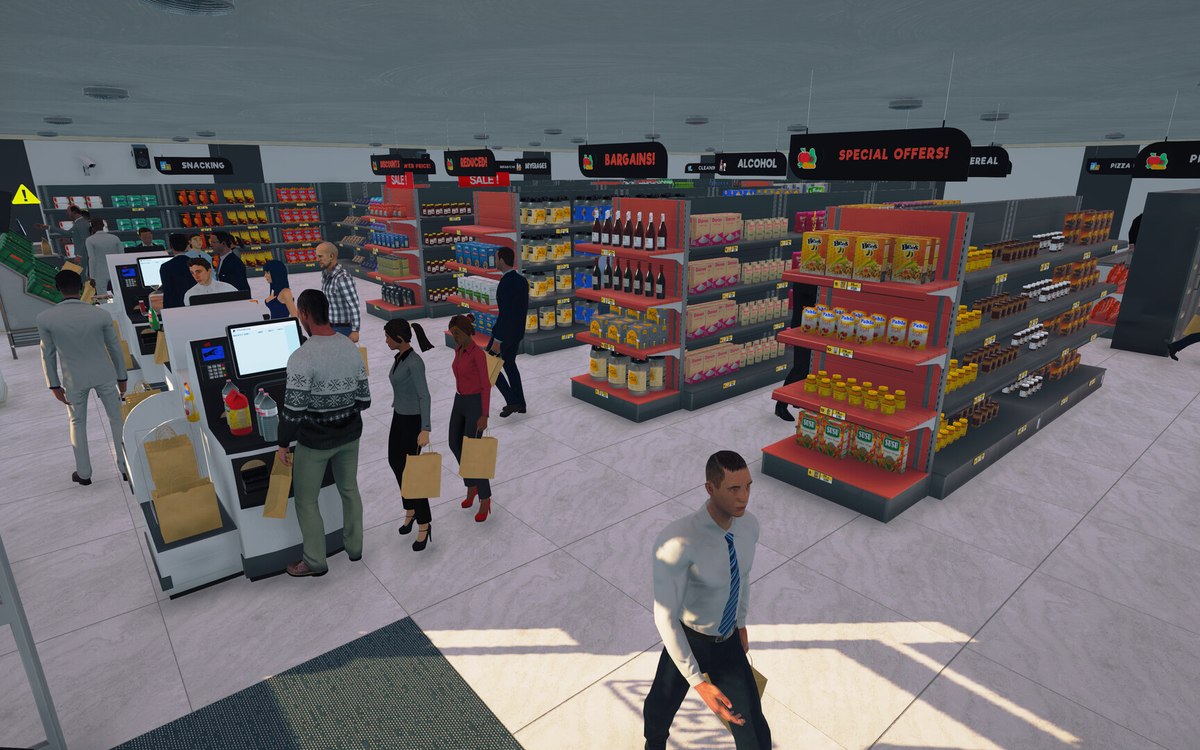 CheckoutPaying by card or by cashThe game tracks more than one kind of payment.
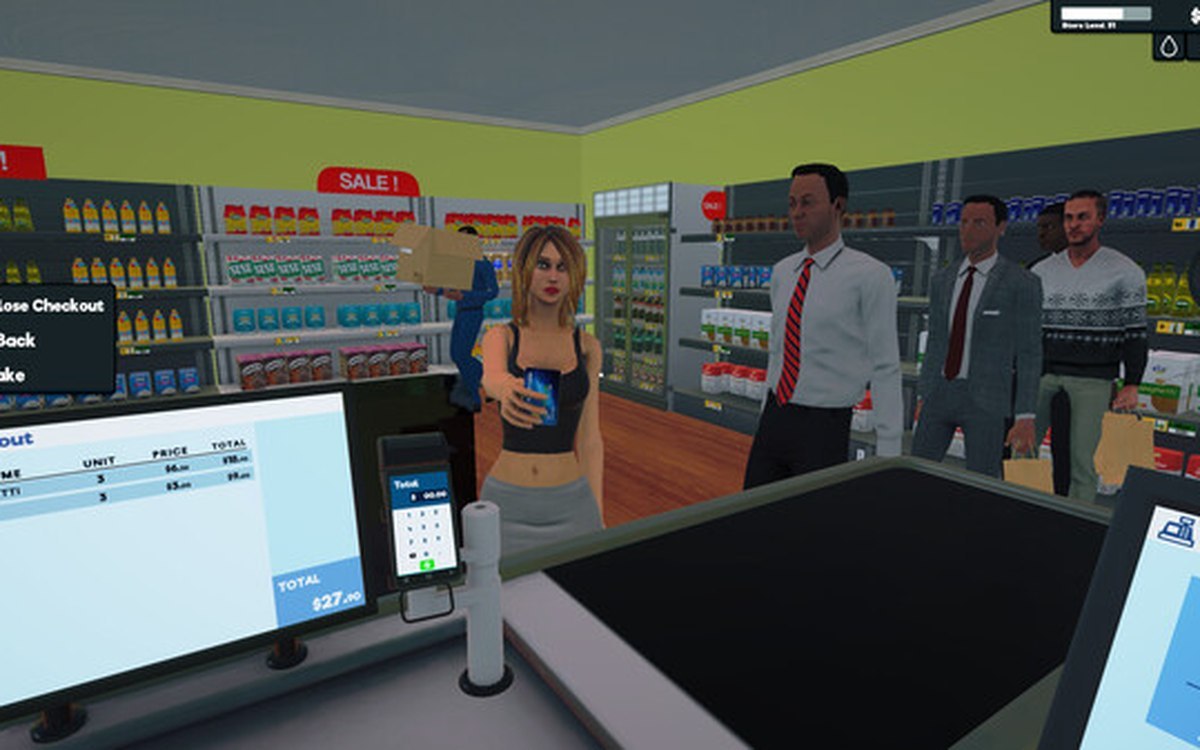 ProductsThe weighing scale and barcodesThe scale is a system of its own, with a manager, a controller and its own data.
Version and sources
A local copy of the game, read only. The grounding for each fact is listed on the technical reference pages; nothing here is estimated. Documented build: 1.6.0 (223).