
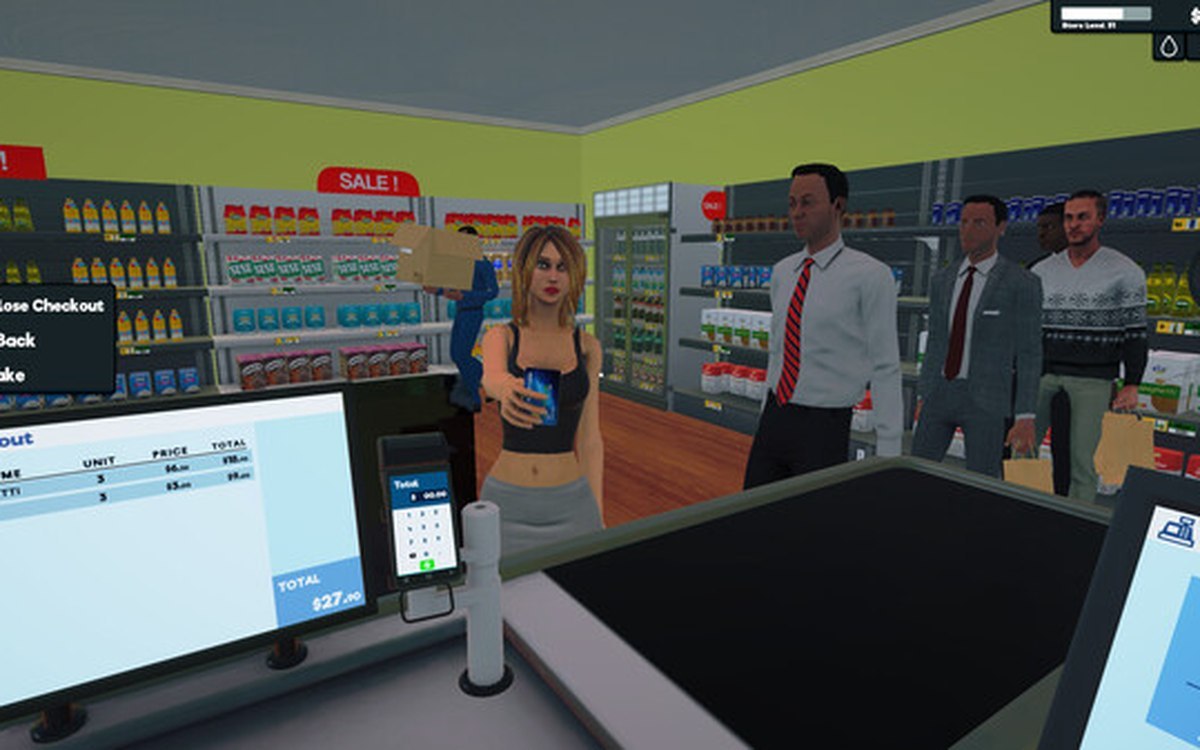
Products · Supermarket Simulator · read from a local copy
The weighing scale and barcodes
The scale is a system of its own, with a manager, a controller and its own data.
Not everything in Supermarket Simulator is priced per item: the game has a scale system of its own, with barcodes to scan and codes to enter, so goods sold by weight go through a step a shelf does not.
What the game establishes
- The scale is a system of its own, with a manager, a controller and its own data. (checked against the game's own files)
- The game defines how the scale is used and the states it moves through. (checked against the game's own files)
- Goods sold by weight carry a barcode to scan and a code that can be entered. (checked against the game's own files)
- The scale has a step where it waits for the customer. (checked against the game's own files)
- What is being weighed is shown on a product display together with its details. (checked against the game's own files)
- The game teaches the scale and provides helper and player controllers for it. (checked against the game's own files)
- Weighed products are recorded together with their weight. (checked against the game's own files)
- The build also ships a picture for the produce end of it: a fruit-and-vegetable stand with bins of goods beside a checkout scale. (checked against the game's own files)
In play
The scale is a system of its own. The game keeps a manager, a controller and its own data for weighing, so a scale is a fixture with behaviour rather than a piece of scenery you can ignore.
It has a way of being operated. The game defines how the scale is interacted with and the states it moves through, which is why using one is a short routine rather than a single press.
Goods sold by weight carry a barcode. A weighed product has a barcode to scan and a code you can enter by hand, so a scale can price something that never had a printed tag on it.
The game waits on the customer. The scale has a step where it waits for the customer, which is why weighing something is part of serving somebody rather than a private action at the back of the shop.
The details are put in front of you. The scale has a product display and a detail listing, so what you are weighing and what it comes to are shown rather than left to memory.
You are taught it and helped with it. The game has tutorial indicators for the scale along with helper and player controllers, which is why the first one you meet is explained rather than guessed at.
What this entry does not tell you: what anything weighs, how the scale works out a price, or how many items can be weighed at once. We have not verified those numbers, so we do not print them.
Related
 ProductsProducts and what arrives in a deliveryEvery product is identified by its own product id.
 CheckoutCheckout and cashiersA checkout can be operated by a hired cashier.
Version and sources
A local copy of the game, read only. Identifiers are listed on the technical reference pages; nothing here is estimated. Documented build: 1.6.0 (223).