
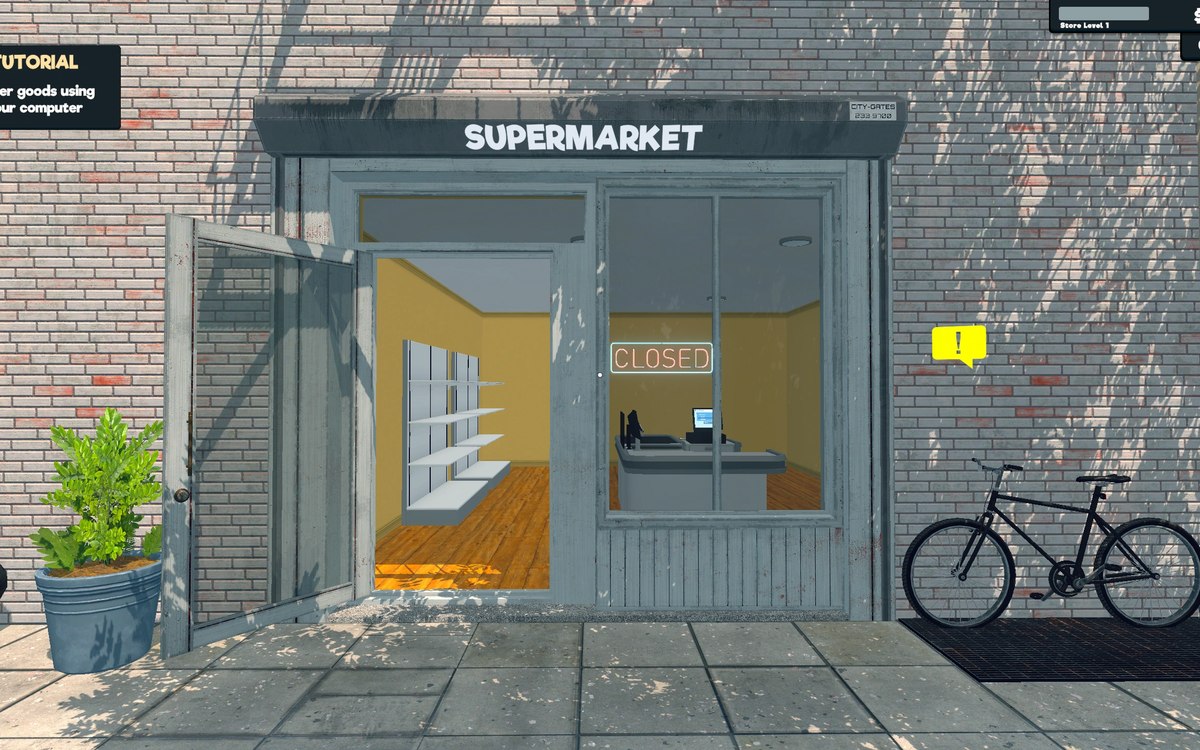
Running the shop · Supermarket Simulator · read from a local copy
The tutorials that point you at things
The scale has a tutorial manager of its own, with an indicator display and a part that holds the indicator's position.
Supermarket Simulator teaches its own systems with small tutorials rather than one help screen: the scale has a tutorial manager with an on-screen indicator and a position for it, and online orders and shoplifters each have a tutorial of their own.
What the game establishes
- The scale has a tutorial manager of its own, with an indicator display and a part that holds the indicator's position. (checked against the game's own files)
- The game carries a tutorial interface rather than only ad-hoc prompts. (checked against the game's own files)
- Online ordering has a tutorial of its own. (checked against the game's own files)
- Shoplifting has a tutorial of its own. (checked against the game's own files)
- That tutorial has an animation listener of its own and a customer made for it. (checked against the game's own files)
- Tutorial objectives are stored as their own data with a display. (checked against the game's own files)
- The hint for the tablet is a picture of its own, drawn with the tablet's jobs laid out around it. (checked against the game's own files)
- The tutorial layer has an onboarding manager of its own. (checked against the game's own files)
In play
The shop is not explained in writing alone. The game carries a tutorial layer with a manager of its own, and the one for the scale arrives with an indicator: a display plus a part that gives that display its position.
An indicator with a position is a pointer. Because the thing shown on screen and the place it belongs are kept as separate parts, a tutorial can point at something in the shop instead of only describing it in text.
Online ordering has a tutorial of its own. That is why the first order is a guided step rather than a screen you have to find for yourself.
Shoplifting has one as well. There is a tutorial for it, an animation listener that belongs to that tutorial and a customer made for it, so the first theft you meet is staged rather than left to chance.
The objectives are kept apart from the tutorials. The game stores tutorial objective data and has a display for it, so what you are being asked to do is a record with something to show it on screen.
Taken together, that is how a new shop is taught: a pointer that leads you to the scale, a first online order walked through with you, and a shoplifter staged for the occasion, each with its own parts rather than one general help panel.
There is a manager over the teaching. An onboarding manager of its own sits above the individual tutorials, which is why a new shop can be walked through rather than only explained.
What this entry does not tell you: how many tutorials there are, when each of them runs, or what any of them gives you. We have not verified those numbers, so we do not print them.
Related
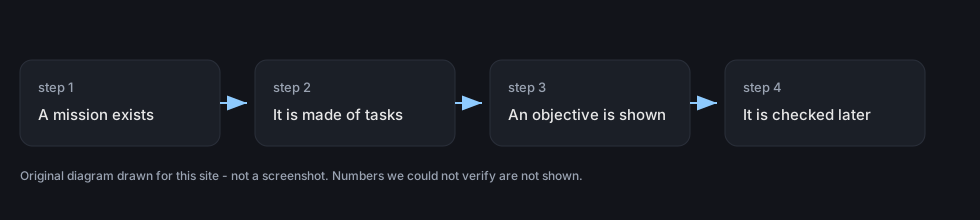 Running the shopMissions and the objectives the game setsThe game carries a mission system with a container for missions and mission data.
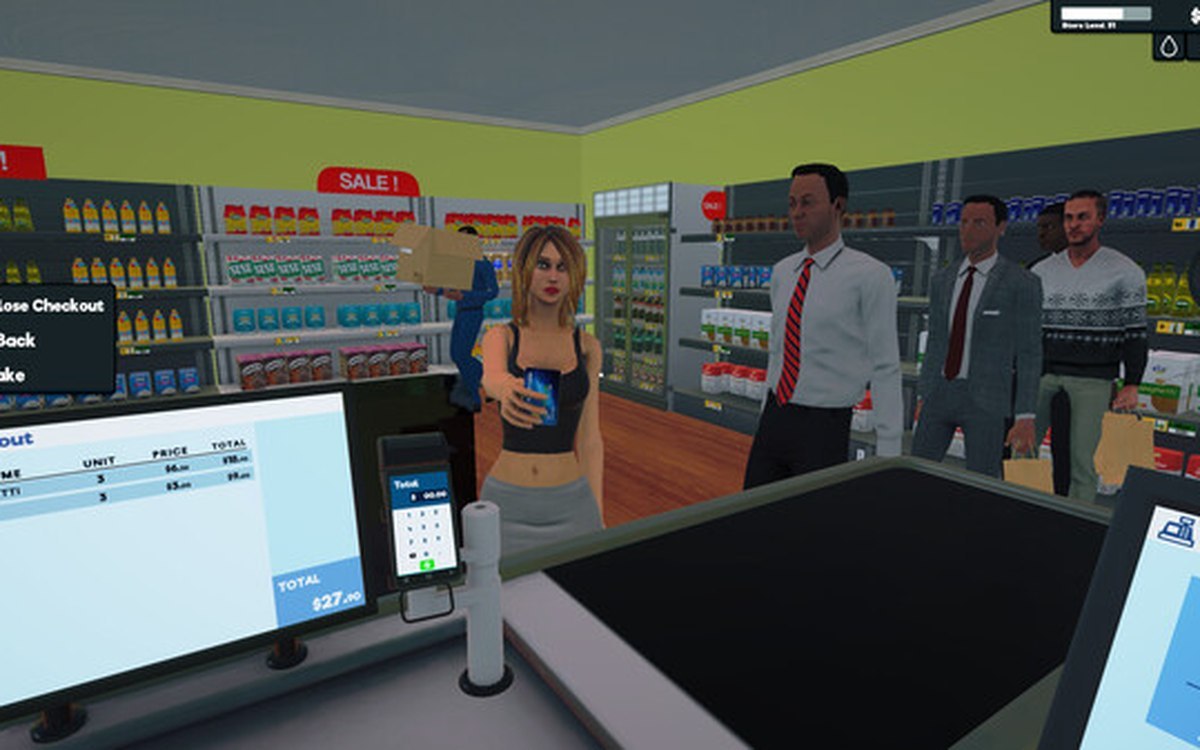 ProductsThe weighing scale and barcodesThe scale is a system of its own, with a manager, a controller and its own data.
Version and sources
A local copy of the game, read only. Identifiers are listed on the technical reference pages; nothing here is estimated. Documented build: 1.6.0 (223).