
Missions and the objectives the game sets
No confirmed picture from the game yet. This subject is kept as a note for now: the facts below are verified against the game's own files, but no image has been confirmed for it, so it is not published as a finished entry and is kept out of search engines.
What the game establishes
- The game carries a mission system with a container for missions and mission data.
- A mission can be a single task or several: the game names a mission task and a single-task mission.
- There are named missions for switching on an online order and for a step at the scale.
- Missions are grouped by a kind of their own.
- The game keeps tutorial objectives with their own data and a display, checked after a delay.
- The mission system sits in the game code rather than in a third-party package.
In play
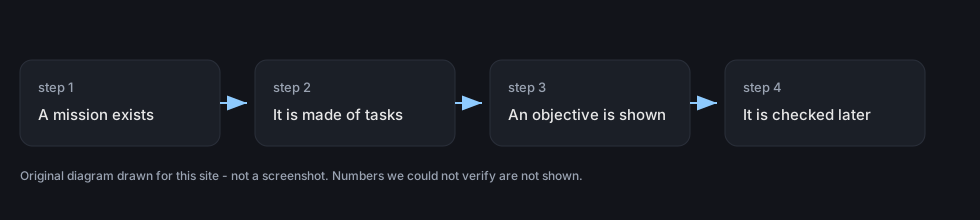
The game carries a mission system of its own. It has a container for missions and mission data, so a mission is a record the game keeps rather than a line of text on a screen.
Missions are built out of tasks. The game names a mission task and a single-task mission, which means one mission can be a single step while another is a series of them.
Some of those missions are tied to things the shop already does. There are named missions for switching on an online order and for a step at the scale, which is how the game walks a new player through the systems it has built.
Objectives are kept separately from the missions themselves. The game has tutorial objective data and a display for it, so what you are being asked to do has somewhere to live and something to show it on screen.
That makes the shop guided by two things at once. The licences and the shop level decide what you are allowed to sell, and the missions decide what the game has asked you to do next, which is why a new shop can feel directed without a separate story mode.
Missions sit beside those gates rather than replacing them, so reading the licence list and watching the objectives are two different jobs.
What this entry does not tell you: how many missions there are, what any of them rewards, or the order in which they arrive. The detail of these missions could not be read from the build this site documents, so only their names are given here.