
Guide
Working the objectives into your day
How to fit the objectives Supermarket Simulator sets — missions, the tasks under them and the tutorials — around a normal shop day, using only the parts the game itself defines.
Applies to
1.6.0 (223), read from the copy of the game this site was built from (see the sources page)
Before you start
- A shop that is already open for business
- Some idea of what the shop can do
- The shop computer within reach
Steps
- Read what the game is asking for before you buy anything for it.
the game keeps missions in a container of their own with a system behind them, and each mission has data of its own - Treat a mission as a set of tasks rather than one job.
a mission is built on named tasks, and the game also has a mission shape that is a single task plus a mission that runs in steps - Take the order work one task at a time.
filling an order, closing it and delivering it are three named tasks, so an order can be part of the way through rather than all or nothing - Do the objectives that need money before the day's spending.
there is a mission activated by an online order, and the money side of the shop is a system of its own - Use the tutorial prompts as a checklist rather than as instructions.
tutorial objectives have their own data and their own display, and the scale has a display of its own - Do the weighing steps while you are already at the scale.
the scale has an interaction task and a tutorial manager of its own, so the steps line up with work you are doing anyway - Check progress where the game keeps it instead of counting by hand.
the mission data describes the shape of a mission and the task is the unit that is tracked - Leave the objectives that need stock until after the shelves are filled.
stock arrives through orders of its own, so filling shelves and doing objectives can be planned as separate passes over the shop
Common mistakes
- Buying stock for an objective before reading what the objective actually asks for.
- Treating a mission as one job when it is several separate tasks.
- Queueing for a weighing step while a customer is already at the scale.
- Following a tutorial prompt as an instruction long after the tutorial is done.
Related entries
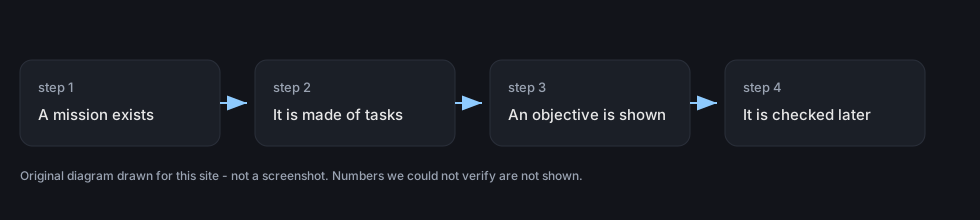 Running the shopMissions and the objectives the game setsThe game carries a mission system with a container for missions and mission data.
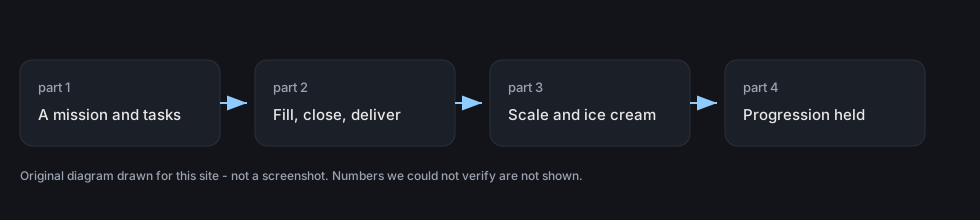 Running the shopThe task layer under the missionsA mission is built on tasks of its own rather than being a single instruction.
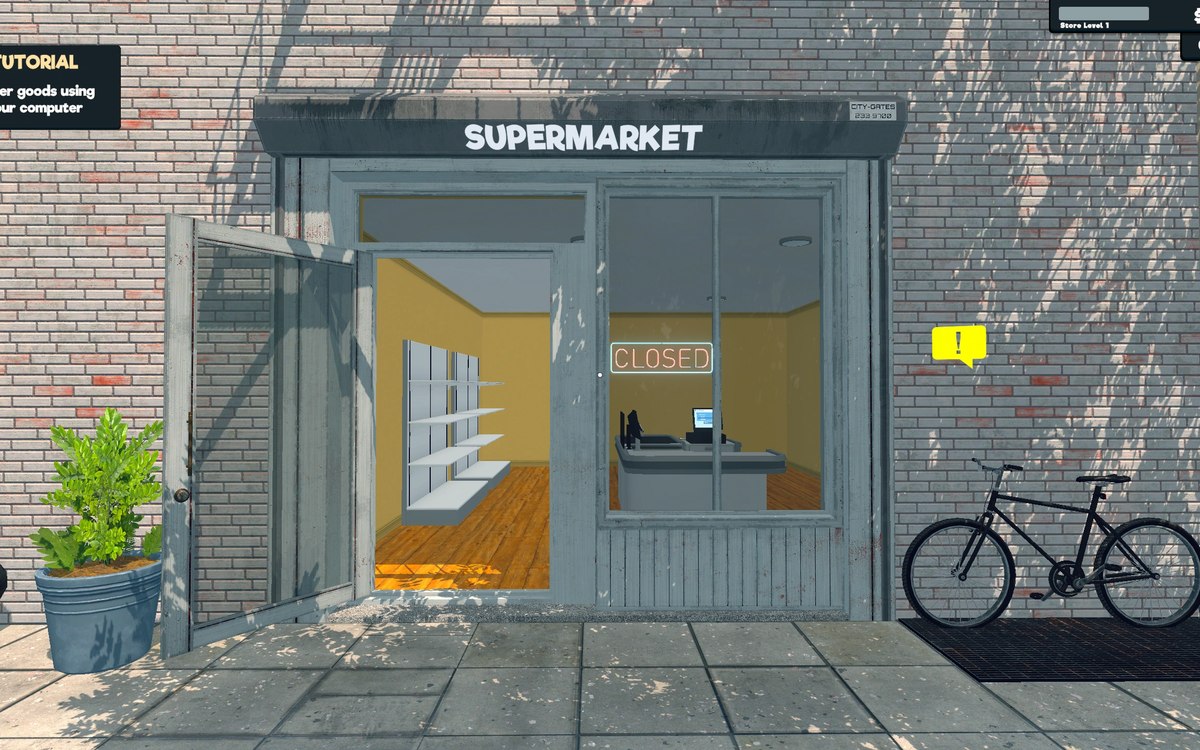 Running the shopThe tutorials that point you at thingsThe scale has a tutorial manager of its own, with an indicator display and a part that holds the indicator's position.
Sources
A local copy of the game, read only. Grounding for each step is on the technical reference pages; no number is estimated.