
Guide
Why the shop runs with so much in it
How a full Supermarket Simulator shop is drawn and how placements behave, so a shop that stutters or will not line up can be reasoned about.
Applies to
1.6.0 (223), read from the copy of the game this site was built from (see the sources page)
Before you start
- A shop with a lot of stock in it
- Fixtures you can move
- A day you can pause
Steps
- Know that the game decides what you cannot see.
the game runs an occlusion controller of its own and records what may be hidden as occludee data - Do not count repeated goods as separate objects.
repeated objects are held as instance data, with bounds for an instance - Know that their positions are generated rather than placed by hand.
an indexed static instancer generates the matrices the repeated pieces are placed from - Expect the walkable floor to be managed separately from the shop.
obstacles that people walk around have a manager of their own - Place things in the placement mode rather than by dragging anywhere.
placement is a mode, and the modes are held by a manager - Expect a placement to be checked before it is accepted.
a position validator checks a placement - Line fixtures up on the grid instead of trusting the eye.
a grid of its own is what a placement lines up on - Remember that a placement keeps track of its neighbours.
a placement records the neighbouring positions it relates to
Common mistakes
- Blaming the goods for a stutter when the game is hiding what you cannot see.
- Nudging a fixture by eye instead of using the grid.
- Assuming a placement that looks wrong was accepted.
- Moving one shelf and expecting the fixture beside it not to care.
Related entries
 InterfaceHow a shop full of things is drawnThe game runs an occlusion controller of its own.
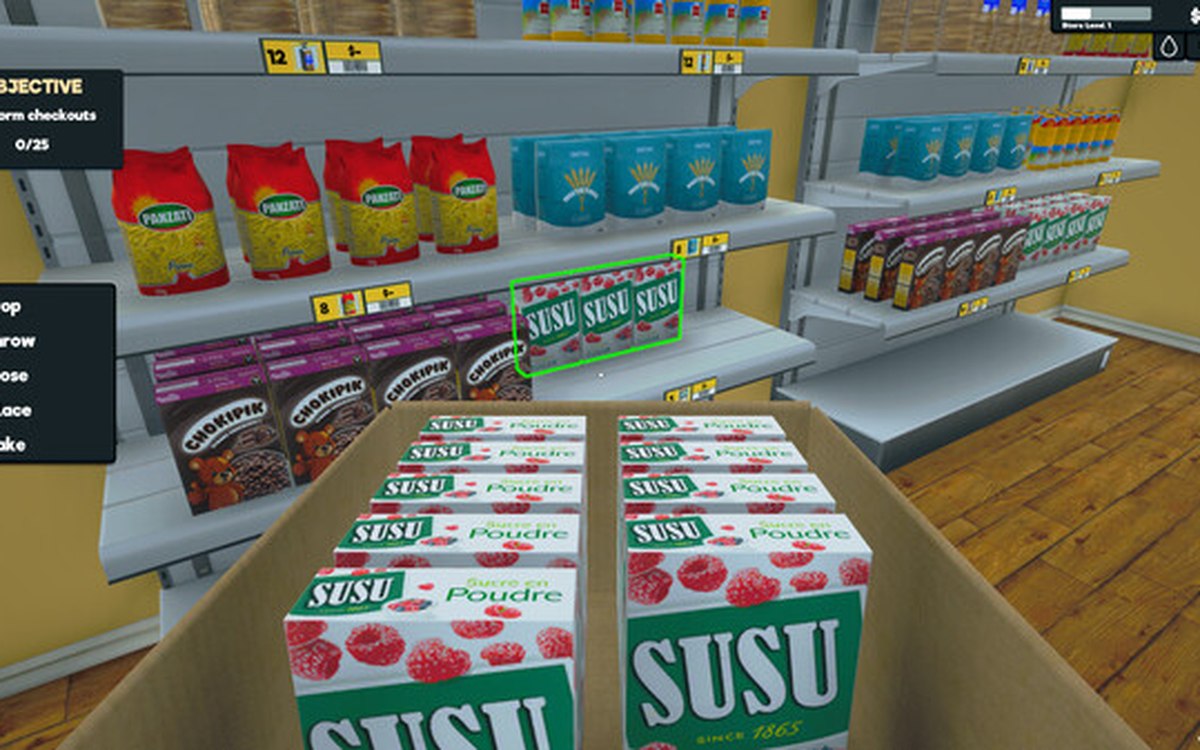 Layout and decorationThe mode you place things inPlacing is a mode of its own.
 Running the shopFurniture and shop layoutFurniture arrives in a box that has to be handled before the piece can be used.
Sources
A local copy of the game, read only. Grounding for each step is on the technical reference pages; no number is estimated.