
Guide
The machines and the prompts
What the shop's computer and tablet are, and where the game's own prompts and hints come from, so the two halves of the interface can be told apart.
Applies to
1.6.0 (223), read from the copy of the game this site was built from (see the sources page)
Before you start
- A computer or tablet in the shop
- Something to order
- A keyboard or a controller
Steps
- Treat the shop's computer as an object in the room before it is a menu.
the computer is an object with an interaction of its own - Expect the screens to belong to a system with a desktop of its own.
it runs a system of its own, with a desktop - Know that the tablet is a device of its own rather than the same machine.
the game has a tablet device of its own and the tablet carries a cart item - Look at the tablet's own art rather than assuming it shares the computer's.
the game ships a texture for the tablet and a scanner icon for it - Follow an online order as a customer rather than as a line in a list.
orders bring customers that are generated, shown on the map and kept in a networked form - Read hints as the game's own system rather than as part of the machine.
interaction hints are handled by a manager of their own and the game runs a ping system of its own - Expect the tool wheel and the keys to have prompts of their own.
the tool wheel has a handler for its input hint, and key icons are managed with kinds of their own - Know that a prompt can be chosen because the interaction has a type.
an interaction and the thing interacted with each carry a type
Common mistakes
- Looking for the tablet's screens on the computer.
- Hunting in menus for something the prompt system is already telling you.
- Reading an online order as a delivery rather than as a customer.
- Assuming every machine in the shop draws its prompts the same way.
Related entries
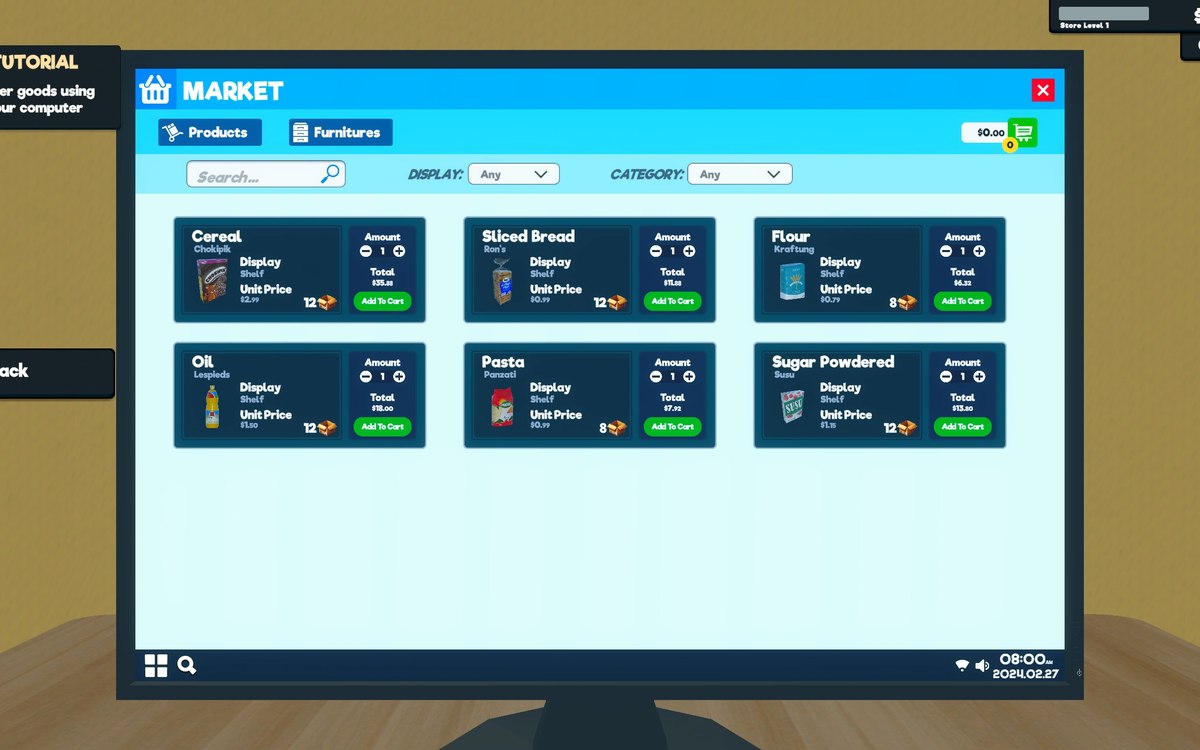 Running the shopThe computer and the tabletThe computer is an object with an interaction of its own.
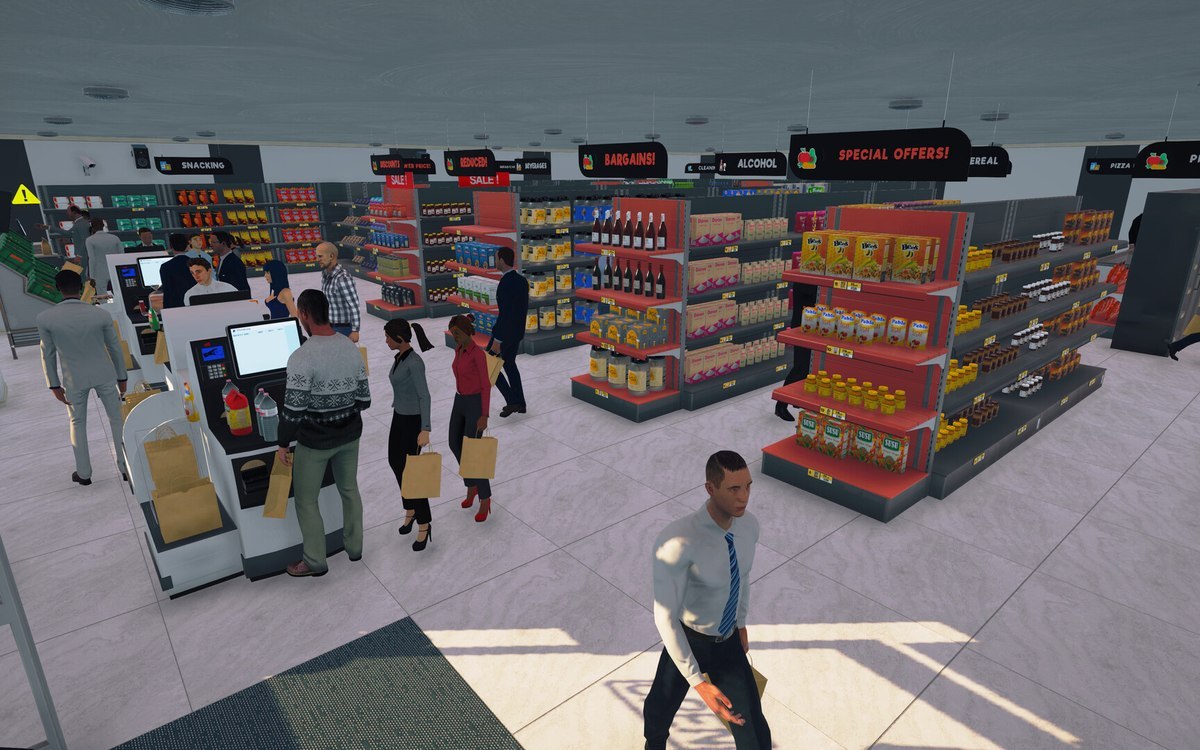 InterfaceThe hints and pings the game givesThe game runs a ping system of its own.
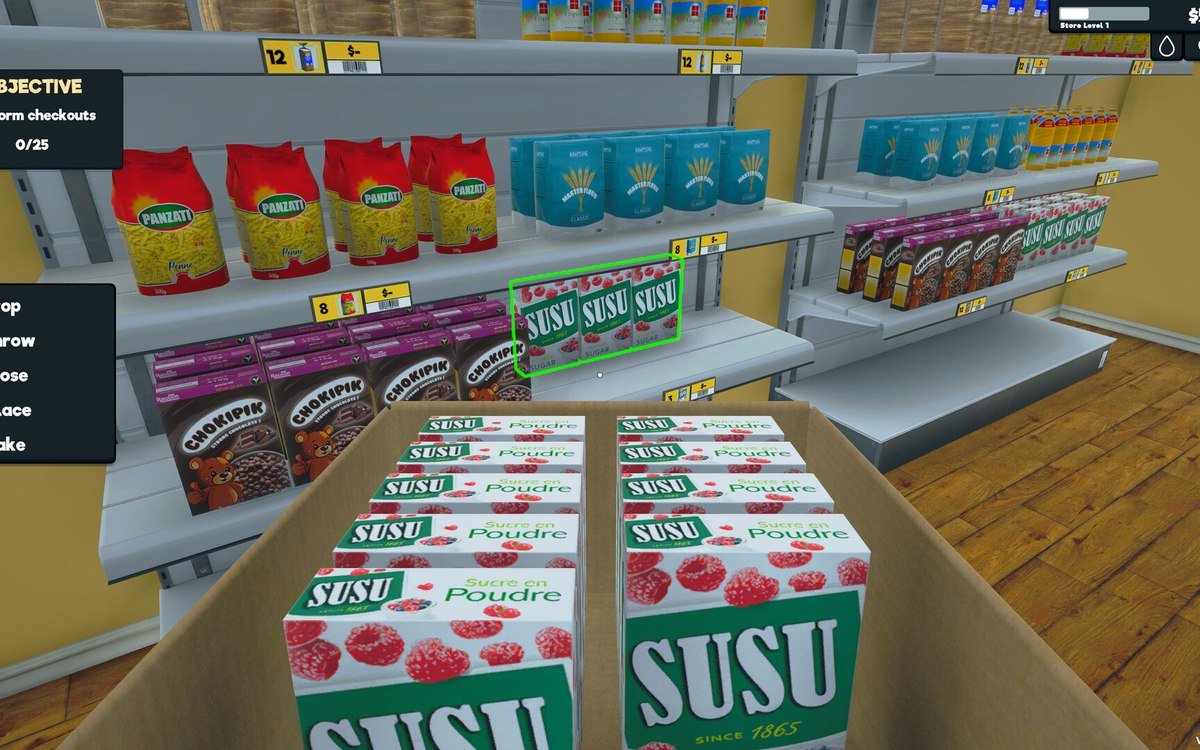 InterfaceThe controls the menus are built fromThe menus are built from the game's own controls, including a dropdown, a grid menu, a pad panel and a text-entry handler.
Sources
A local copy of the game, read only. Grounding for each step is on the technical reference pages; no number is estimated.