
Guide
Reading the icons on the screens
How to read the line icons a Supermarket Simulator screen uses, given that they are drawn in families and numbered per family rather than named by subject.
Applies to
1.6.0 (223) (see the sources page)
Before you start
- A shop open long enough to reach a screen
- The tablet or the shop computer in front of you
- One screen at a time
Steps
- Treat the small marks on a screen as words rather than as decoration.
the build names line icons in families of its own - Learn the family before the individual mark.
the icons are sorted into a shopping set, a tool set, a weather set, an arrow set, a gesture set, a game set and a common set - Read the object the icon shows rather than the number in its name.
some of them are a plain object: a trolley, a bin and a water drop - Do not wait for a label to appear beside an icon.
the icons are numbered per family rather than named by subject - Watch for the app icons drawn in the same style.
app icons are carried beside the line set - Expect the same drawing to come back on another screen.
the common family is reused across the game's own screens
Common mistakes
- Hunting for a word beside an icon that has none.
- Treating two icons from different families as the same mark.
- Guessing a number in an icon's name means something in the shop.
- Learning one screen's icons and expecting them to mean something else elsewhere.
Related entries
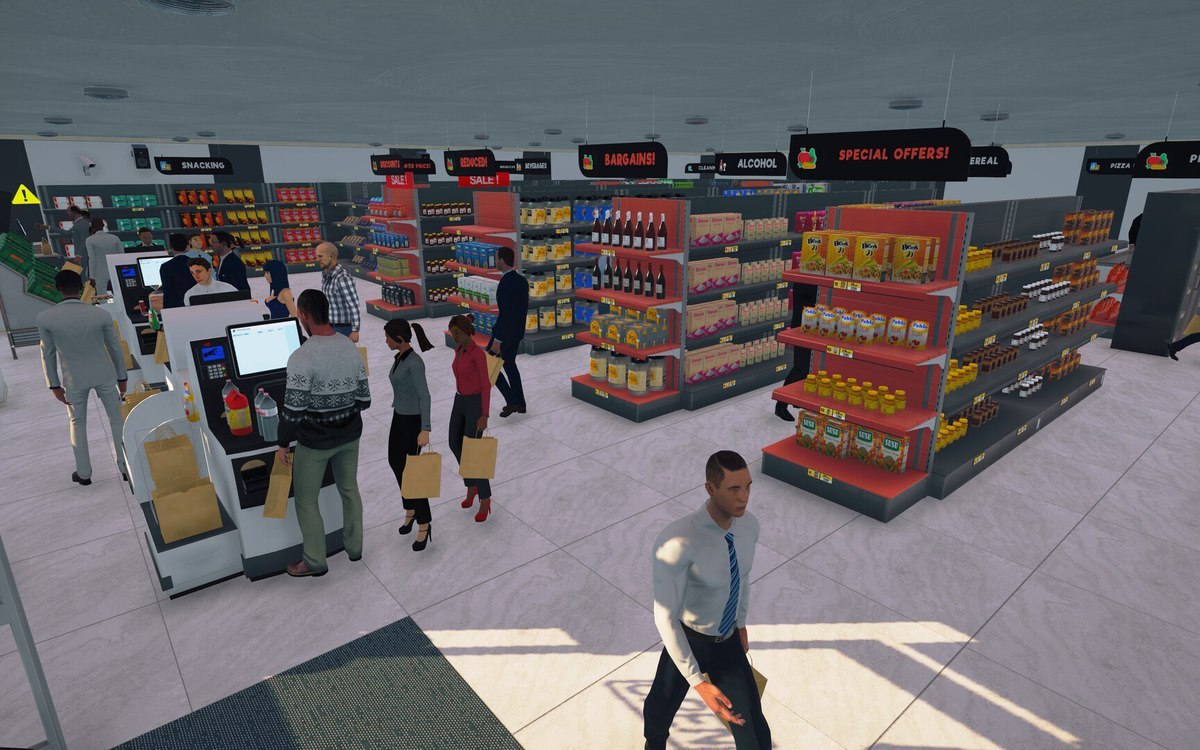 InterfaceThe line icons the game drawsThe build names line icons in families of its own: shopping, tool, weather, arrow, gesture, game and common sets among them.
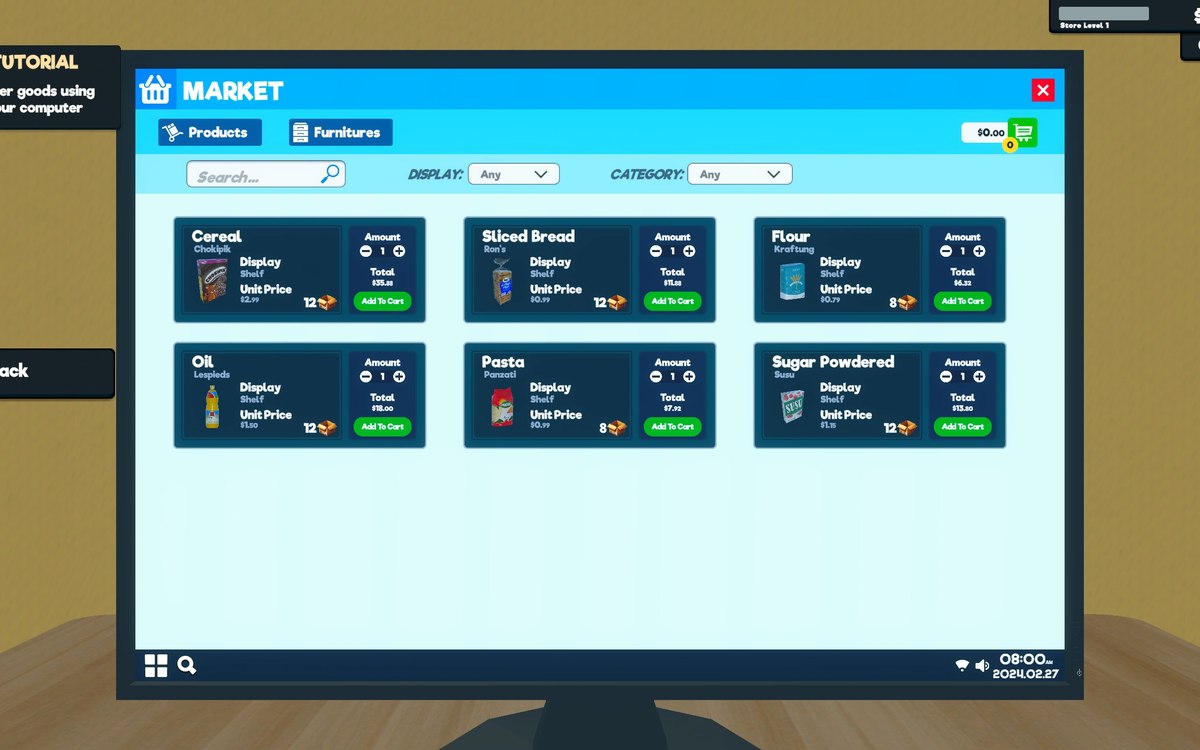 Running the shopThe computer and the tabletThe computer is an object with an interaction of its own.
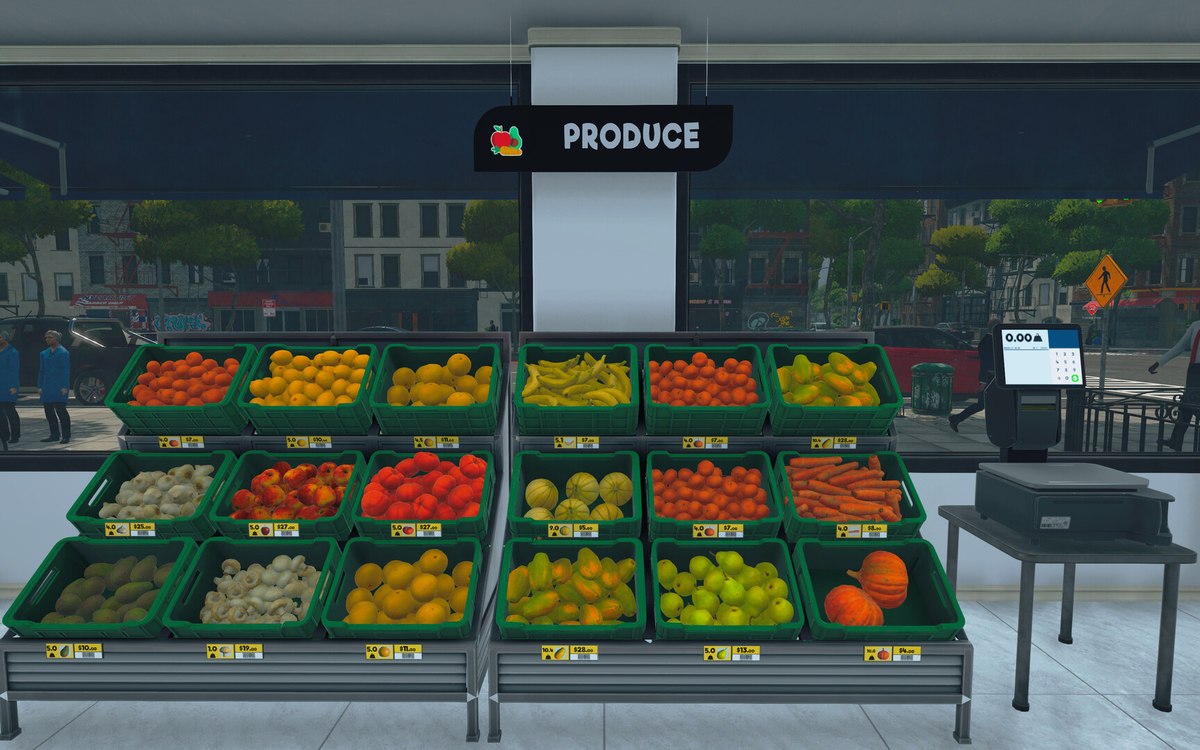 Running the shopThe management tabs on the computerThe computer keeps its functions in separate tabs.
Sources
A local copy of the game, read only. Grounding for each step is on the technical reference pages; nothing here is estimated.