
Guide
Reading the game's own objectives
How missions, tasks and achievements are put together in Supermarket Simulator, so the objective you are working on is a structure you can read.
Applies to
1.6.0 (223), read from the copy of the game this site was built from (see the sources page)
Before you start
- A save with objectives available
- A day in progress
- Somewhere to check progress
Steps
- Expect objectives to be run by a system and held in a container.
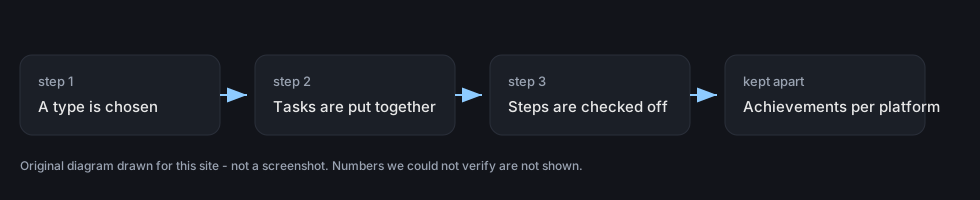
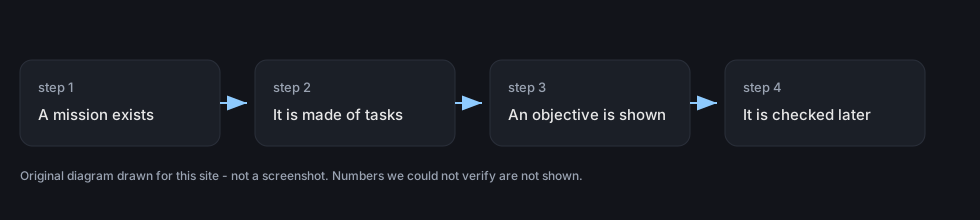
missions run through a system of their own and are held in a container - Read a mission as a set of tasks rather than one instruction.
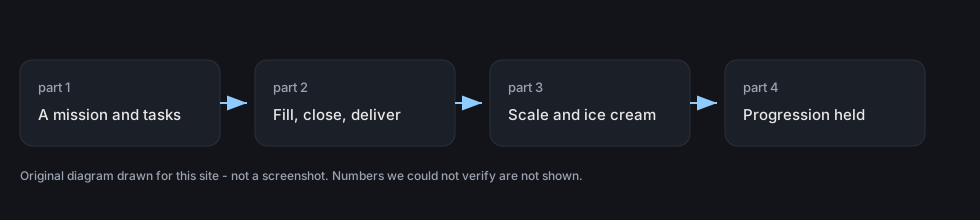
a mission is built out of tasks of its own - Break order work into its three tasks.
order work is three named tasks: filling, closing and delivering - Look for the task that belongs to the scale.
the scale has an interaction task of its own - Read the type of a mission before deciding what it wants.
a mission carries a type of its own - Expect one kind of mission to be measured in steps rather than finished at once.
one kind of mission is built around steps - Know that a mission can be what switches a feature on.
there is a mission that activates online orders - Keep achievements apart from missions, because they are counted separately per platform.
achievements are held in a container of their own and handled separately for the platforms the game ships on
Common mistakes
- Treating a mission as a single instruction when it is a set of tasks.
- Looking for order progress in one place rather than in filling, closing and delivering.
- Assuming a step-based objective finishes the moment you start it.
- Counting an achievement as a mission because they were earned together.
Related entries
 Running the shopThe kinds of missions the game buildsMissions run through a system of their own and are held in a container.
 Running the shopMissions and the objectives the game setsThe game carries a mission system with a container for missions and mission data.
 Running the shopThe task layer under the missionsA mission is built on tasks of its own rather than being a single instruction.
Sources
A local copy of the game, read only. Grounding for each step is on the technical reference pages; no number is estimated.