
Guide
Making a product line worth displaying
How to choose and place a display in Supermarket Simulator so a product line reads as a line rather than as stock left on a shelf.
Applies to
1.6.0 (223), read from the copy of the game this site was built from (see the sources page)
Before you start
- A display bought and placed
- A product line you want to push
- Stock to fill it with
Steps
- Decide the display before you decide the stock, because the display is the game's own object.
displays have a manager, data, subtypes and a definition of their own - Take the colour from the game's set rather than inventing one.
the colour side has data of its own and a manager of its own - Match the product to a display type rather than assuming every product belongs on one.
products carry a display type of their own - Remember that a product's identity belongs to the product, not to the shelf.
each product keeps its own identifier, independent of any shelf - Unload crates knowing they carry their contents with them.
crates carry product data of their own - Let the layout setting decide where things sit.
where products sit is decided by a layout setting of its own, and a calculator works out the transform of a displayed product - Expect the picture on the pack to be handled by the game, not by the model.
there is a manager for product pictures, and a product has a renderable form and a kind of material of its own - Count the line in pairs rather than in ones.
products are counted as a pair of amounts
Common mistakes
- Filling a display with whatever is nearby instead of with a line.
- Recolouring by eye when the game has its own colour data for displays.
- Treating every product as displayable in the same place.
- Moving stock out of a crate without noticing what the crate was carrying.
Related entries
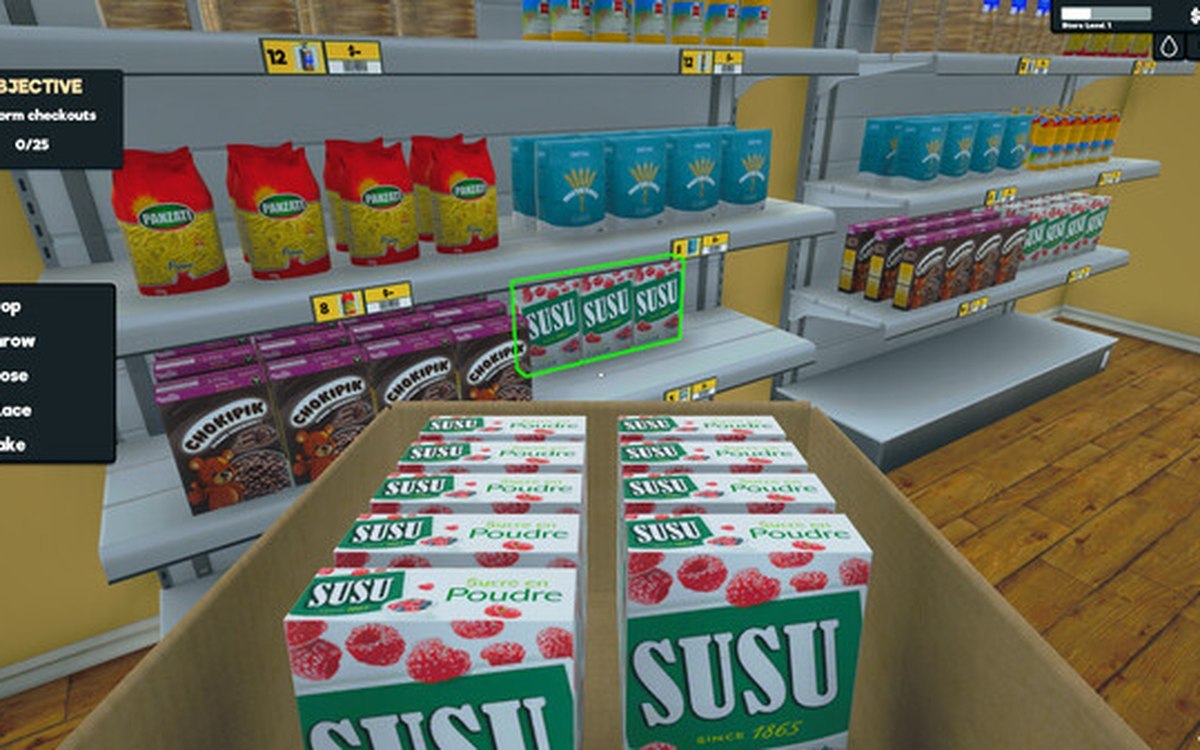 ProductsThe display behind the shelfDisplays are run by a manager of their own.
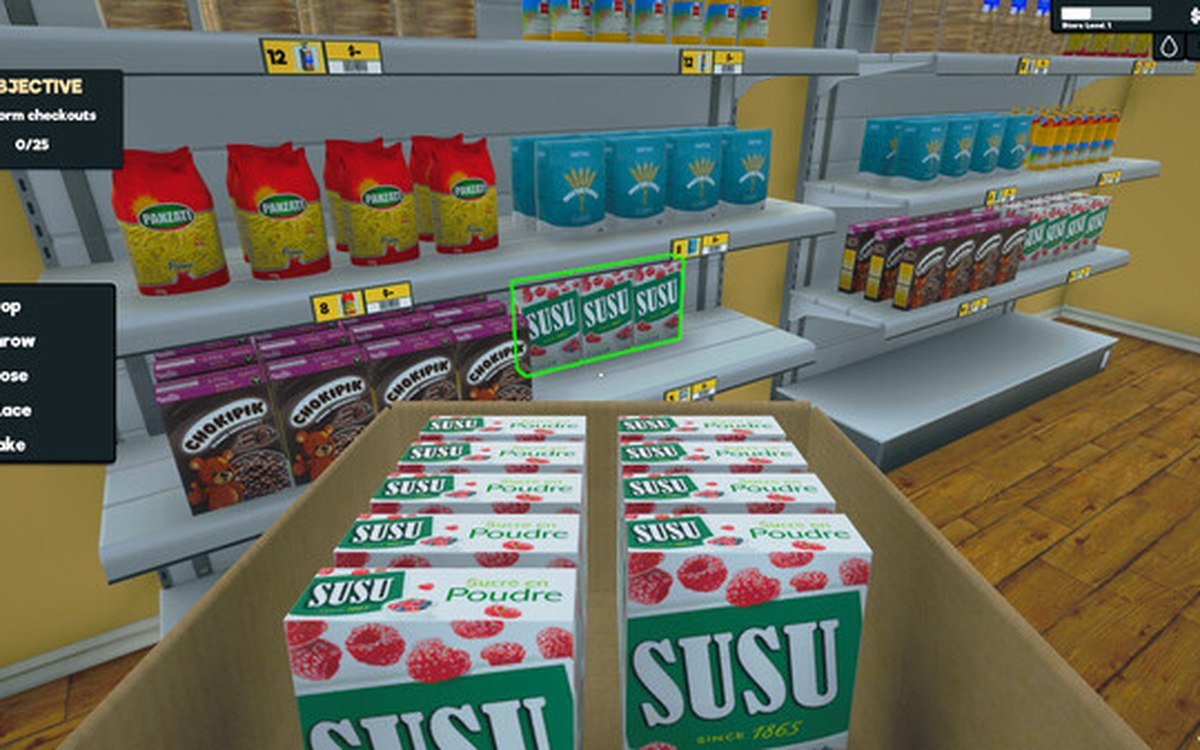 ProductsHow products are displayedProducts carry a display type of their own.
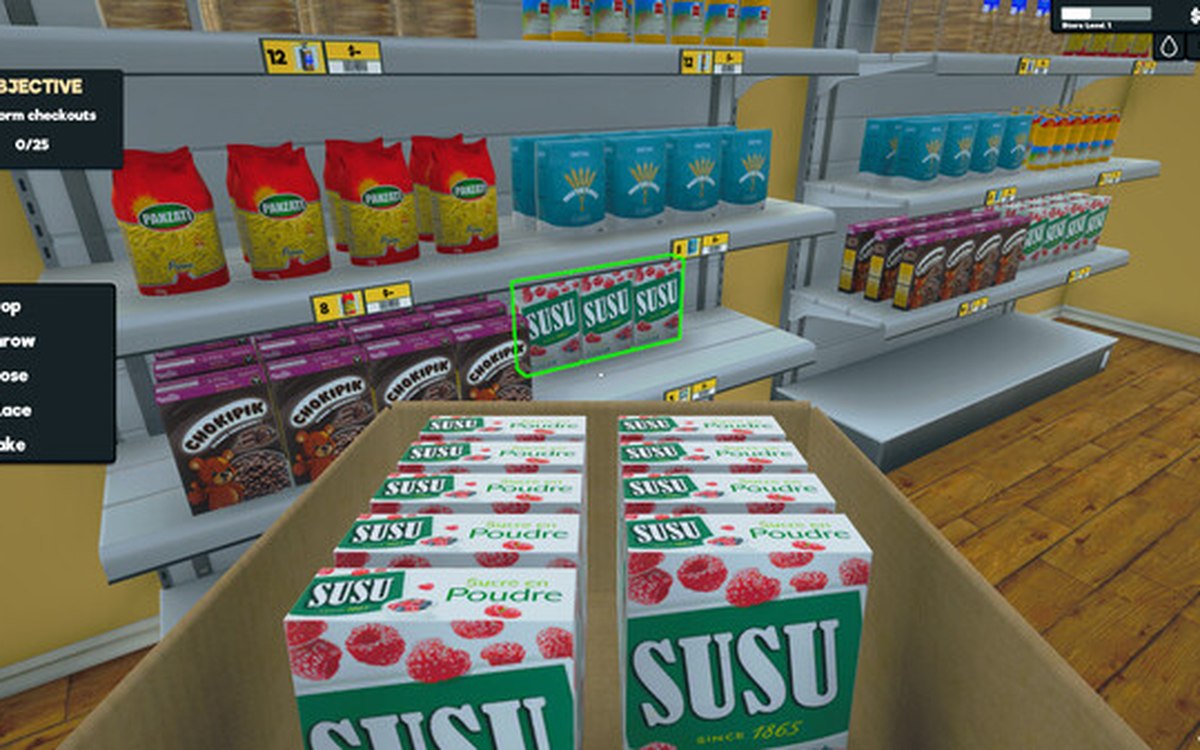 ProductsHow a product is drawn on a shelfThe game keeps a manager for product pictures.
Sources
A local copy of the game, read only. Grounding for each step is on the technical reference pages; no number is estimated.