
Guide
Lighting the shop and the back room
How to light the shop floor and the warehouse in Supermarket Simulator without treating them as one switch, missing the lights that are actually off, or adding power costs you did not plan for.
Applies to
1.6.0 (223), read from the copy of the game this site was built from (see the sources page)
Before you start
- A shop with both a sales floor and a storage area
- At least one light and its switch placed
- A moment to look at what you are spending each day
Steps
- Switch the lights on by pressing the switch rather than looking for a setting somewhere in a menu.
a light is reached through a switch, with an interaction of its own and a toggle behind it - Treat the shop floor and the back room as two separate jobs, because the game gives each of them its own lights, manager and interaction.
the two areas have their own lights and interactions - Check whether the storage lights are on before deciding that something is broken.
the game keeps a flag and a view for whether the storage lights are open - Light the outside of the shop as well as the inside, since the game keeps a spot light for each.
there are spot lights for inside and for outside - Remember that a light is a thing that draws power rather than a free setting, so adding light is adding to the bill.
the electrical side of the shop is a kind of object of its own and a light is an object - Use the lighting presets when you want a whole group of lights changed, instead of walking from one to the next.
lighting has presets of its own - In a shared shop, agree who deals with the back-room lights, because they are kept in step over the network.
the storage lights have networked forms and a networked interaction - Leave the market's own lighting to the market rather than looking for it among your switches.
the market has a lights controller of its own - Look at what you spend after changing how much light you run, since power is part of the recurring costs the game tracks.
recurring expenses are a system of their own, sorted into types
Common mistakes
- Expecting one switch to cover both the shop floor and the back room.
- Assuming a dark warehouse means a broken light when the flag for those lights is simply off.
- Adding lights and shelves without looking at the recurring costs that come with them.
- Reworking every light by hand when the game keeps presets for a group of them.
Related entries
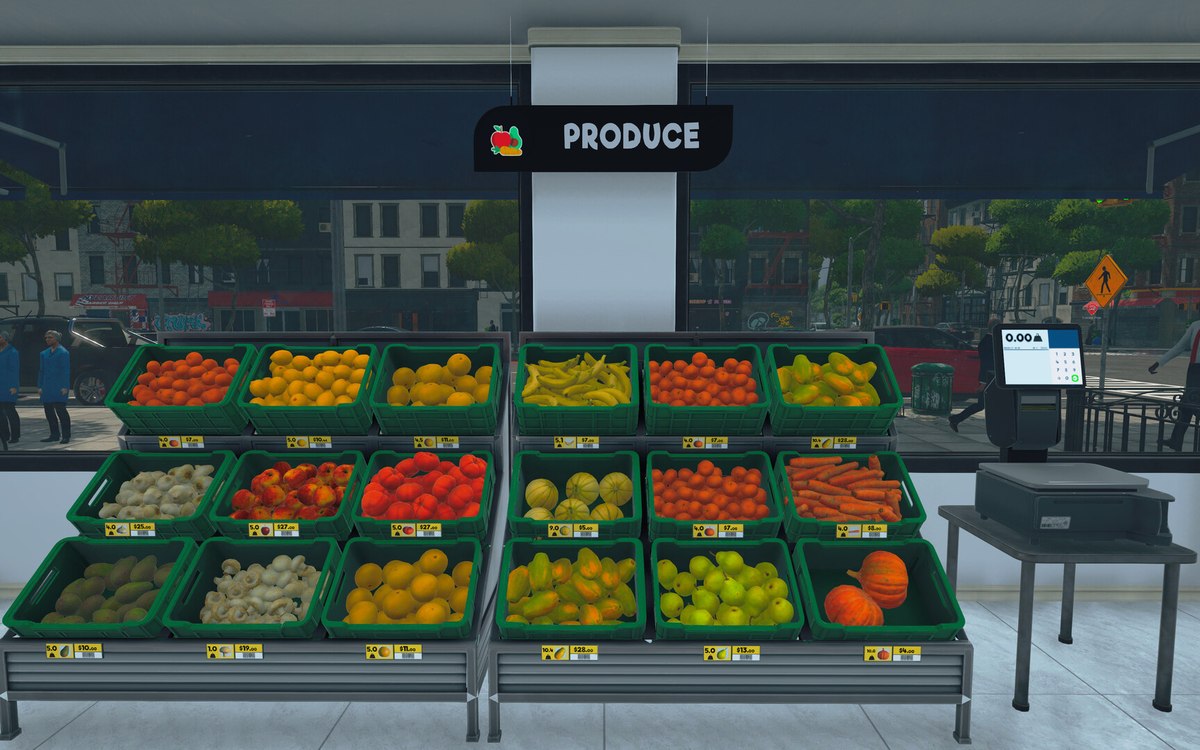 Running the shopThe lights and the switches in your shopThere is a light object, and the lights are grouped behind managers.
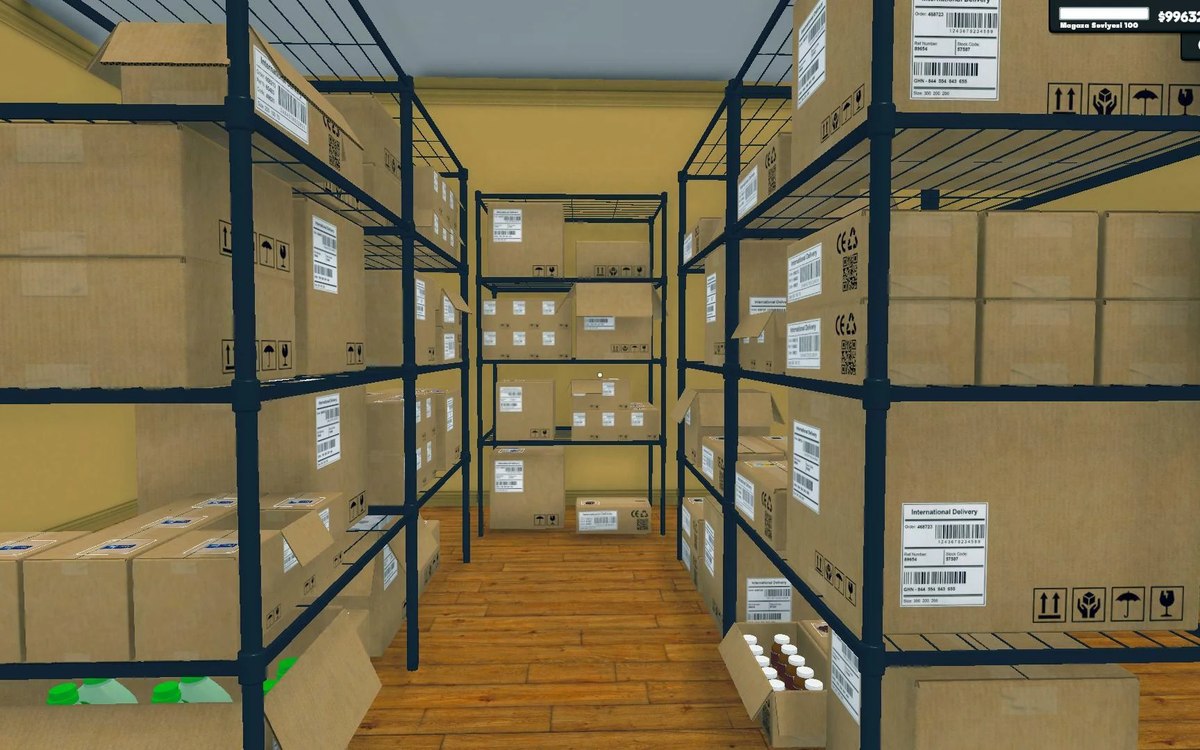 Shelves and stockThe storage lights and its doorThe storage area has lights of its own.
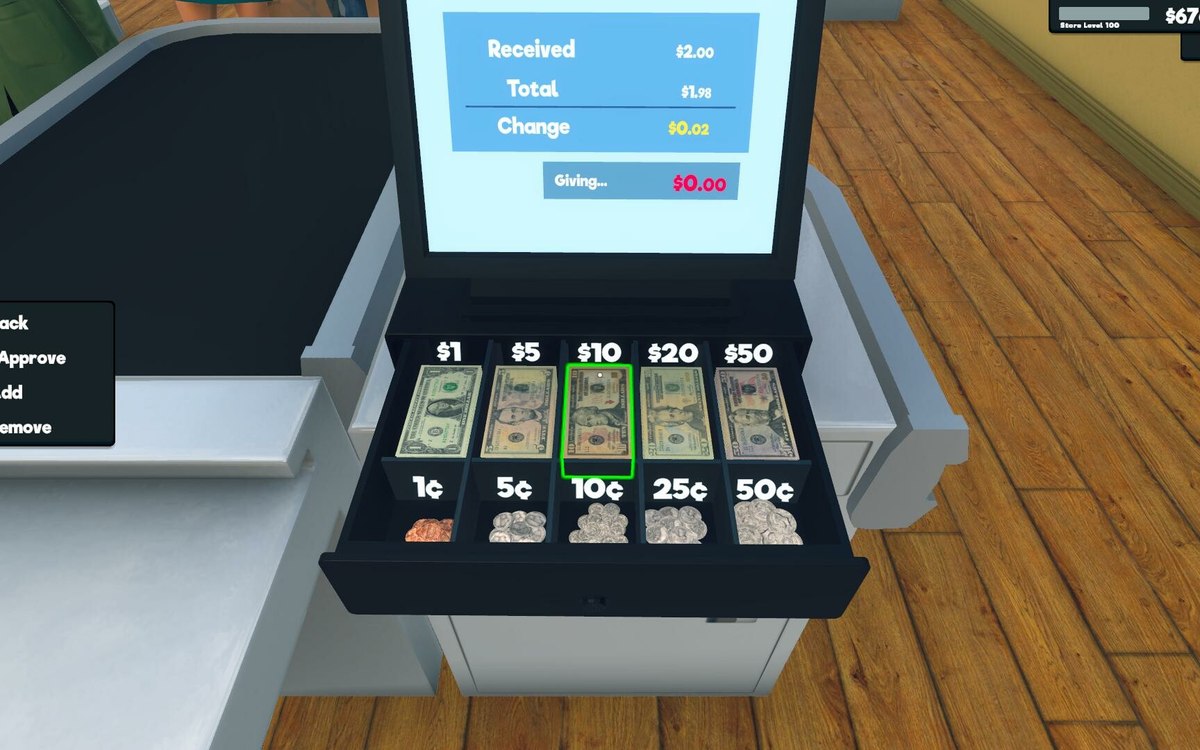 Money, bills and loansWhat your shop spendsThe game keeps recurring expenses as a system of their own.
Sources
A local copy of the game, read only. Grounding for each step is on the technical reference pages; no number is estimated.