
Guide
Keeping the shop window clear
How to keep the glass in a Supermarket Simulator shop presentable, given that windows, shards, dust and cleaning are all separate named pieces.
Applies to
1.6.0 (223) (see the sources page)
Before you start
- A shop with windows in it
- A cleaning tool
- Money for a replacement pane
Steps
- Know which pane is which before anything breaks.
four shop windows are named, a front left and right beside a left and a right one - Replace a broken pane rather than covering it.
each window has a shard version named beside it - Clean the glass instead of replacing it when the problem is only dust.
dust for glass is named with its own maps and a window is named as something that can be cleaned - Match a replacement to the glass the shop already uses.
the glass is a material of its own with a colour sheet and a normal map - Expect more than one grade of breakage.
shards come with an easy, a medium and a strong version beside the plain set - Keep the display cases glassed as well.
a showcase material carries a fade, a metallic smoothness and a normal sheet
Common mistakes
- Replacing a whole window when only the dust needed clearing.
- Leaving a broken pane in place and losing the light it let in.
- Ordering a pane without checking what the shop's glass is.
- Forgetting that a display case is glassed too.
Related entries
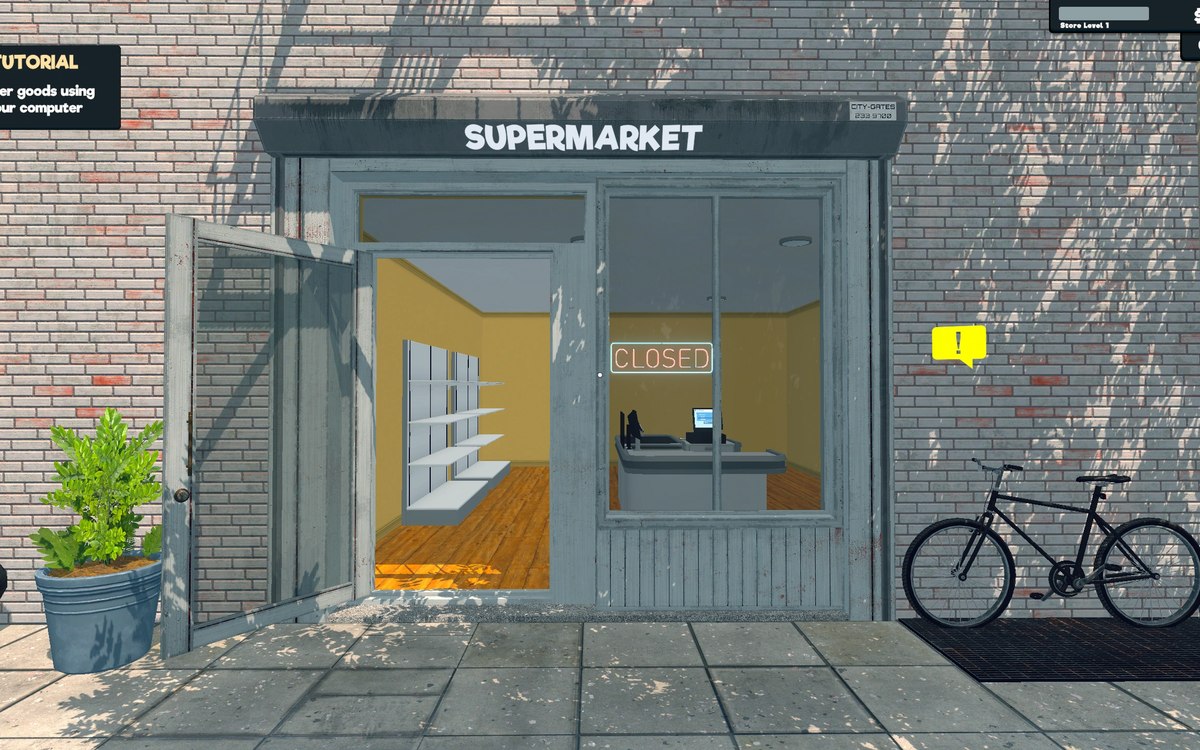 Running the shopThe shop windows and the glass that breaksThe game names four shop windows of its own: a front left and a front right beside a left and a right window, each with a shard version named beside it.
 Running the shopDirt, mess and cleaningDirt is its own object in the game.
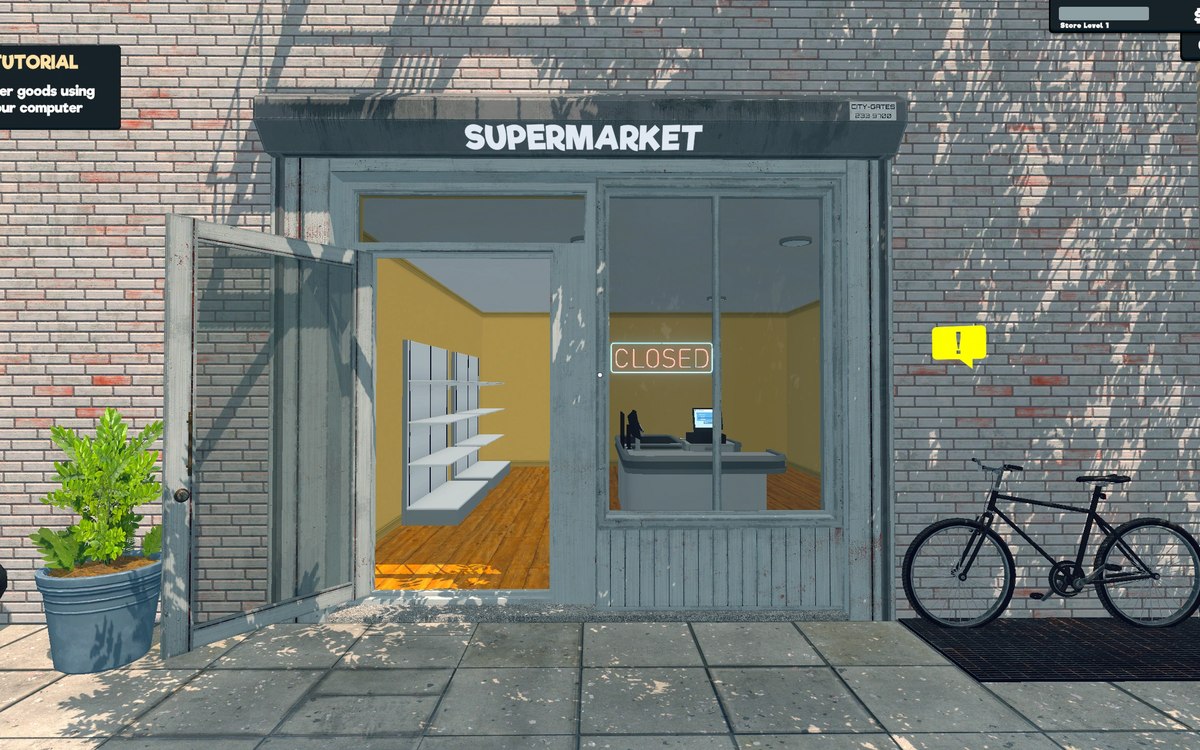 Running the shopFurniture and shop layoutFurniture arrives in a box that has to be handled before the piece can be used.
Sources
A local copy of the game, read only. Grounding for each step is on the technical reference pages; nothing here is estimated.