
Guide
Keeping a self-checkout moving
How to treat the self-service till in Supermarket Simulator as a checkout with conditions of its own, so it keeps serving customers instead of stalling.
Applies to
1.6.0 (223), read from the copy of the game this site was built from (see the sources page)
Before you start
- A self-service till placed in the shop
- At least one other lane customers can use
- The scanning side already set up
Steps
- Expect conditions rather than a smaller version of a staffed lane.
the game checks whether the machine can be used at all before it takes a customer - Watch for a customer who wants help, not only for a machine that has stopped.
wanting help is tracked as its own question, apart from whether the machine works - Check that somebody is actually standing in front of it before you expect anything to happen.
the game keeps track of whether a customer is at the till - Keep it where you can watch it, because the shop decides how much of it to draw.
a renderer switches its detail by distance - Count it as one of your checkout kinds when you plan the front of the shop.
a checkout carries a type and the automated machine is one of those types rather than a system apart - Use the same scanning habits at it as at any other till.
the scanning side is shared, so what differs is the rules around the machine rather than the act of scanning
Common mistakes
- Treating a self-checkout as a smaller staffed lane and expecting the same customers to use it.
- Waiting for the machine to fail instead of watching for a customer who wants a hand.
- Blaming the machine when nobody is standing in front of it.
- Placing it out of sight and then wondering why it stalls.
Related entries
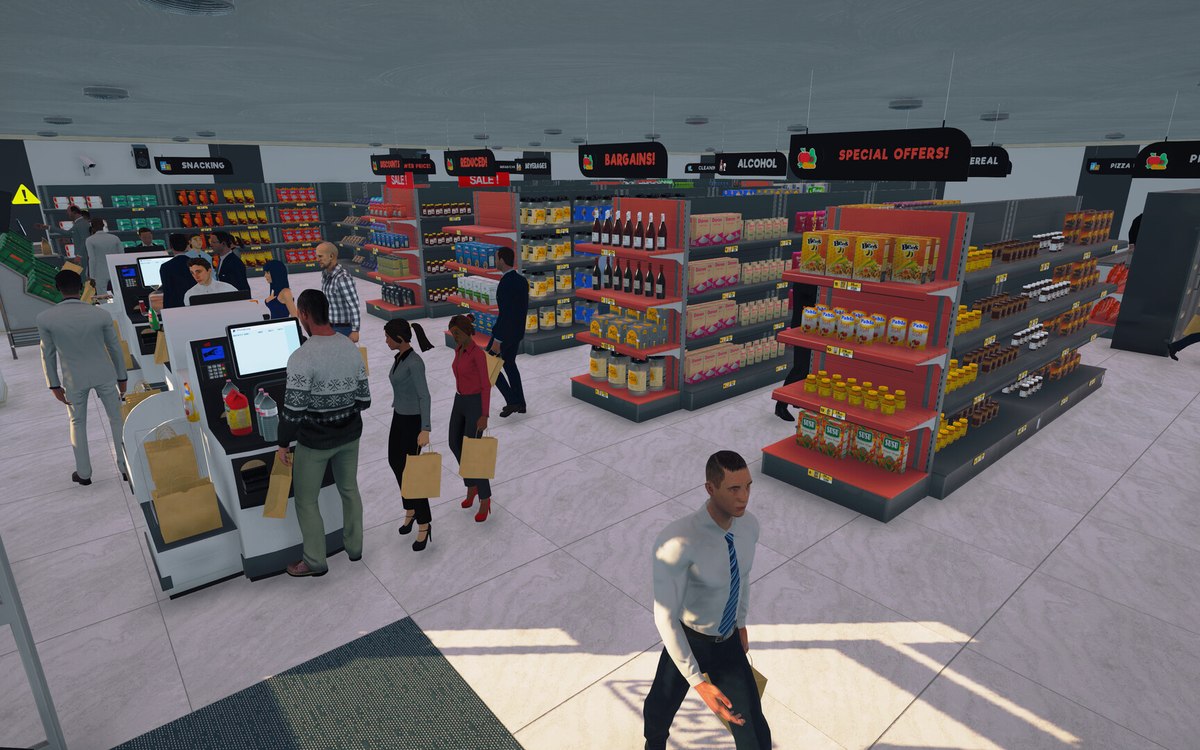 CheckoutThe self-checkout and its rulesThe self-checkout is an automated checkout with a check for whether it can be used.
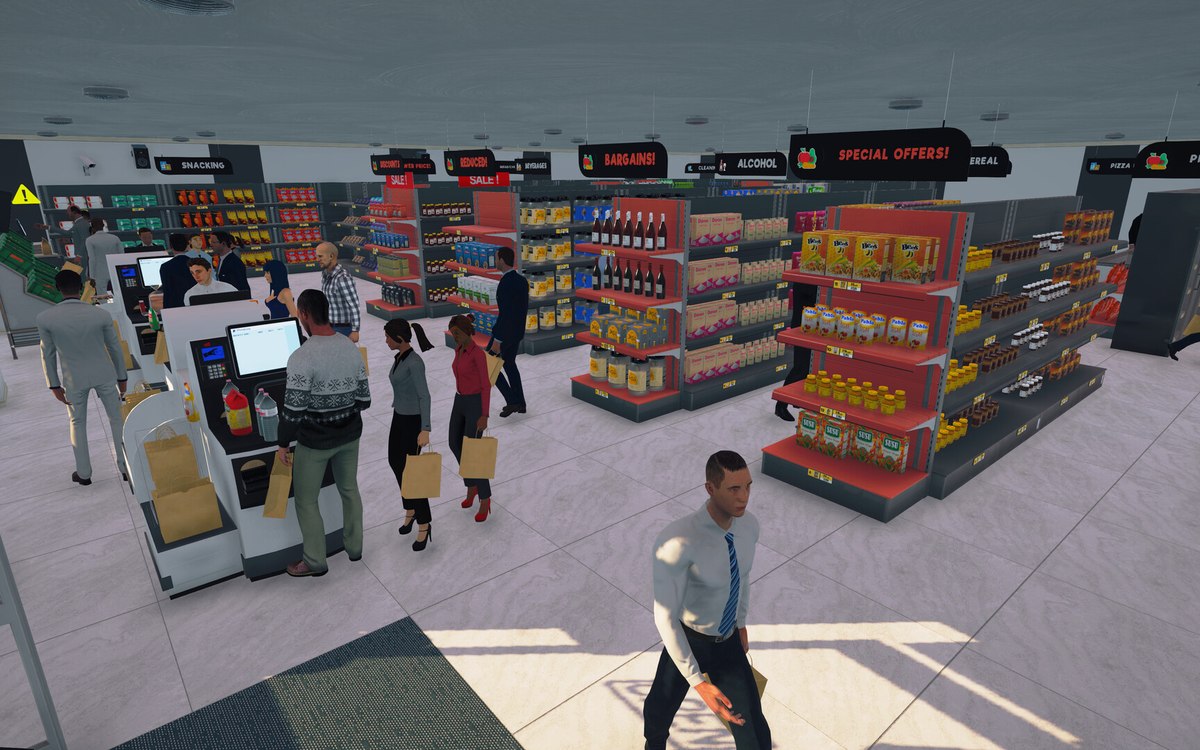 CheckoutCheckout and cashiersA checkout can be operated by a hired cashier.
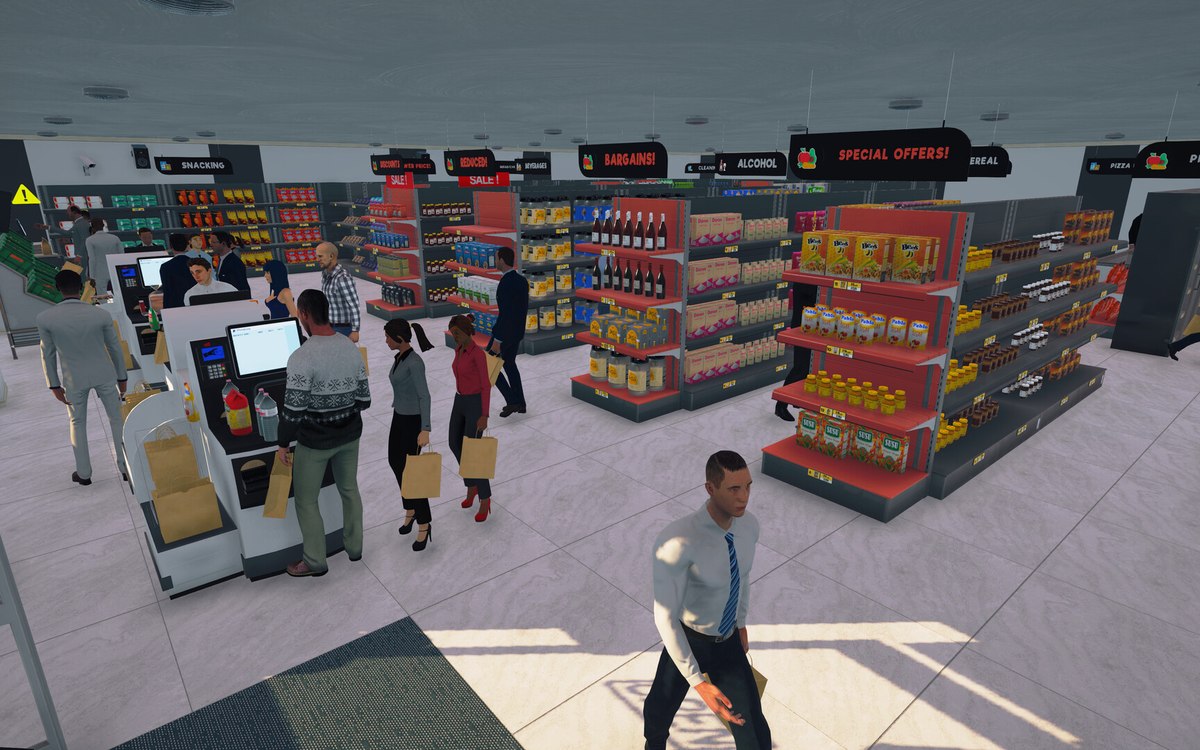 CheckoutBarcodes, the scanner and the discount labelA barcode is an object the game spawns, with a spawner and a way of dragging it.
Sources
A local copy of the game, read only. Grounding for each step is on the technical reference pages; no number is estimated.