
Guide
Clearing a delivery without blocking the door
How to handle the boxes a delivery leaves in Supermarket Simulator: carrying them by their target, letting the game sort them, taking from them and merging them, and keeping the cells and the shop floor in mind.
Applies to
1.6.0 (223), read from the copy of the game this site was built from (see the sources page)
Before you start
- A delivery to clear
- Room in the back room
- A moment before the next customer
Steps
- Carry a box in rather than dragging it about, because carrying has a target of its own.
carrying a box uses a target, with an interface for things that can be a box's target - Put a box down where boxes belong and let the game sort it, because boxes are sortable objects with a manager behind them.
boxes are sortable objects kept by a manager of their own - Open a box where you need it, knowing that taking is an action with an answer rather than a guess.
taking from a box has its own action and returns a result - Merge part-used boxes instead of keeping two half boxes side by side.
there is a control for merging boxes - Let the cells decide what fits, because a box is divided into cells laid out on a grid.
a box has cells, laid out on a grid of its own - Keep the kind of box in mind, because a freezer box and a greengrocer's box are not the same thing to the game.
a box has a definition of its own - Dress a shop with dummy boxes when stock is short, rather than leaving shelves bare.
the game can generate dummy boxes to dress a shop - Expect treats in a box of their own, so the ice cream counter is cleared like any other.
ice cream has a box kind of its own - Clear the floor before the next delivery rather than letting boxes pile up, because what is in the back room is kept in the manager's lists.
every kind of box is kept in the manager's own lists
Common mistakes
- Dragging a box around instead of carrying it by its target.
- Leaving two half boxes on the floor when they could be merged.
- Putting a freezer box where a greengrocer's box belongs, expecting the game to sort it out.
- Opening a box and walking away without checking what came out.
- Letting the next delivery arrive into a floor that is still full.
Related entries
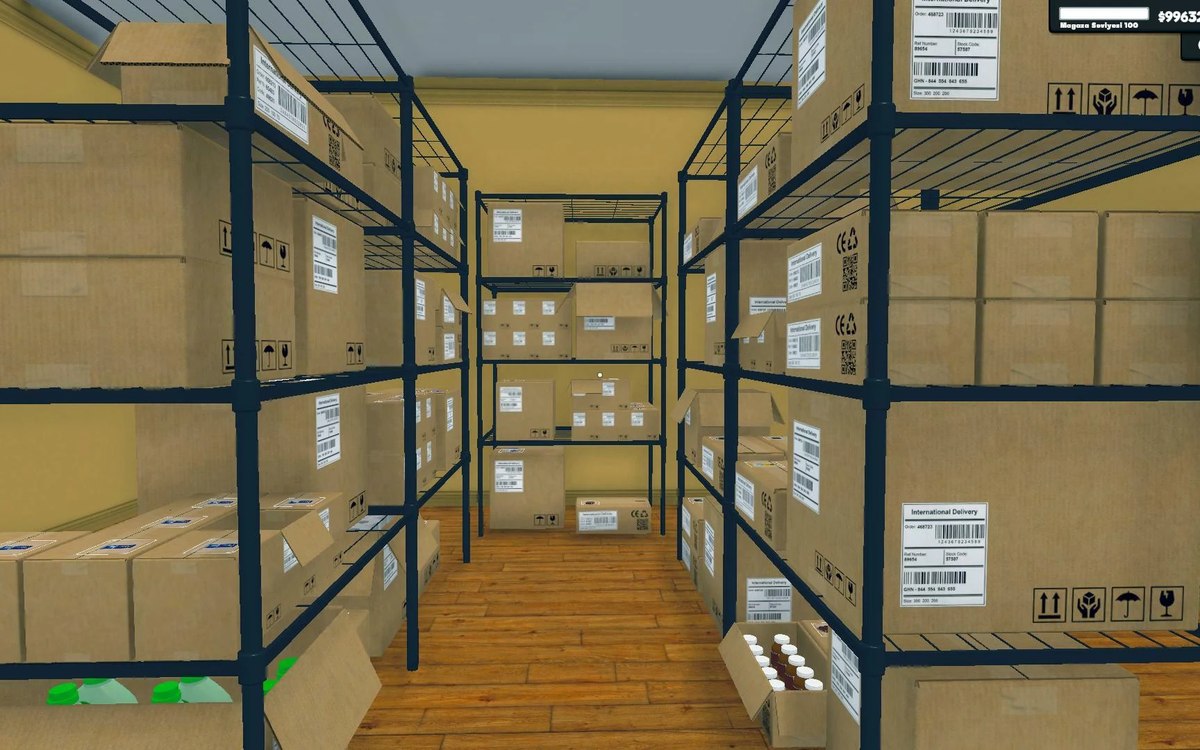 Basics and answersThe boxes in the back roomBoxes are sortable objects kept by a manager of their own.
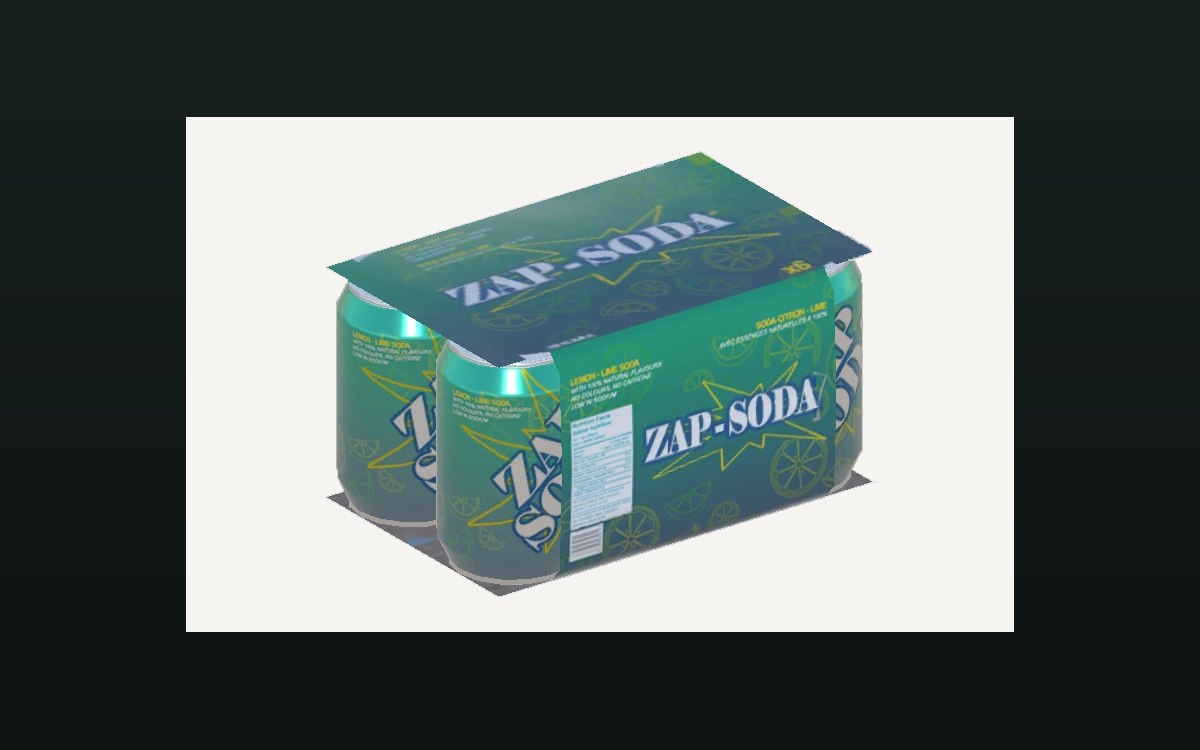 ProductsThe crates you can buyA crate is an object of its own in the game.
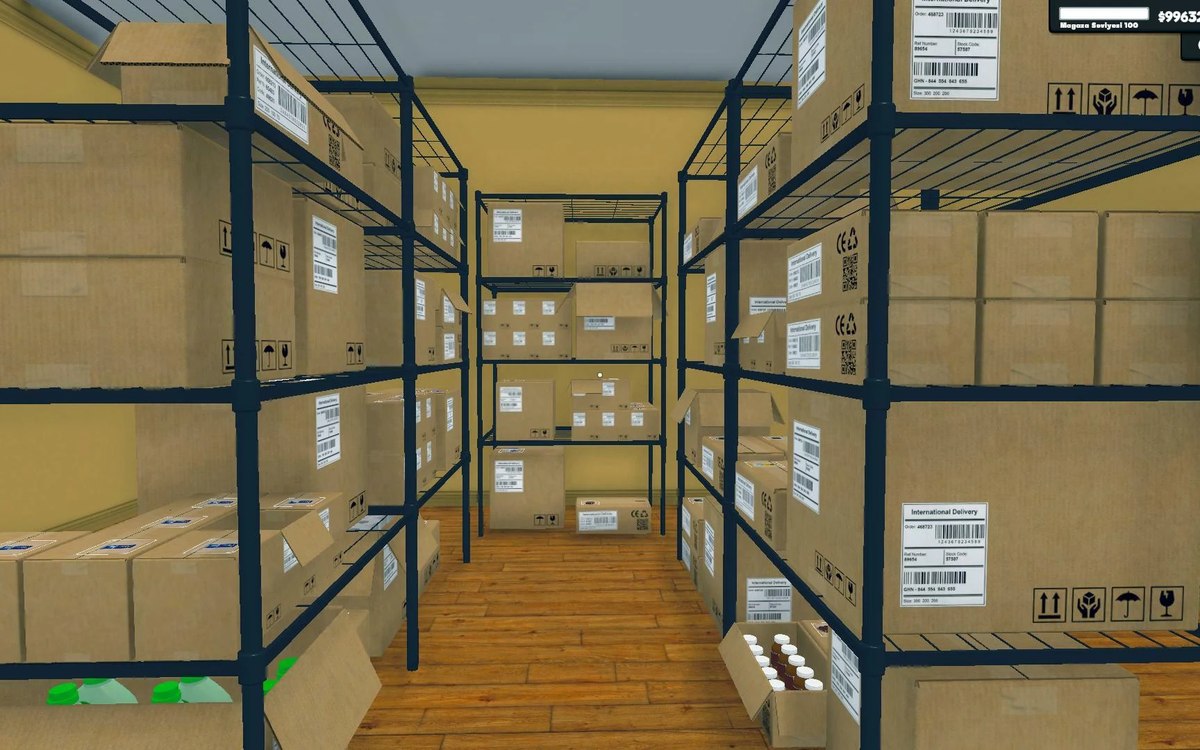 Shelves and stockStorage, crates and the storage tabStorage is laid out in sections with a defined arrangement.
Sources
A local copy of the game, read only. Identifiers are listed on the technical reference pages; nothing here is estimated.