
Guide
Buying from the list without buying twice
How to use the buying lists in Supermarket Simulator, and how to tell what a content pack adds before you spend on its goods.
Applies to
1.6.0 (223), read from the copy of the game this site was built from (see the sources page)
Before you start
- A computer or tablet in the shop
- Money available to spend
- At least one pack installed if you want its goods
Steps
- Buy from the list rather than walking the shop looking for something to order.
what can be bought is kept as sales items with a kind of sale of its own, so stock, equipment and fittings share one way of being shown - Filter the list before you scroll it.
the list can be filtered, with filter types and filtered items, including one for a toolbox - Know that a row can toggle something rather than only describe it.
every row is a UI element of its own and there is an item that toggles a product - Check what the catalogue is showing you through its own viewer.
what the list shows goes through a product viewer - Look at the pack screen before you buy a pack's goods.
the game has a screen of its own for packs, with an element per pack and a controller behind it - Check whether the pack is actually installed, because that decides what you can sell.
pack information is held as its own record and a flag states whether a pack is present, with a list of the products that belong to packs and a separate list of what a pack licenses - Expect a pack's goods to need the fixture that came with the pack.
there is a list of the displays that come with packs
Common mistakes
- Buying a pack's goods on a machine where the pack is not installed.
- Scrolling the whole catalogue instead of filtering it.
- Ordering a fitting twice because the row toggles rather than describes.
- Expecting pack goods to sit on base-game fixtures.
Related entries
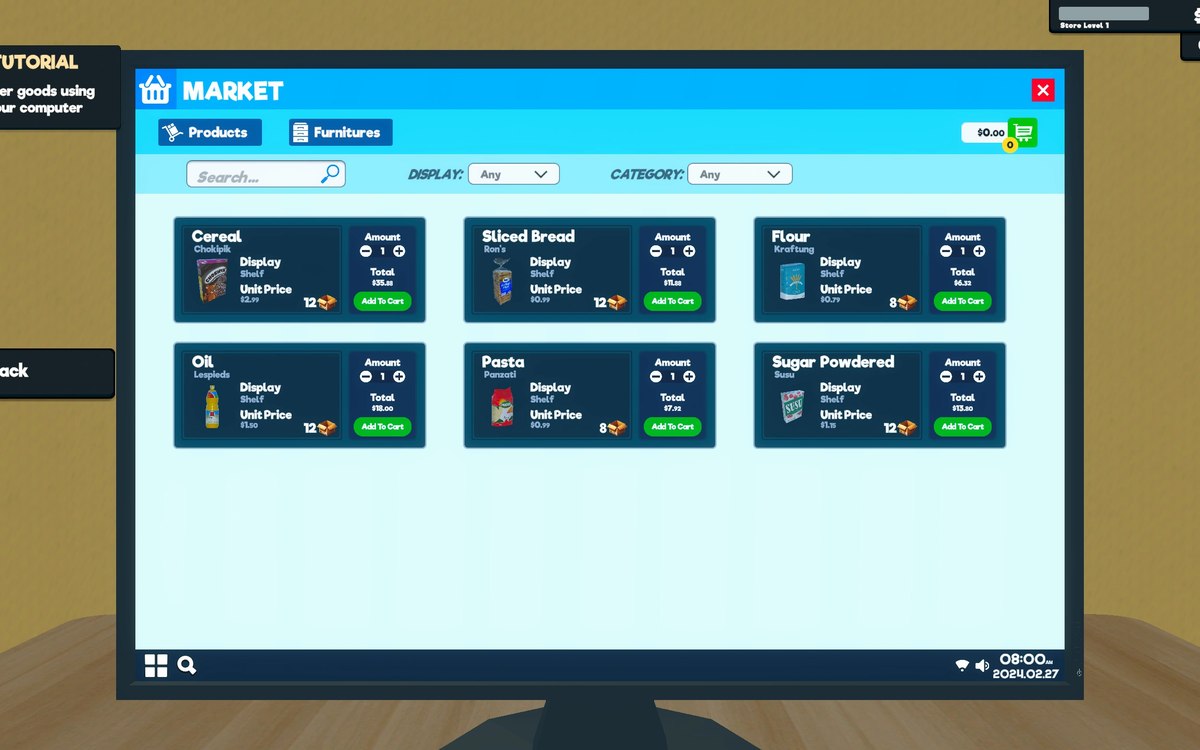 InterfaceThe list you buy fromWhat can be bought is kept as sales items with a kind of sale of its own.
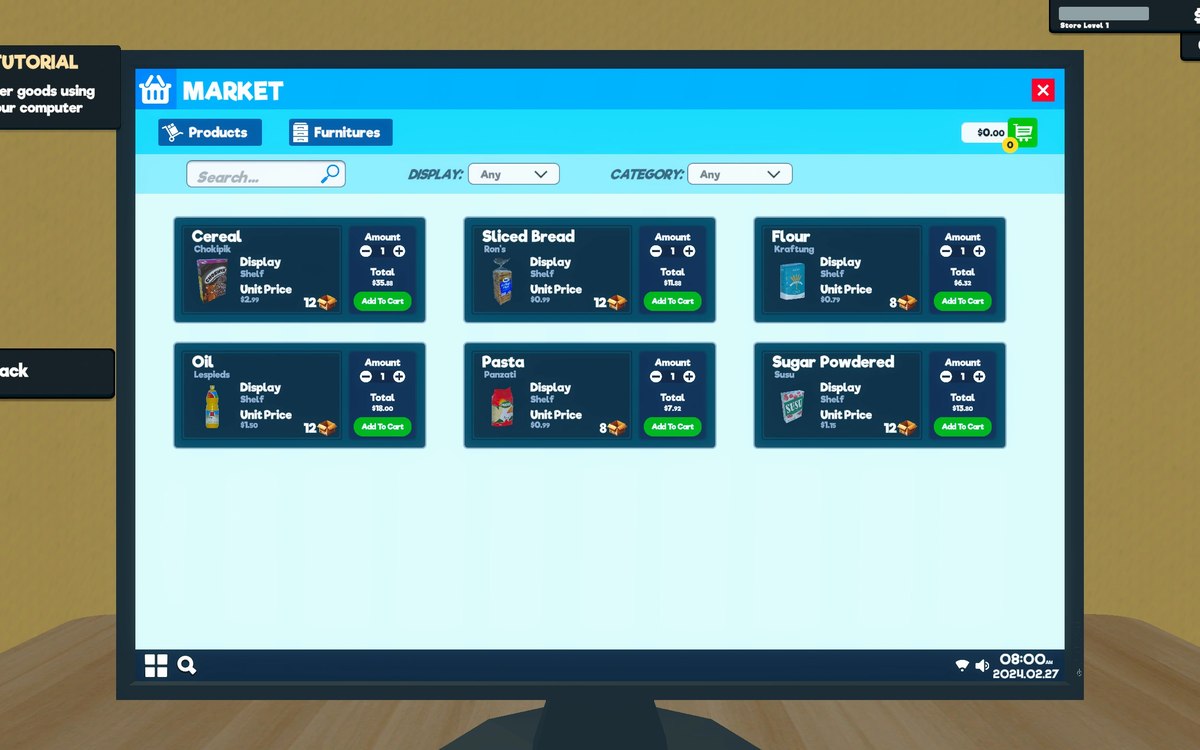 ProductsThe expansion packs the game offersThe game has a screen of its own for extra content packs, with an element for each pack it knows about.
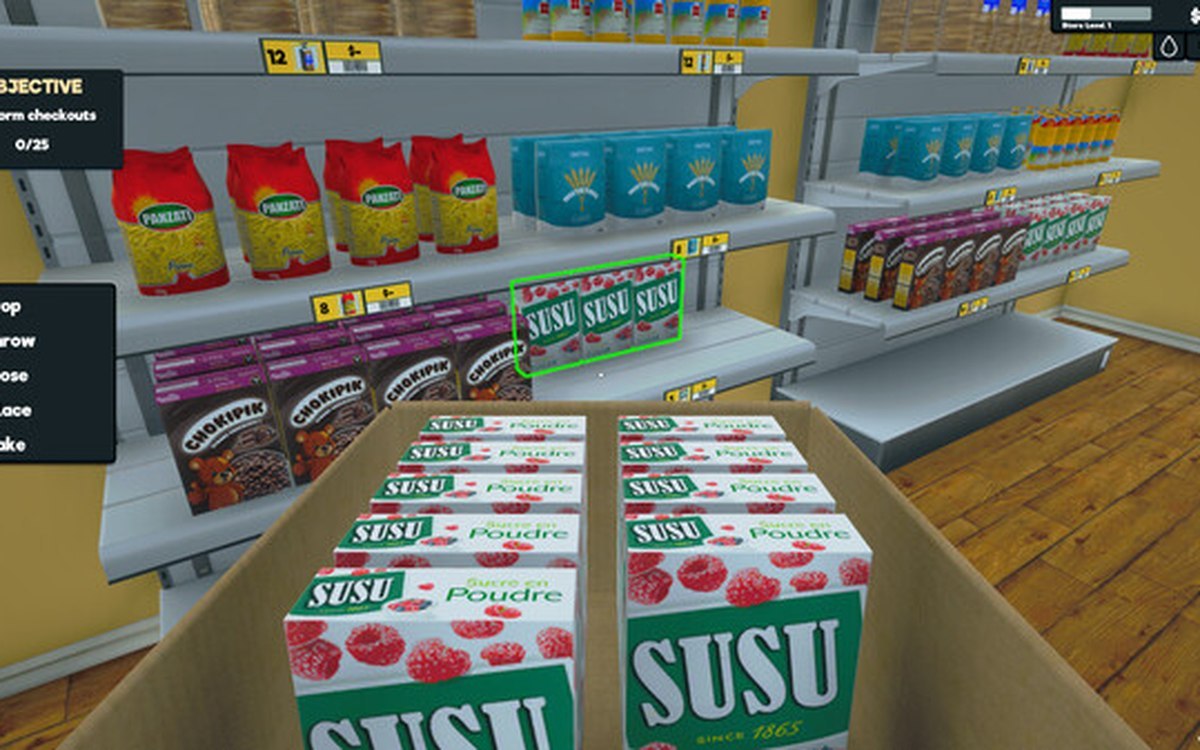 ProductsThe local market and product costsThe game keeps a local market with its own product database.
Sources
A local copy of the game, read only. Grounding for each step is on the technical reference pages; no number is estimated.