
Guide
Building a drinks shelf
How to set out the drinks a Supermarket Simulator shop carries, given that soda, water, juice, beer and wine are separate named goods with containers of their own.
Applies to
1.6.0 (223) (see the sources page)
Before you start
- Shelf space for a drinks row
- The ordering list open
- Money for the next delivery
Steps
- Order soda by brand rather than as one line of cola.
the game names six sodas, each with a model of its own - Give the bottled water a row of its own.
three bottled waters are named for the brands they carry - Put the juice out in the shape the game ships it.
the juice brand is carried on the pack and on the model that stands in the shop - Keep the beer apart from the rest of the drinks.
beer arrives as a bottle, a keg and a pack, and there is a beer house with a collider of its own - Stand the wine so its label faces the aisle.
the wine bottle and its printed labels are art the game ships - Match the shelf shape to the container instead of forcing one shelf to hold everything.
the containers are modelled apart from the goods themselves
Common mistakes
- Treating every soda as one product and leaving five brands unordered.
- Putting bottled water and juice on the same line because the bottles look alike.
- Storing the keg where a shelf slot should be and blocking the aisle.
- Buying wine before checking it has a label side to face out.
Related entries
 ProductsThe drinks the shop carriesSoda is stocked under named brands, each with a model of its own: a cola, a zap, a kouje, a pulp, a ropico and a turko among them.
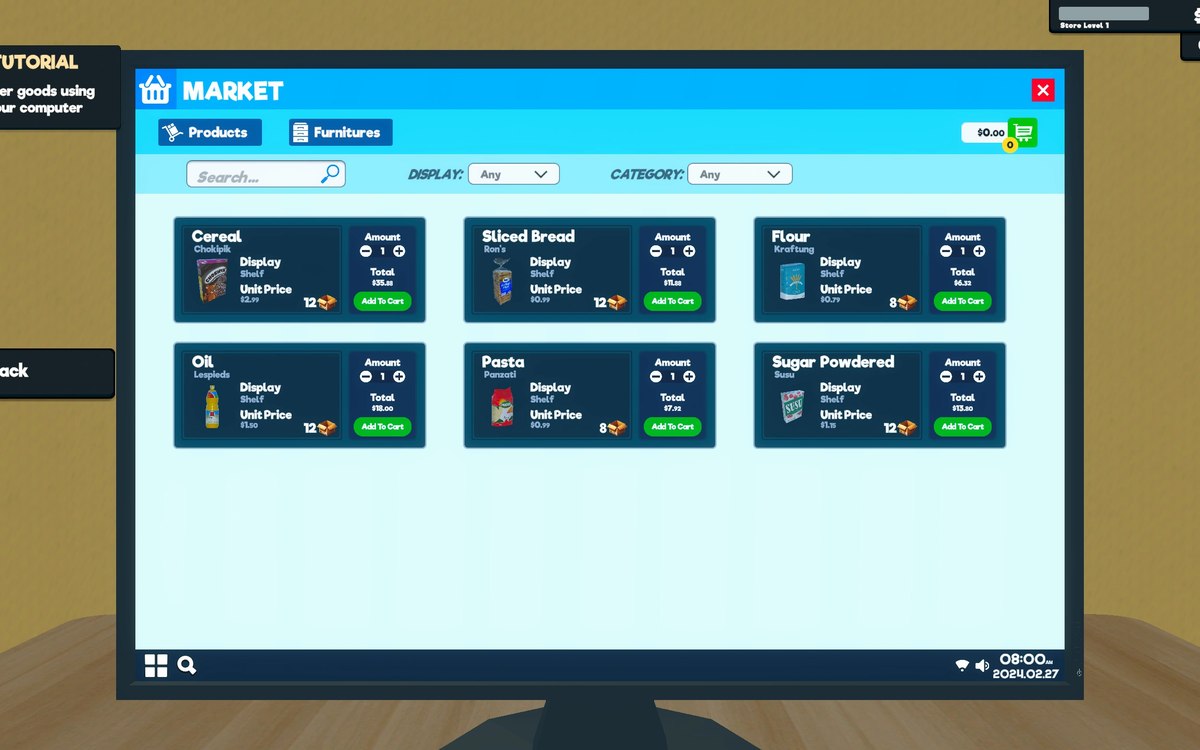 InterfaceThe list you buy fromWhat can be bought is kept as sales items with a kind of sale of its own.
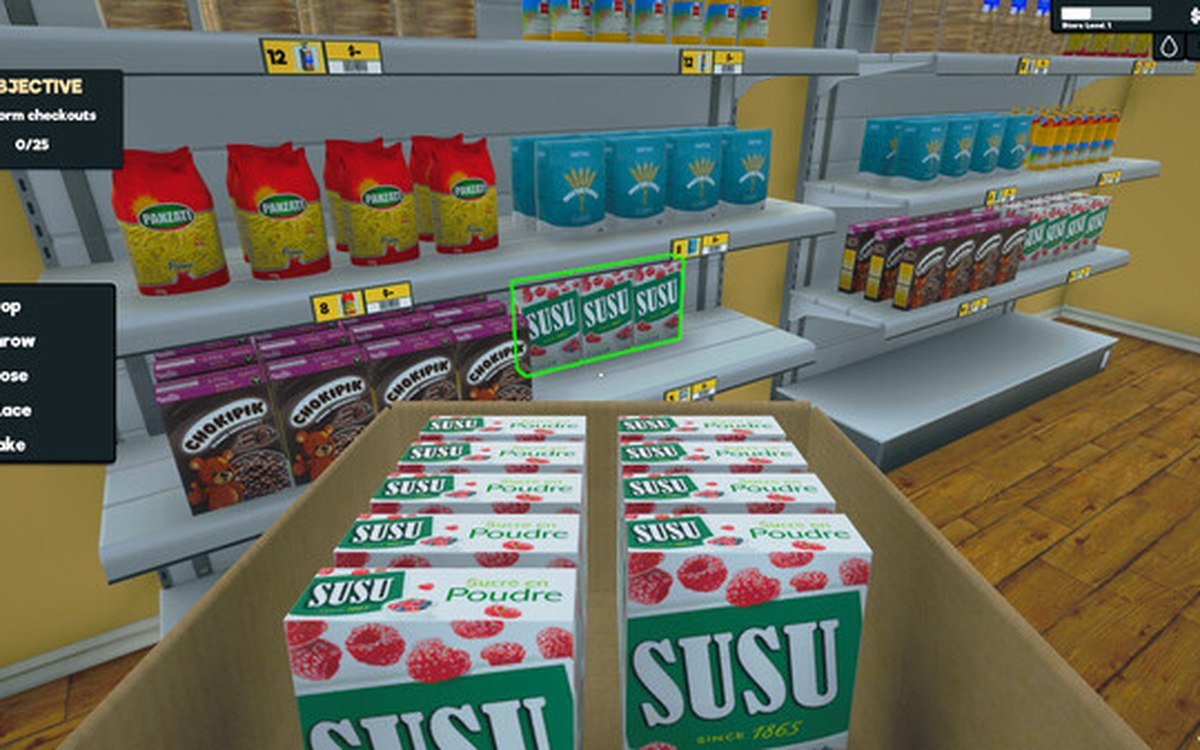 ProductsHow products are displayedProducts carry a display type of their own.
Sources
A local copy of the game, read only. Grounding for each step is on the technical reference pages; nothing here is estimated.