
Guide
Borrowing without sinking the shop
How loans, repayments and bills work in Supermarket Simulator: what a loan actually is in the game, how a repayment differs from a running balance, how automatic payments are taken, and what the bankruptcy path means.
Applies to
1.6.0 (223), read from the copy of the game this site was built from (see the sources page)
Before you start
- A shop with a bank loan available
- Access to the computer's money tabs
- Enough takings to cover a payment
Steps
- Treat the loan as a thing of its own rather than a number that changes when you spend, because borrowing is a defined object in the game.
borrowing is a defined object in the game - Check the loan's status before assuming it is still running, because a loan carries a status the game tracks.
a loan carries a status the game tracks - Find repayments in their own tab rather than mixed in with the loan, because they have a tab of their own.
repayments have their own interface tab - Think of a repayment as an item in a list rather than a running balance, because each repayment is its own item.
a repayment is its own item rather than one running balance - Watch how many payments are left instead of guessing from the money, because the game keeps a remaining payment count.
the game keeps a remaining payment count - You can clear a loan early, so do not plan around the full term if a good week arrives.
the game handles paying a loan early - Expect the loan and the repayments to be laid out separately, because each has a layout of its own.
repayments have a layout of their own, apart from the loan - Know that a payment can be taken for you, and that the way it was paid is written down.
a repayment can be taken automatically, and the method used is recorded - Do not confuse the payment to staff with the loan payment, because the game tracks both separately.
the game tracks payments made to staff as well as loan payments - Take the bankruptcy path seriously, because it is a state with a screen of its own rather than a quiet reset.
the game has a bankruptcy path and its own screen for it
Common mistakes
- Spending the takings and finding out about the repayment only when it is taken.
- Assuming the loan and the repayment screen are the same place, since they are laid out apart.
- Planning the whole term around a loan that could be cleared early.
- Treating bankruptcy as a soft reset when the game gives it its own screen.
Related entries
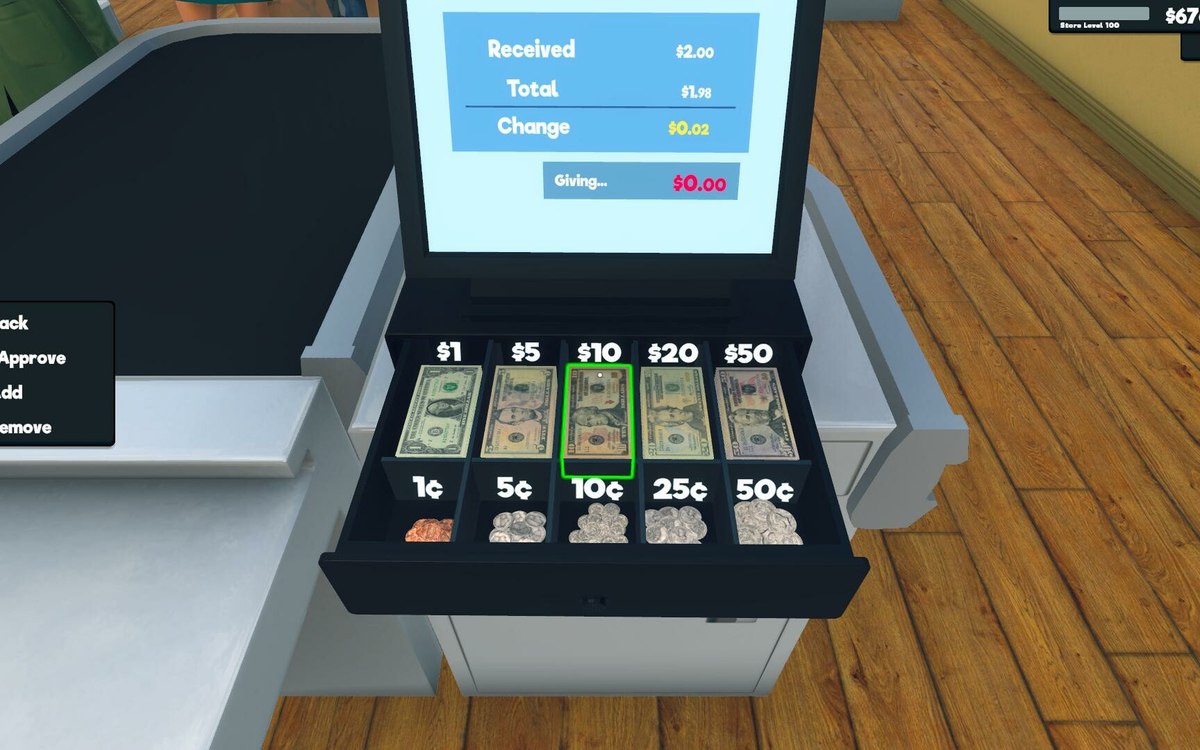 Money, bills and loansLoans and paying them backBorrowing is a defined object in the game.
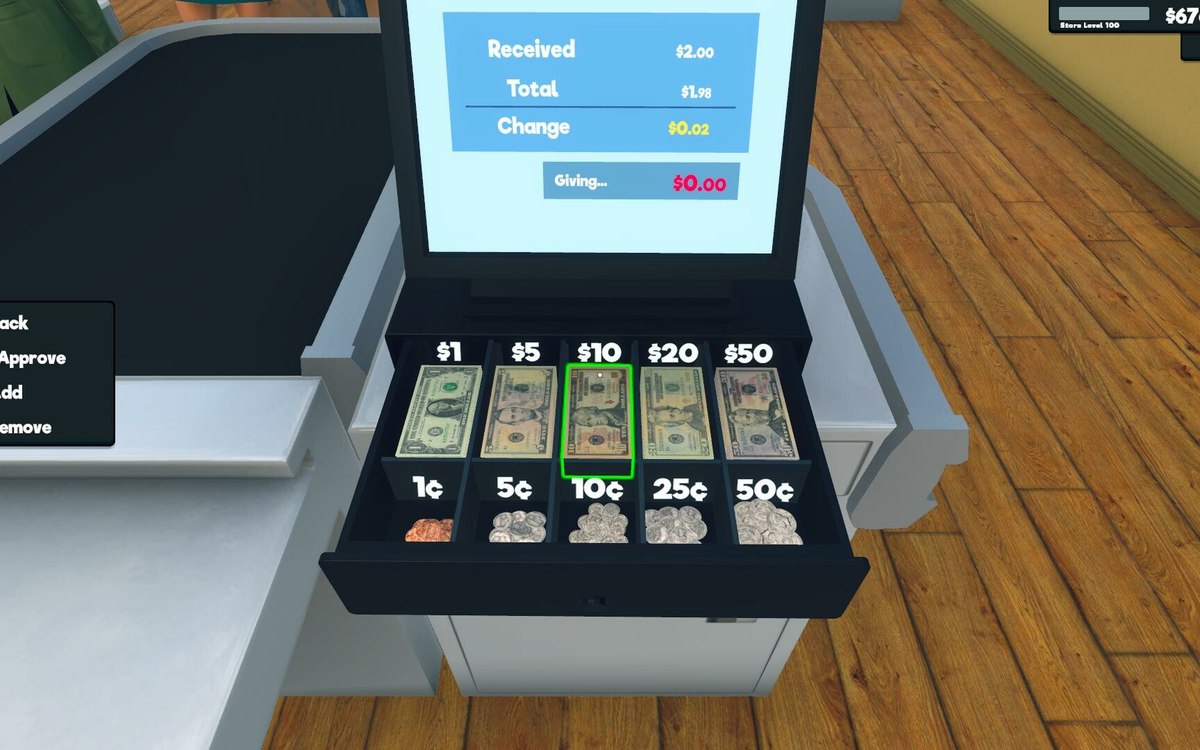 Money, bills and loansRepaying a loan, payment by paymentA repayment is its own item rather than one running balance.
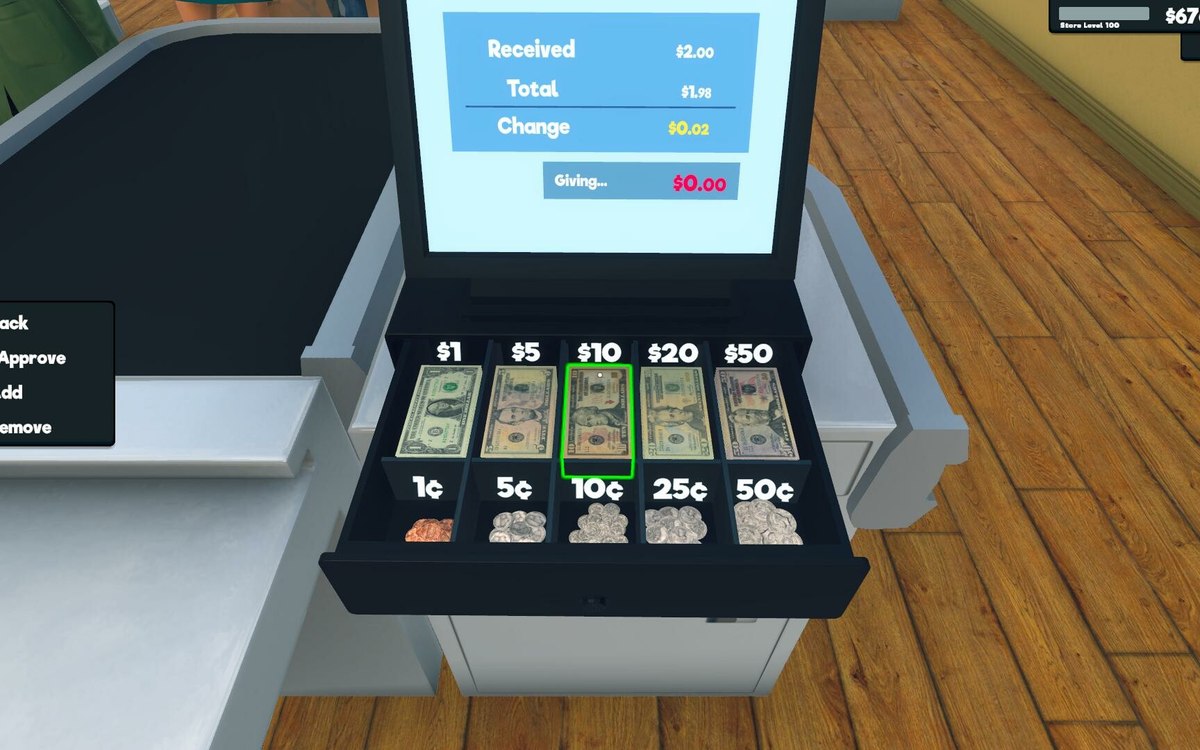 Money, bills and loansBills, loans and growth screensBills are organised as their own part of the interface.
Sources
A local copy of the game, read only. Grounding for each step is on the technical reference pages; no number is estimated.