
Running the shop · Supermarket Simulator · read from a local copy
Mixing paint and picking a colour
There is a paint manager with a routine that keeps the buckets in step, and networked buckets.
Paint in Supermarket Simulator is made rather than only bought: the game generates buckets, keeps them in step between players, and gives you a colour picker with its own button and preview.
What the game establishes
- There is a paint manager with a routine that keeps the buckets in step, and networked buckets. (checked against the game's own files)
- Buckets are generated and have a viewer of their own. (checked against the game's own files)
- Placing a bucket is a mode, with a bucket interaction and a networked version of it. (checked against the game's own files)
- The colour picker has a button, a panel that switches to it and a preview. (checked against the game's own files)
- The picker works with a gamepad and with a virtual keyboard. (checked against the game's own files)
- There is a background colour button and an aim colour preview of its own. (checked against the game's own files)
- Paint is a sale item with an adjustment for a gamepad of its own. (checked against the game's own files)
- The paint colours are carried as numbered bucket icons of their own. (checked against the game's own files)
In play
Paint in this shop is something the game produces rather than a colour you simply select. There is a manager for paint with a routine of its own that keeps the buckets in step, so a bucket mixed by one player is a bucket for everyone.
Buckets are generated. There is a generator for them and a viewer of its own, which is why a bucket is an object in the world rather than a value attached to a wall.
Placing a bucket is a mode of its own. There is a placing mode, a bucket interaction and a networked version of that interaction, so where a bucket goes is decided in the world rather than in a menu.
Colours are chosen with a picker. It has a button, a panel that switches to it and a preview, which is how a colour can be tried before it is committed to a wall or a floor.
The picker works with either kind of input. It has a handler for a gamepad and a control that routes it through a virtual keyboard, so choosing a colour does not depend on a pointer.
There is a button for the background colour as well, and an aim colour preview, which is how the same picking system can serve more than one part of the shop instead of being written twice.
The paint itself is an item. It has an adjustment of its own for a gamepad, and it sits on a shelf like anything else you sell, which is why a colour can be bought as well as chosen.
Because the buckets are shared, the paint a player pours is part of the shop rather than part of their screen, and the colour of a wall is the same wall for everybody.
What this entry does not tell you: how much paint a bucket holds, how many colours there are, or what any colour costs. We have not verified those numbers, so we do not print them.
Related
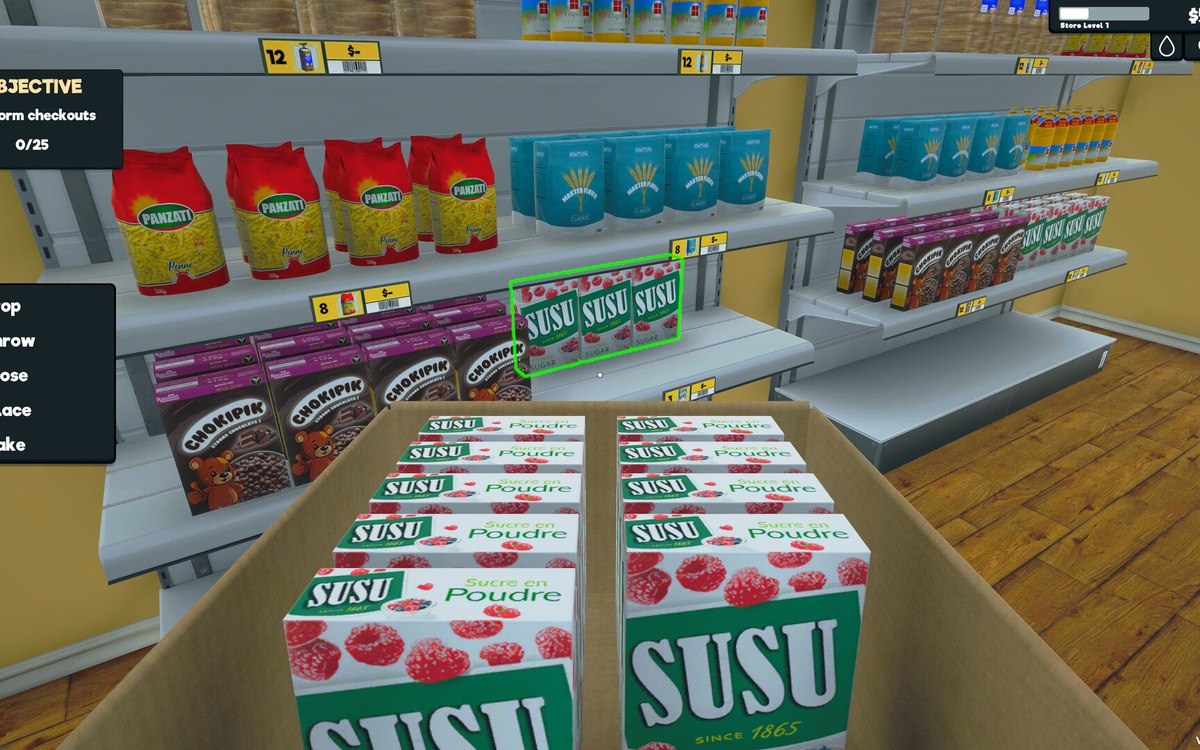 Layout and decorationPainting the wallsA wall is a paintable surface rather than fixed decoration.
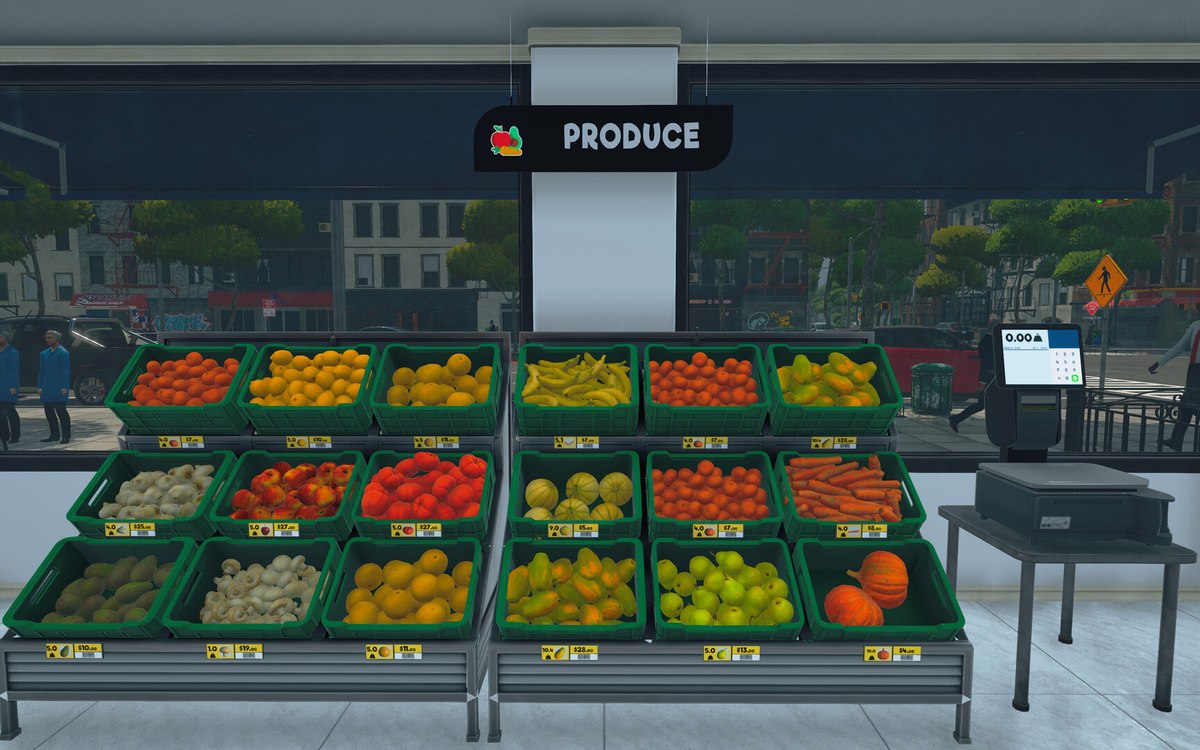 Layout and decorationFloors and floor paintingThe shop floor is a surface the game lets you paint, not a fixed part of the building.
Version and sources
A local copy of the game, read only. The grounding for each fact is listed on the technical reference pages; nothing here is estimated. Documented build: 1.6.0 (223).