
Guide
Weighing goods without slowing the queue
How to use the scale in Supermarket Simulator for goods sold by weight, without turning every weighed item into a hold-up at the counter.
Applies to
1.6.0 (223), read from the copy of the game this site was built from (see the sources page)
Before you start
- A scale in the shop
- A product that is sold by weight
- A customer who wants that product
Steps
- Treat the scale as a job of its own and keep the space around it clear.
the scale is a system of its own with a manager and a controller - Scan the barcode when the item has one instead of keying it in by hand.
the game has one step for applying a barcode and another for entering a code - Stay with the scale while a customer is waiting on it.
the scale has its own step where it waits for the customer - Read the scale display rather than guessing what the item comes to.
the scale shows the product and its details on a display of its own - Learn it on the first weighed item rather than during a rush.
the game provides tutorial indicators for the scale
Common mistakes
- Keying in a code when the item has a barcode that could be scanned.
- Walking away while the scale is waiting on a customer.
- Assuming every product in the shop goes through the scale.
Related entries
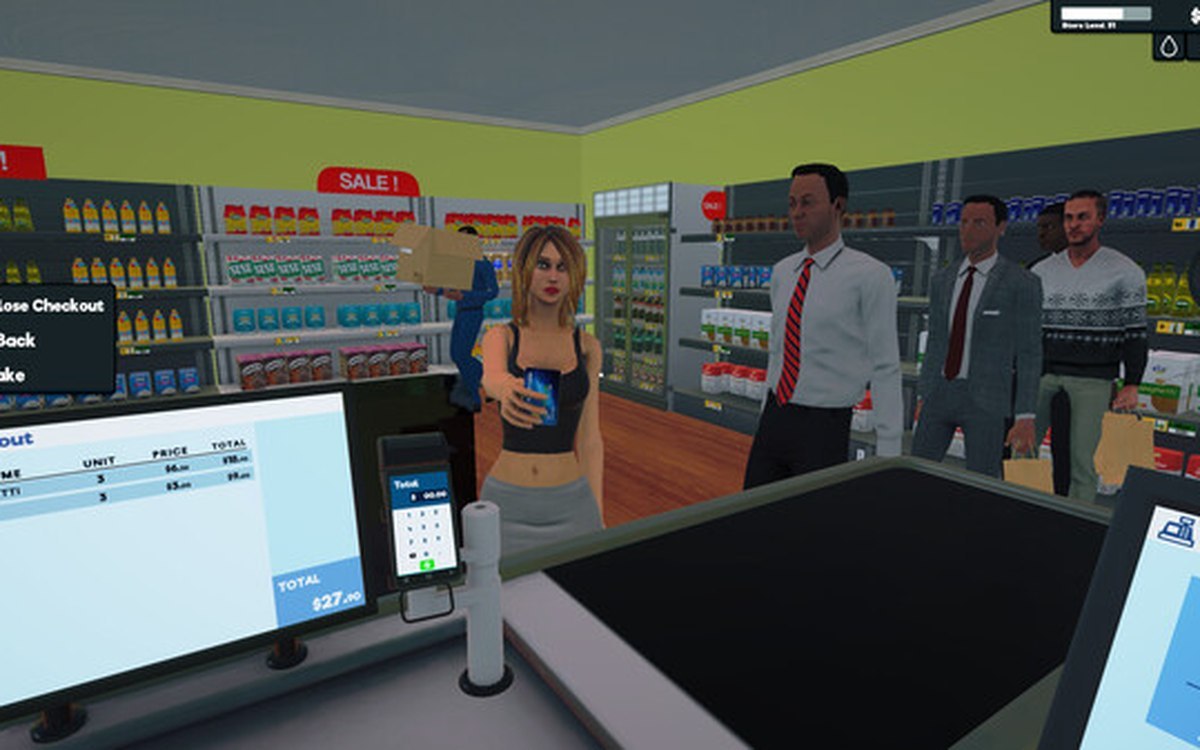 ProductsThe weighing scale and barcodesThe scale is a system of its own, with a manager, a controller and its own data.
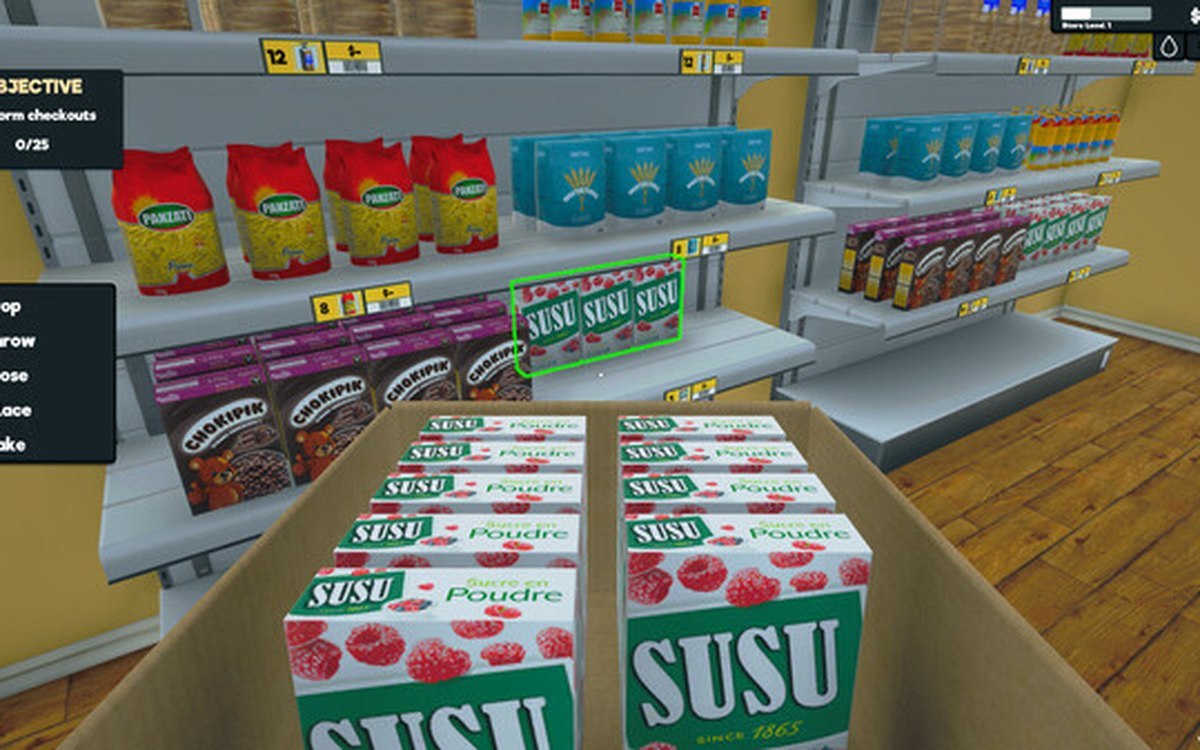 ProductsProducts and what arrives in a deliveryEvery product is identified by its own product id.
Sources
A local copy of the game, read only. Grounding for each step is on the technical reference pages; no number is estimated.