
Guide
Using a vehicle for a big delivery
How to make use of a vehicle in Supermarket Simulator for a large delivery, instead of carrying everything in by hand.
Applies to
1.6.0 (223), read from the copy of the game this site was built from (see the sources page)
Before you start
- Money for a vehicle
- Somewhere to keep it
- A delivery large enough to be worth it
Steps
- Buy the vehicle before the delivery you need it for, not after it arrives.
vehicles are sold as items in the shop - Work at the vehicle rather than carrying everything by hand.
the game keeps vehicle boxes and a restock area controller - Get in through the interaction rather than expecting it to drive itself.
a player enters a vehicle through its own interaction - Learn what you are driving, since each vehicle is configured by the game.
the game keeps vehicle data and a loader for it - Do not assume other players see something different.
vehicles are carried on the network
Common mistakes
- Buying a vehicle with nowhere to keep it.
- Leaving stock sitting in the vehicle instead of shelving it.
- Expecting the vehicle to move without a driver.
Related entries
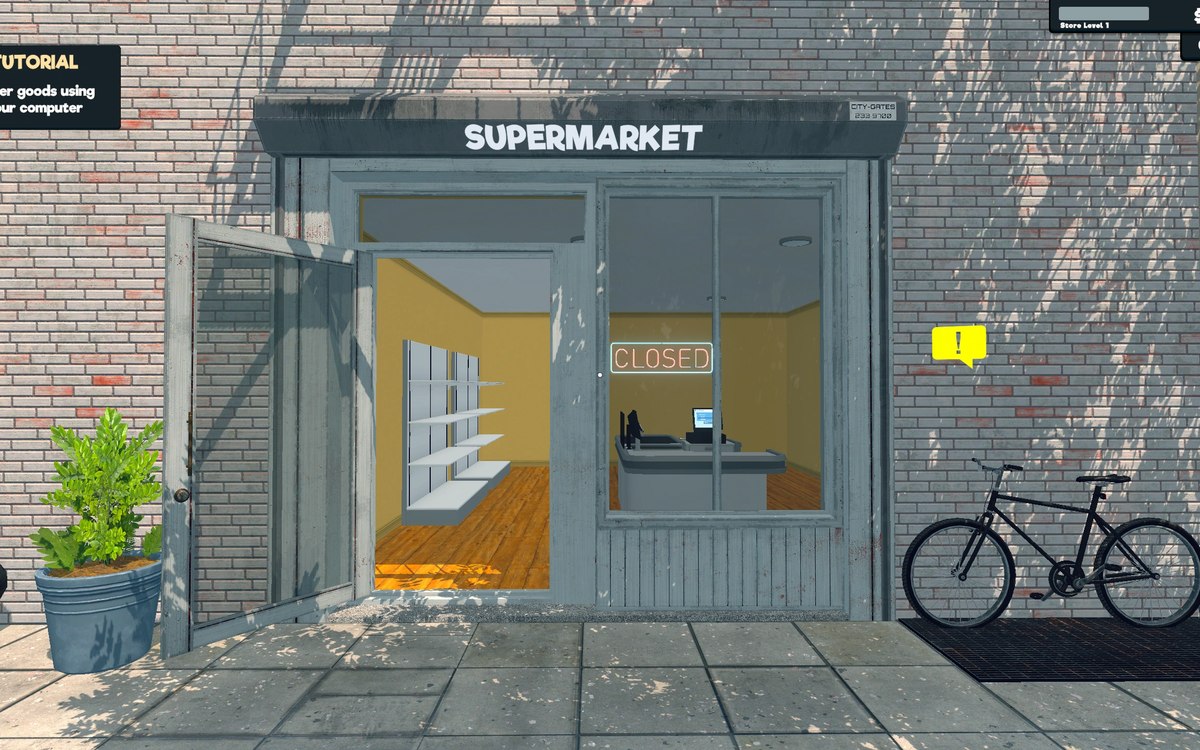 ProductsThe vehicles you can useVehicles are sold as items in the shop.
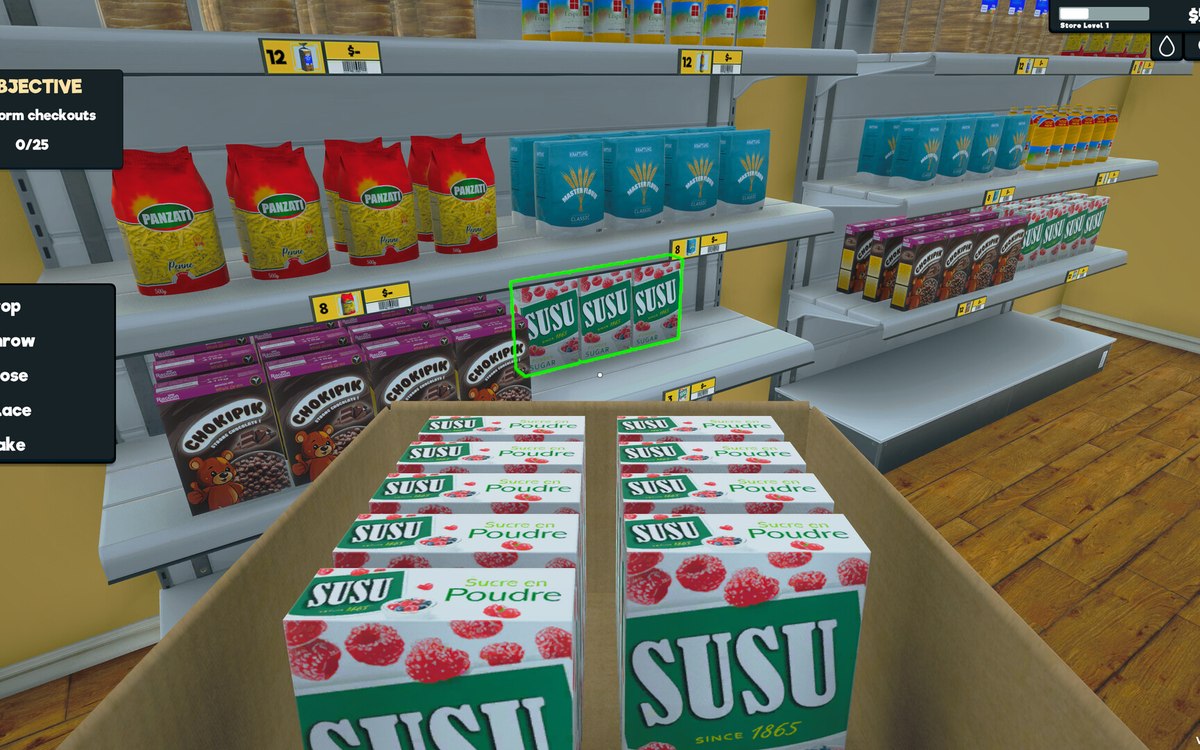 Layout and decorationRestock areas and vehiclesThere is a dedicated restock area for boxes.
Sources
A local copy of the game, read only. Grounding for each step is on the technical reference pages; no number is estimated.