
Guide
The things that keep going while you do something else
How vending machines and the back-room racks are tracked in Supermarket Simulator, so the parts of the shop that run on their own can be checked from wherever you are.
Applies to
1.6.0 (223), read from the copy of the game this site was built from (see the sources page)
Before you start
- At least one vending machine placed
- Something on the back-room racks
- The computer or tablet to check from
Steps
- Know that a machine can be watched from elsewhere.
there is a tracker and a tracker object for vending machines - Look for the machine on the map rather than walking to it.
each machine has an object of its own for the mini-map - Read what a machine holds from its container rather than from the machine.
what a machine holds is kept in a container and the tracker's data has a list of its own - On a controller, use the tracker panel's own handlers.
the tracker panel is built for a controller, with handlers for the panel and for what it shows - Treat a back-room rack as a recorded thing rather than as furniture.
a rack has data of its own and is also defined by a definition object - Know that a box on a rack and a box on a stand are kept apart.
a box on a rack is recorded on its own and a box on a stand is recorded separately - Expect being racked to be a state.
a box on a rack is an object of its own and being racked is a state - Remember the back room as a whole has its own record.
storage has data of its own
Common mistakes
- Walking to a vending machine to check it when the tracker exists.
- Assuming a box is recorded the same way whether it is on a rack or on a stand.
- Treating the back room as one pile rather than as recorded racks and boxes.
- Looking for a machine's contents on the machine instead of in its container.
Related entries
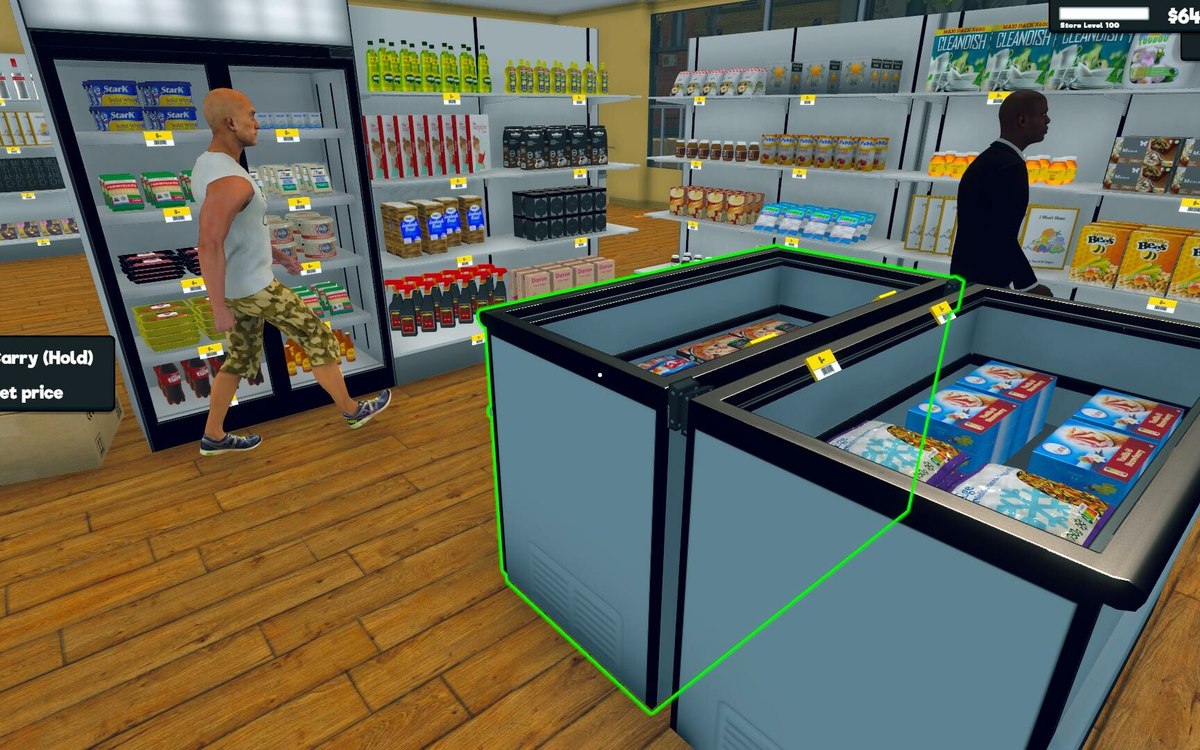 Running the shopWatching your vending machinesA machine can be watched from elsewhere: there is a tracker and a tracker object for them.
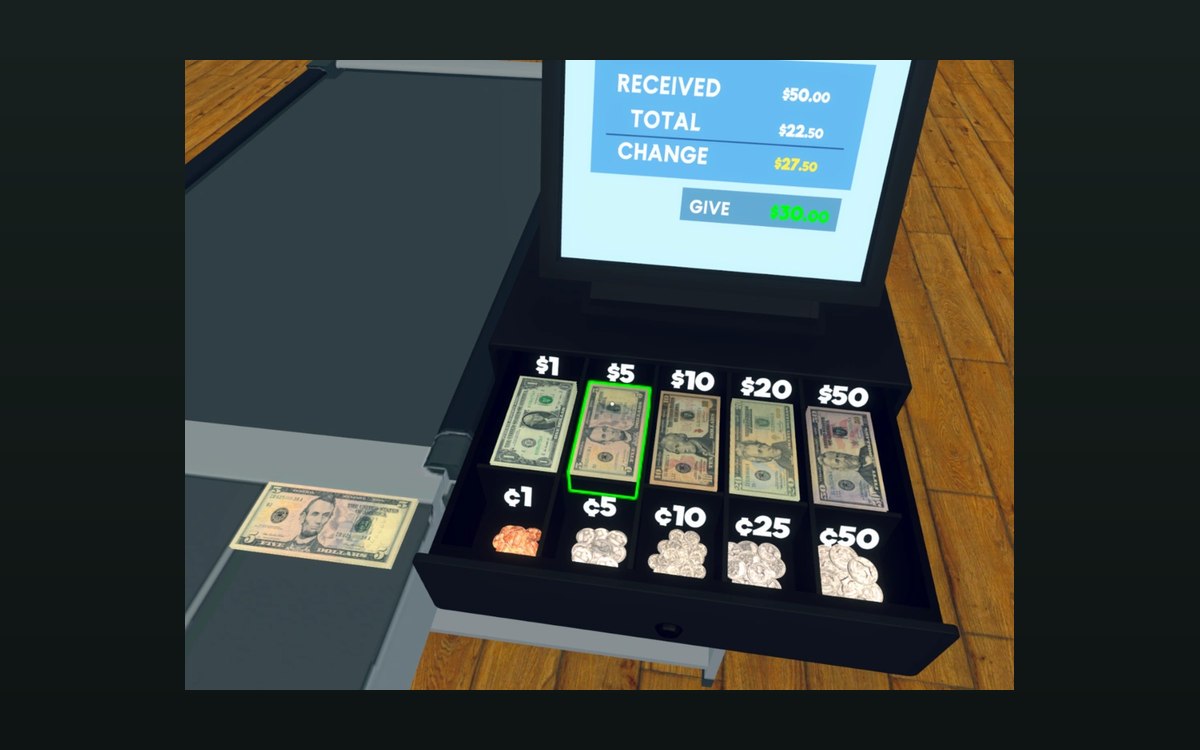 Basics and answersThe racks the back room usesA rack has data of its own.
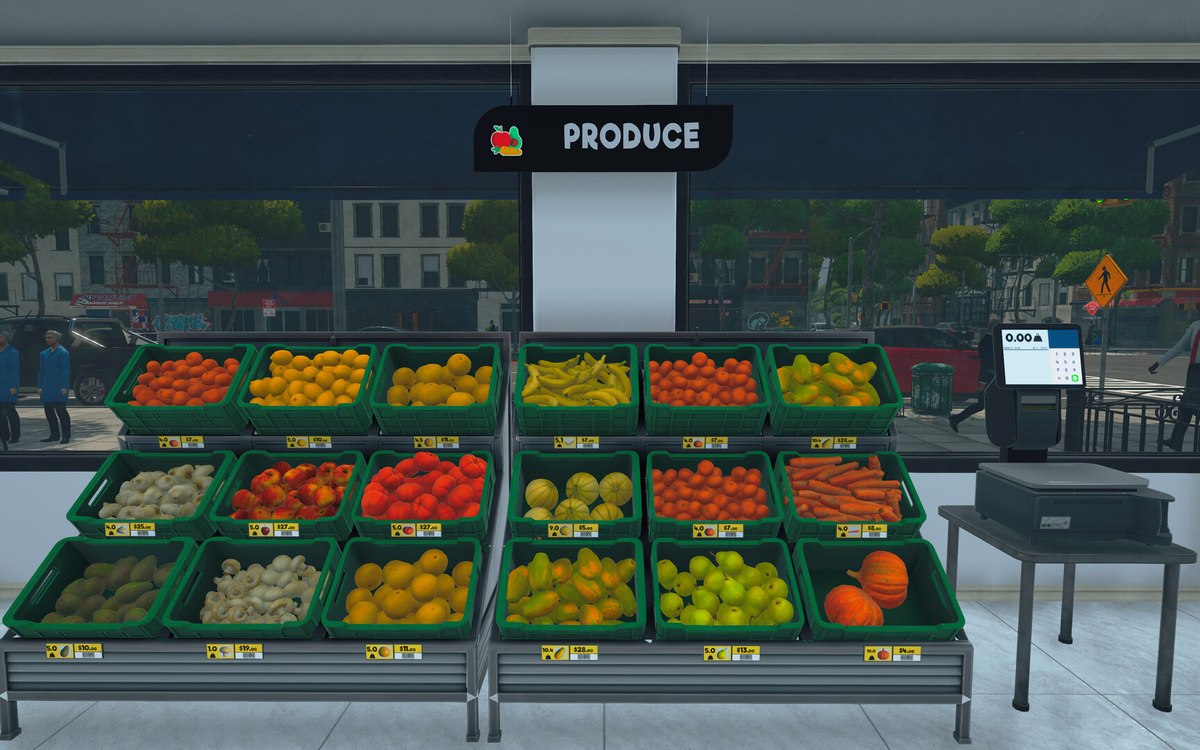 Running the shopThe oven and the worker who runs itThe oven is a machine in parts: a door, a start button, the product it holds and a record of its own.
Sources
A local copy of the game, read only. Grounding for each step is on the technical reference pages; no number is estimated.