
Guide
Taking payment without mixing up the money
How to keep cash, card and the shop's own money objects straight in Supermarket Simulator, so the till's business is not confused with the shop's.
Applies to
1.6.0 (223), read from the copy of the game this site was built from (see the sources page)
Before you start
- A shop with at least one lane
- Customers being served
- Bills that come due
Steps
- Expect more than one kind of payment rather than a single checkout action.
the game keeps payment types and entries of its own - Remember that how a customer paid is recorded, not inferred.
the method and whether it was by card are held on the player's payment data - Treat a coin payment as its own case.
coin payment is tracked separately - Treat each customer payment as its own record instead of one running total.
a customer payment is kept as a record of its own - Work the till through its own screen and terminal rather than reading the shop's total.
the register has a screen of its own and the terminal has buttons of its own - Let the game settle bills for you only if you want to see what it paid.
bills can be paid automatically and then displayed - Remember that money in this shop is also an object on the floor.
there is a pack of money as an object, a generator for it and a listener for the money in the room
Common mistakes
- Assuming every lane takes the same kinds of payment in the same way.
- Reading the shop's total and treating it as the till's takings.
- Forgetting that money can exist as an object in the room and not only as a number.
- Letting bills settle automatically and then not looking at what was paid.
Related entries
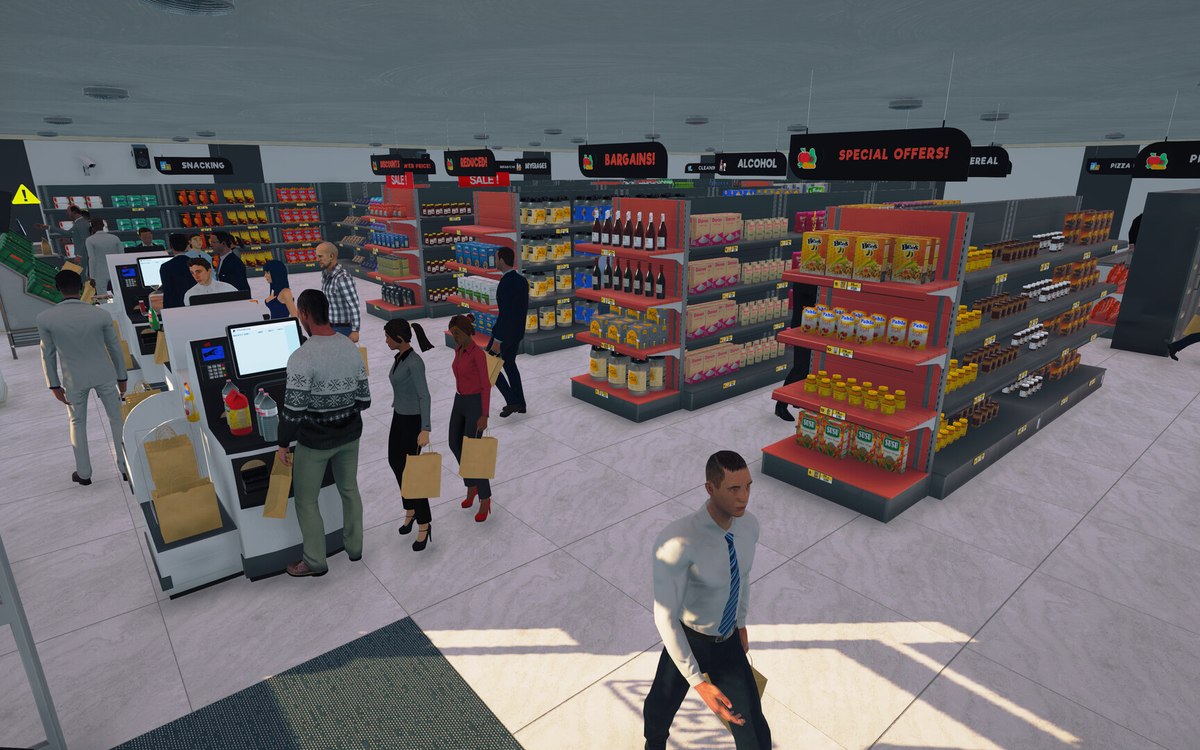 CheckoutPaying by card or by cashThe game tracks more than one kind of payment.
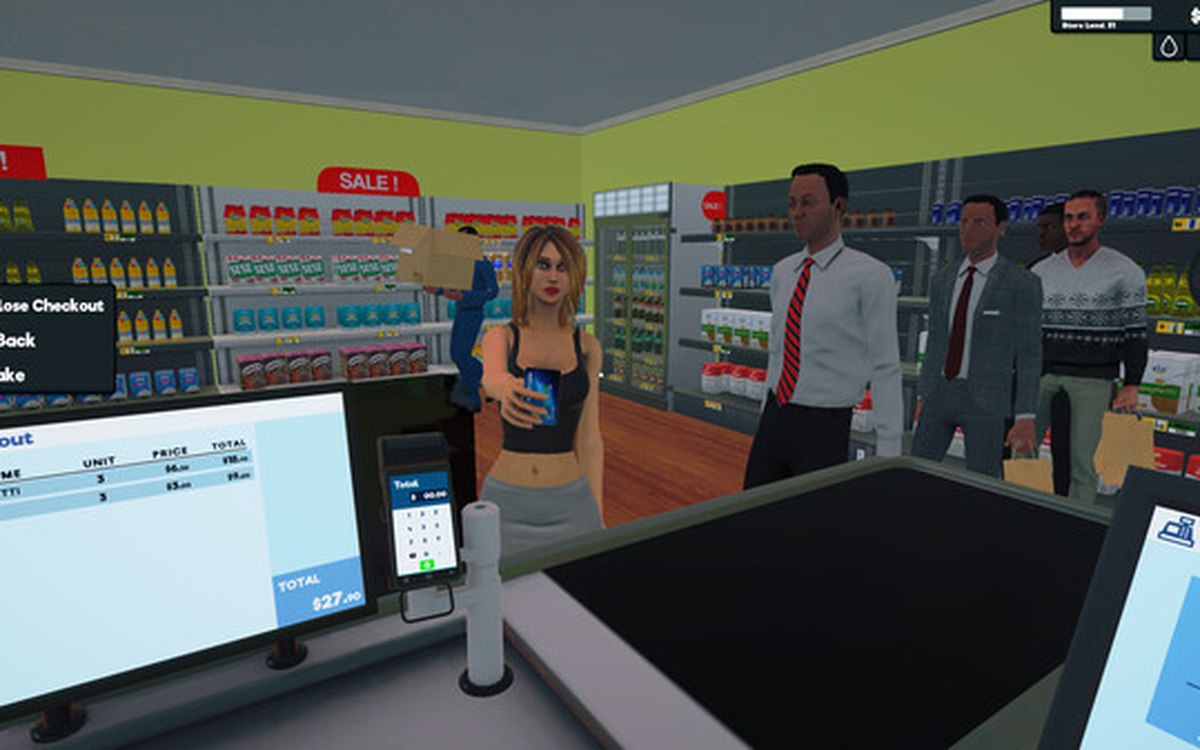 CheckoutThe till and its screensThe till has a register of its own with a screen of its own.
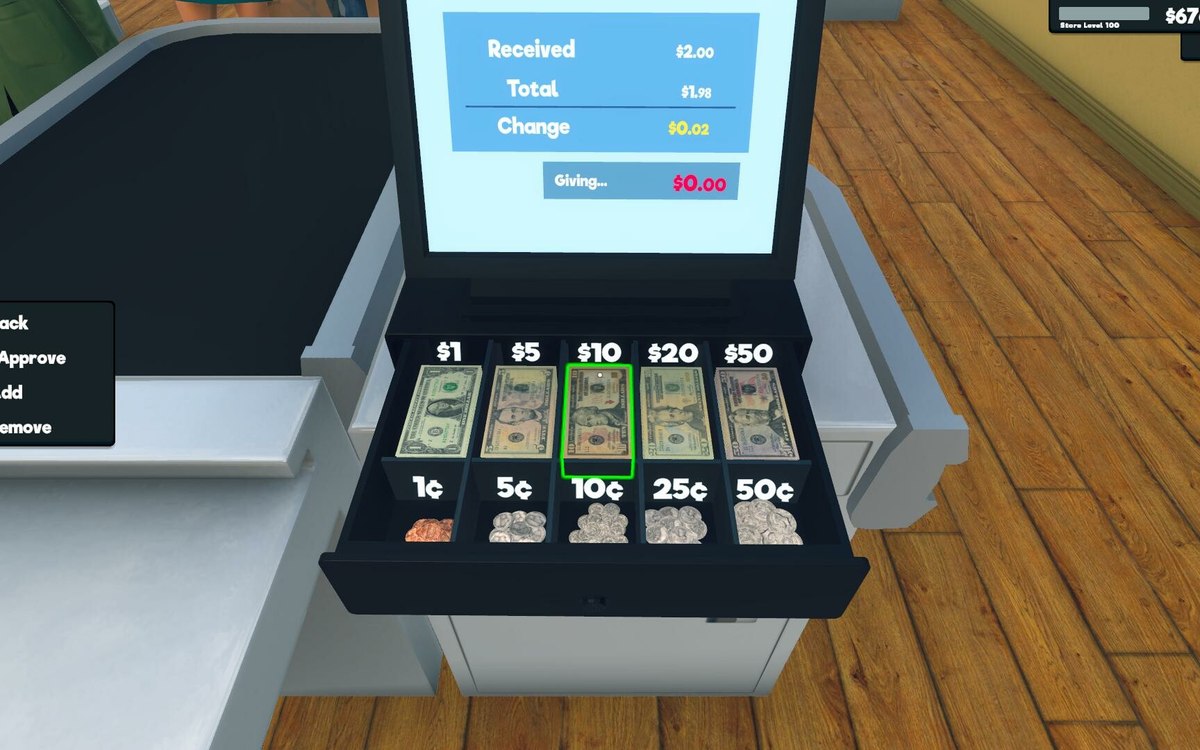 Money, bills and loansMoney as an object in the shopThe game has a pack of money as an object of its own.
Sources
A local copy of the game, read only. Grounding for each step is on the technical reference pages; no number is estimated.