
Guide
Stocking a shelf slot by slot
How to stock a shelf in Supermarket Simulator when the game treats it as separate slots rather than as one open surface you can pile goods onto.
Applies to
1.6.0 (223), read from the copy of the game this site was built from (see the sources page)
Before you start
- A shelf already placed in the shop
- Stock in the storage room or in a box nearby
- A product that suits the shelf you are filling
Steps
- Treat each shelf as a set of positions and fill them one at a time.
a shelf is kept as a set of rack slots with their own records - Fill the gaps rather than restocking from the left every time.
each slot carries an index of its own, so the game knows which ones are empty - Move boxes off the shelf once you have emptied them.
a box standing on a shelf is tracked against a slot as well - Use a display case for what belongs in it instead of treating it as another shelf.
display slots are tracked apart from rack slots - Do not force a product into a display that is built for something else.
a display slot can carry a condition on what may be placed in it
Common mistakes
- Restocking only the front of a shelf and leaving gaps behind it.
- Leaving empty boxes on the shelf after filling it.
- Piling goods onto a display case that wants a particular product.
Related entries
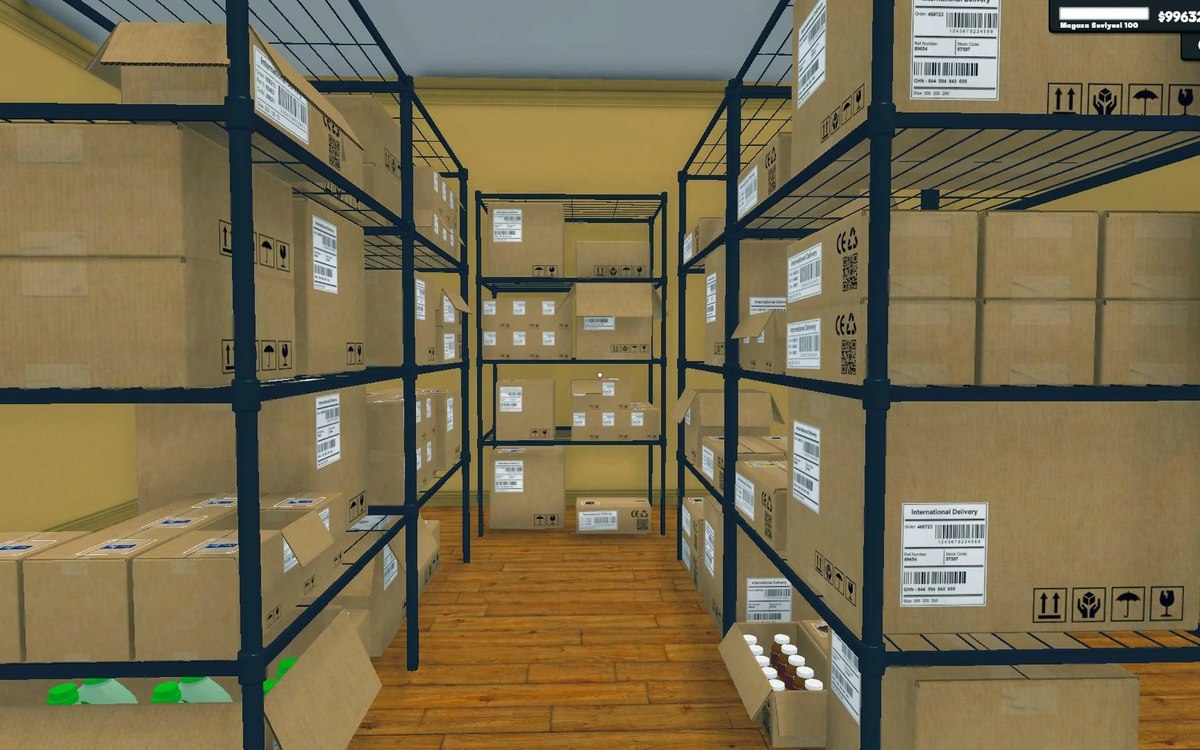 Shelves and stockShelf slots and display spaceA shelf is made of rack slots with records of their own.
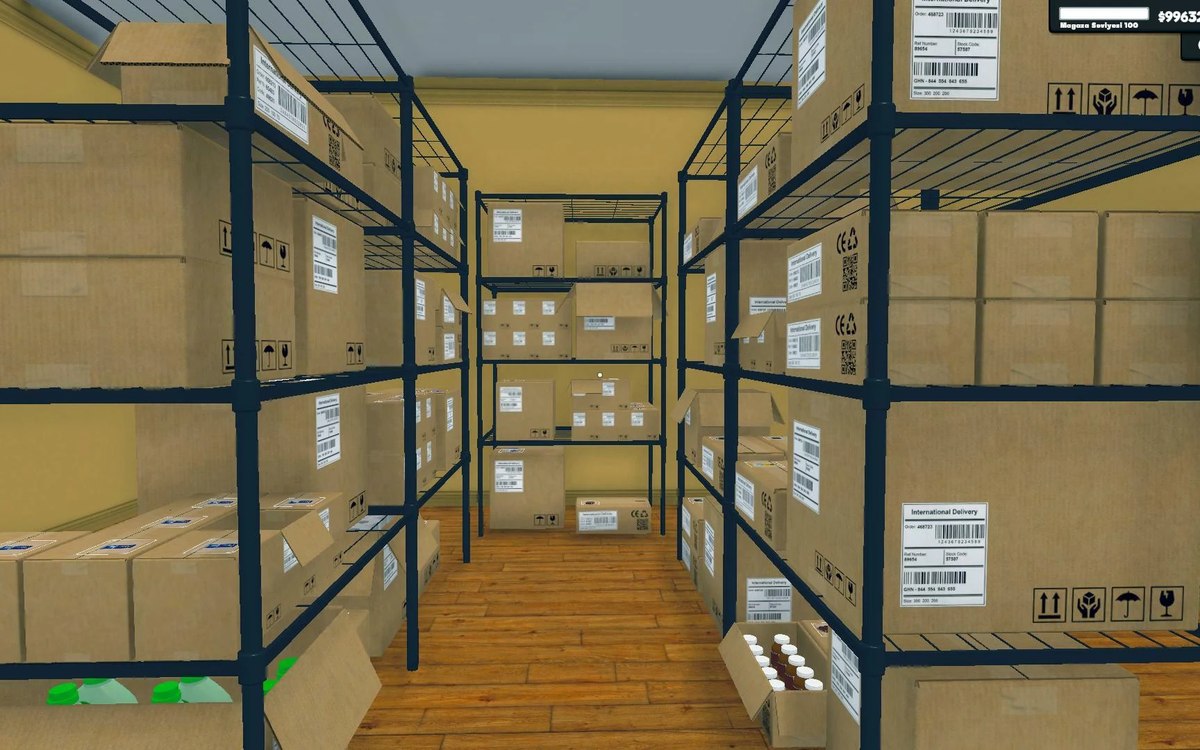 Shelves and stockRestocking shelvesThe game runs an automated restock loop for shelves.
Sources
A local copy of the game, read only. Grounding for each step is on the technical reference pages; no number is estimated.