
Guide
Setting up a vending machine that actually sells
How to place, stock and price a vending machine in Supermarket Simulator using the machine behaviour the game itself defines.
Applies to
1.6.0 (223), read from the copy of the game this site was built from (see the sources page)
Before you start
- Enough money to buy the machine
- A product you already stock
- Space in the shop away from the blocked area
Steps
- Pick the spot before you buy, and keep clear of the area where the game will not let a machine stand.
the game defines a placement dead zone for machines - Buy the machine and let it be placed as its own fixture instead of treating it as a shelf.
a machine carries its own data and is managed separately from shelving - Fill the slots with a product you already sell rather than leaving slots empty.
the game tracks how many of the machine's slots are filled - Set the machine's own price tags instead of assuming the shelf price carries over.
prices hang on the machine's own tags - Leave it to trade and check the machine's own screen on the shop computer later.
the machine collects income on its own while you work elsewhere
Common mistakes
- Buying the machine before checking where it is allowed to stand.
- Filling a few slots and forgetting the rest.
- Assuming the shelf price is automatically the machine price.
Related entries
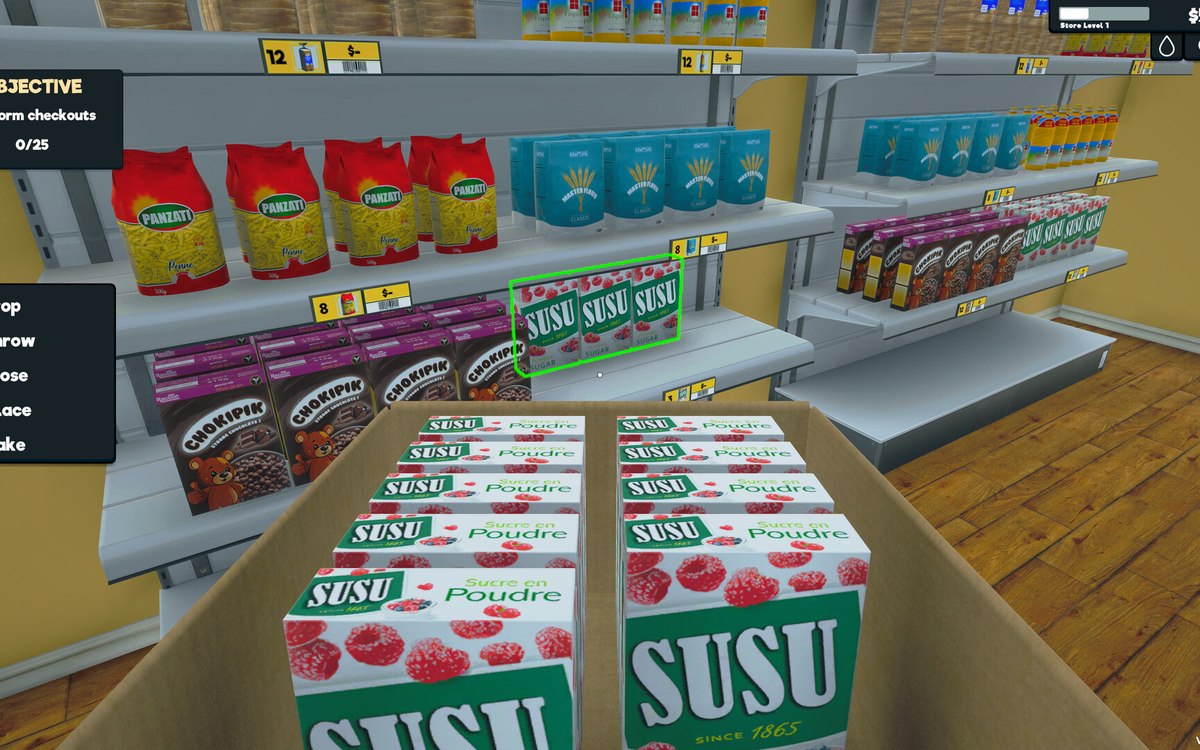 Running the shopVending machinesA vending machine is its own fixture with its own data rather than a kind of shelf.
 Shelves and stockRestocking shelvesThe game runs an automated restock loop for shelves.
Sources
A local copy of the game, read only. Grounding for each step is on the technical reference pages; no number is estimated.