
Guide
Reading your shop's own state
The state a Supermarket Simulator shop keeps about itself — its status, its ground, its doors and the crowd inside — so what the shop is doing can be read rather than sensed.
Applies to
1.6.0 (223), read from the copy of the game this site was built from (see the sources page)
Before you start
- A shop open for the day
- Customers arriving
- A door you can reach
Steps
- Expect the shop itself to have a status.
the shop has a status of its own, with an interaction built around it - Know that the walkable ground is prepared for you.
there is a navigation mesh for the shop, so the walkable ground is prepared - Keep the two doors apart.
there is a door into the store and a door of the market's own - Read the door switch's overlay rather than hunting for a handle.
a door switch has an overlay of its own - Expect the market side to have its own controllers, including its lights.
the market's store is held by a controller with a networked version, and the market's lights have a controller of their own - Expect customers to be produced rather than to be a fixed cast.
customers are produced by a generator and how many arrive is governed by a spawn setting of its own - Recognise the crowd as a set of models rather than one shopper repeated.
the crowd is drawn from a set of character models the game ships - Listen to the customers as data rather than as noise.
customer speech is data of its own with a list of entries, sorted into kinds, and a customer's name is drawn on a board of its own
Common mistakes
- Treating the shop as a room rather than as an object with a status.
- Confusing the store door with the market's own door.
- Expecting the same customers every day.
- Reading a name board as decoration rather than as the customer's own name.
Related entries
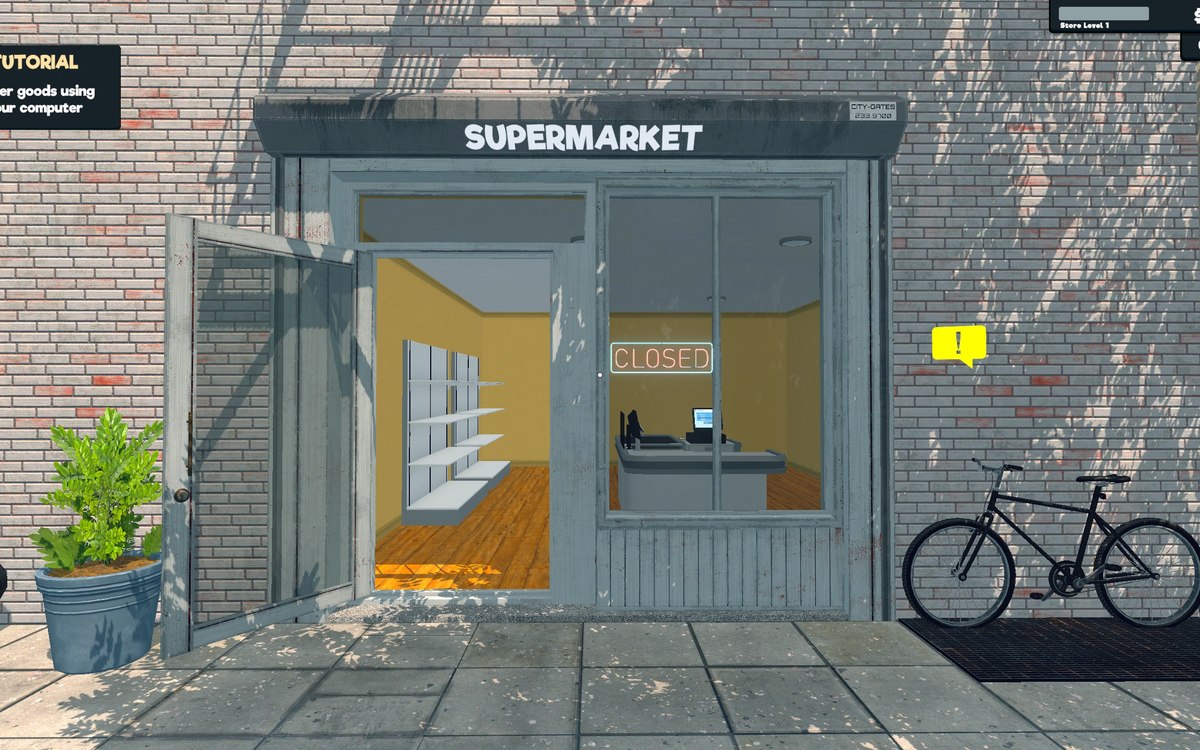 Running the shopThe shop's status, its doors and the ground customers walk onThe shop has a status of its own, with an interaction built around it.
 CustomersWho comes into the shopCustomers are produced by a generator rather than being a fixed cast.
 CustomersWhat the customers sayCustomer speech is data of its own with a list of entries.
Sources
A local copy of the game, read only. Grounding for each step is on the technical reference pages; no number is estimated.