
Guide
Reading what the game is offering you
How to use the crosshair, the highlight and the indicators in Supermarket Simulator so you act on what the game is actually offering.
Applies to
1.6.0 (223), read from the copy of the game this site was built from (see the sources page)
Before you start
- A shop with objects in it
- Something in your hands
- A moment to look before you act
Steps
- Watch the crosshair rather than guessing what is usable.
the game has a crosshair manager of its own - Look for the highlight when you are unsure whether something can be acted on.
usable objects are highlighted by a manager of their own - Check the indicator for what you are holding, separately from what you are looking at.
the carried item has its own indicator - Read the on-screen text when something happens.
the game shows messages in words as well as in colour - Take the hint when a cart fills up rather than pushing on.
a full cart has an indicator of its own
Common mistakes
- Acting on something that was never usable.
- Ignoring the indicator for what you are carrying.
- Filling a cart and wondering why nothing else fits.
Related entries
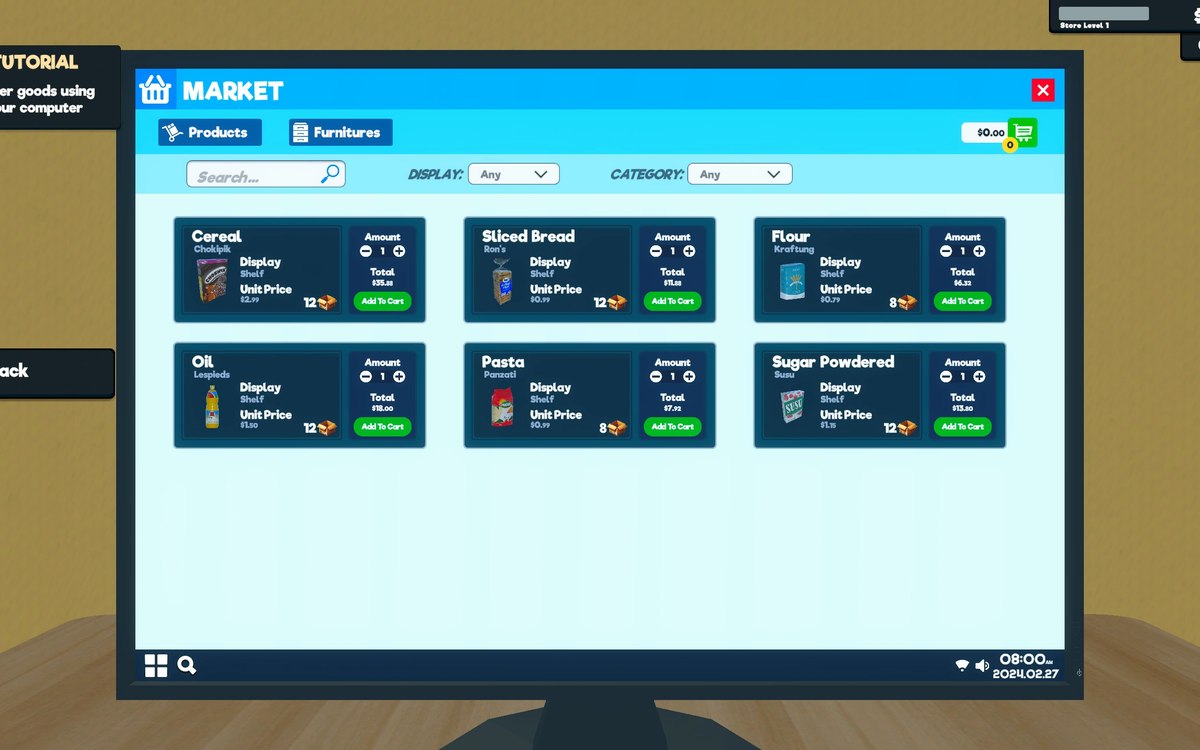 InterfaceHow the game shows what you can useThe game has a crosshair manager and a crosshair reference of its own.
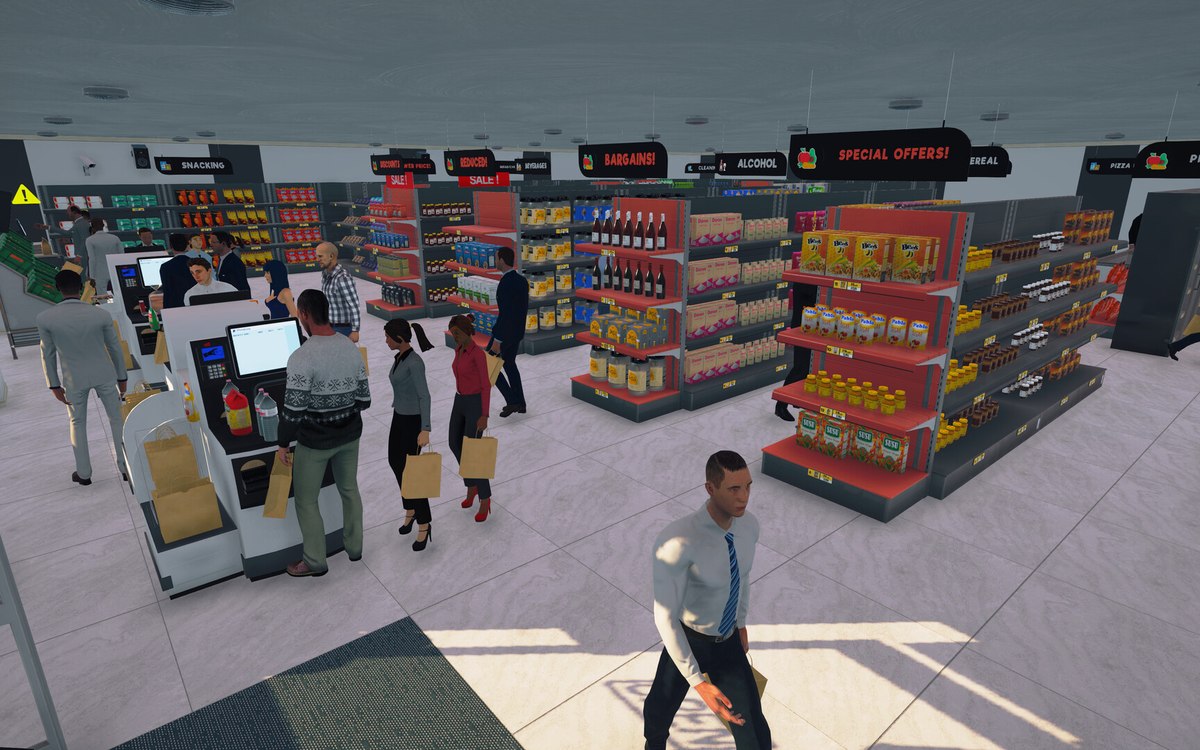 CheckoutCheckout and cashiersA checkout can be operated by a hired cashier.
Sources
A local copy of the game, read only. Grounding for each step is on the technical reference pages; no number is estimated.