
Guide
Reading the warnings without fighting the popups
How warnings work in Supermarket Simulator: what the six named warnings cover, why they appear after a delay, why each has its own canvas rather than sharing the shop's popups, how one is stopped, and how to read the cleaning and security warning pictures.
Applies to
1.6.0 (223), read from the copy of the game this site was built from (see the sources page)
Before you start
- A shop that is open and busy enough to trigger a warning
- At least one of the situations the warnings cover
- A moment to look at the screen when one appears
Steps
- Treat a warning as being about one thing rather than about the shop in general.
the game keeps separate warning routines for the bat, the crate, dirt, shoplifters, the tablet and the vegetables, so each message answers a particular situation - Do not assume nothing happened if the screen is quiet for a moment.
the warnings are shown after a delay and driven by a delay routine, so a situation can be true before you are told about it - Read a warning as its own screen rather than dismissing it like a popup.
warnings carry canvases of their own, including one for the dirtiness indicator and one that watches for an over-change, so they are drawn separately from the shop's ordinary popups - Expect a warning to be able to clear as well as appear.
there is a stop for warnings as well as a way to start one, so dealing with the situation is what takes the message away - Watch for warnings that belong to a specific interaction.
an interaction can register a warning entry of its own, so not every warning comes from the same handful of systems - Use the cleaning warning as a worked example of a tool.
the game's own cleaning warning shows the tool wheel with the bat, sponge, crate, mop and tablet beside a dirty floor, so the picture itself names what you can use - Read the security warning as a summary rather than a single cause.
the security warning shows a detector gate, a camera and a guard in one picture, so it covers the shop's defences as a set - Act on the warning rather than refreshing it.
warnings are tied to a condition in the shop, so the same message will come back while the condition lasts
Common mistakes
- Treating a warning as a popup to be dismissed rather than a situation to fix.
- Assuming nothing has happened because the message is delayed.
- Expecting one warning to cover every problem in the shop.
- Dismissing the cleaning warning and leaving the floor dirty.
Related entries
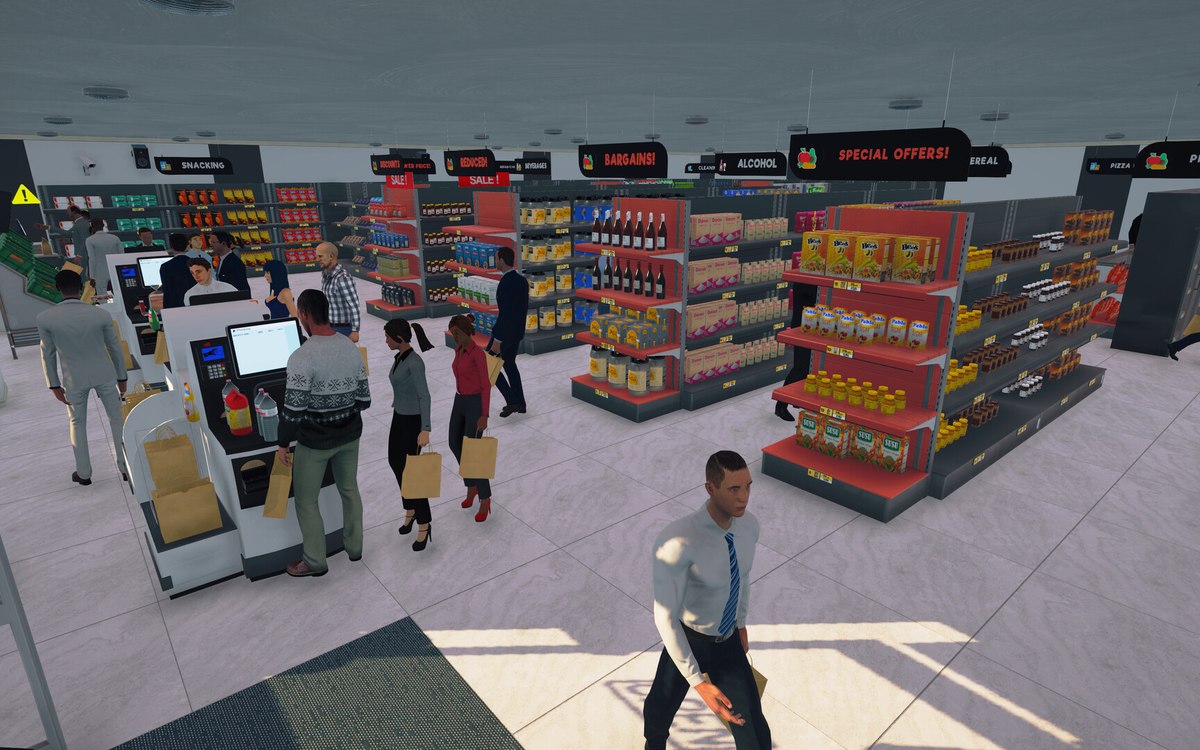 InterfaceThe warnings the game shows youThe game keeps separate warning routines with a delay for the bat, the crate, dirt, shoplifters, the tablet and the vegetables.
 InterfaceThe popups that interrupt youPopups are run by a manager of their own.
Sources
A local copy of the game, read only. Grounding for each step is on the technical reference pages; no number is estimated.