
Guide
Living with the popups
How to deal with the popups in Supermarket Simulator, given that some of them take over input and some of them are questions you have to answer.
Applies to
1.6.0 (223), read from the copy of the game this site was built from (see the sources page)
Before you start
- A shop running
- A moment to read rather than click
- Something worth changing
Steps
- Expect a popup to take over input rather than treating it as decoration.
popups take focus through a handler of their own - Read which kind of popup it is before reacting.
the game sorts popups into types - Answer a question deliberately rather than clicking through it.
there is a question popup of its own - Use the information popups when you are unsure how a system works.
they are assembled from their own elements and content - Do not assume every popup appears the instant something happens.
the manager can raise one after a delay
Common mistakes
- Clicking through a question without reading it.
- Carrying on as though a popup were scenery.
- Ignoring the information panels when learning a system.
Related entries
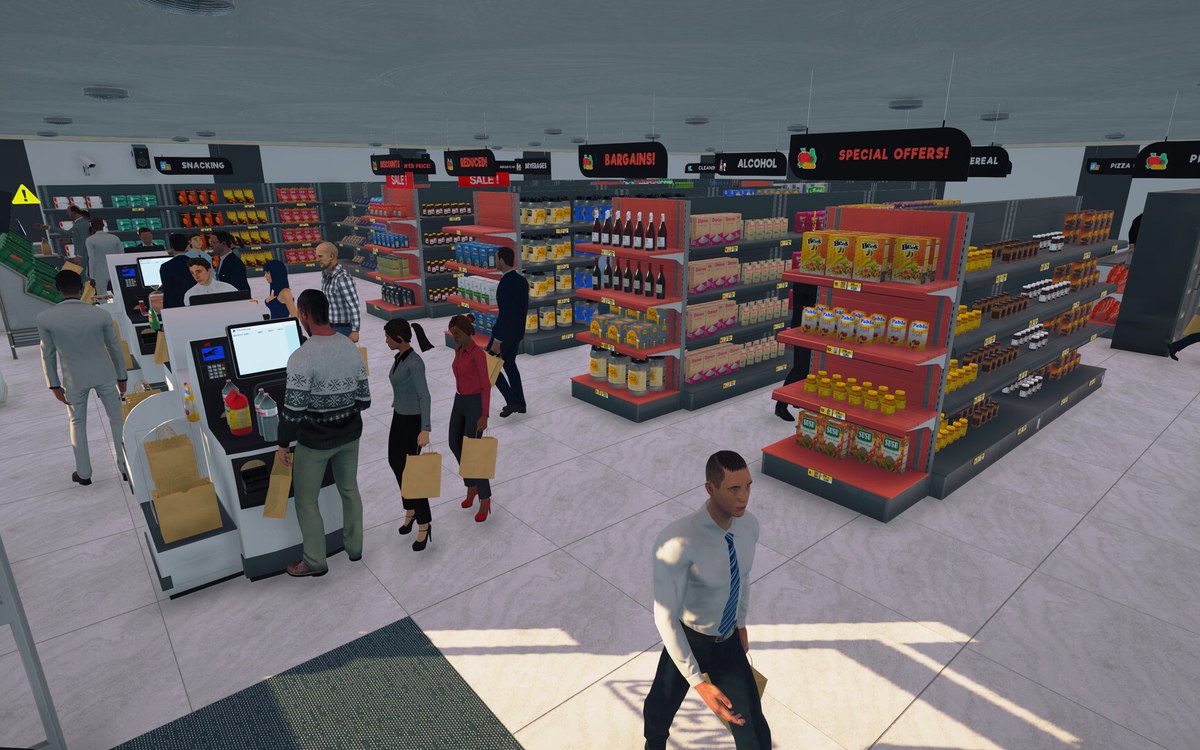 InterfaceThe popups that interrupt youPopups are run by a manager of their own.
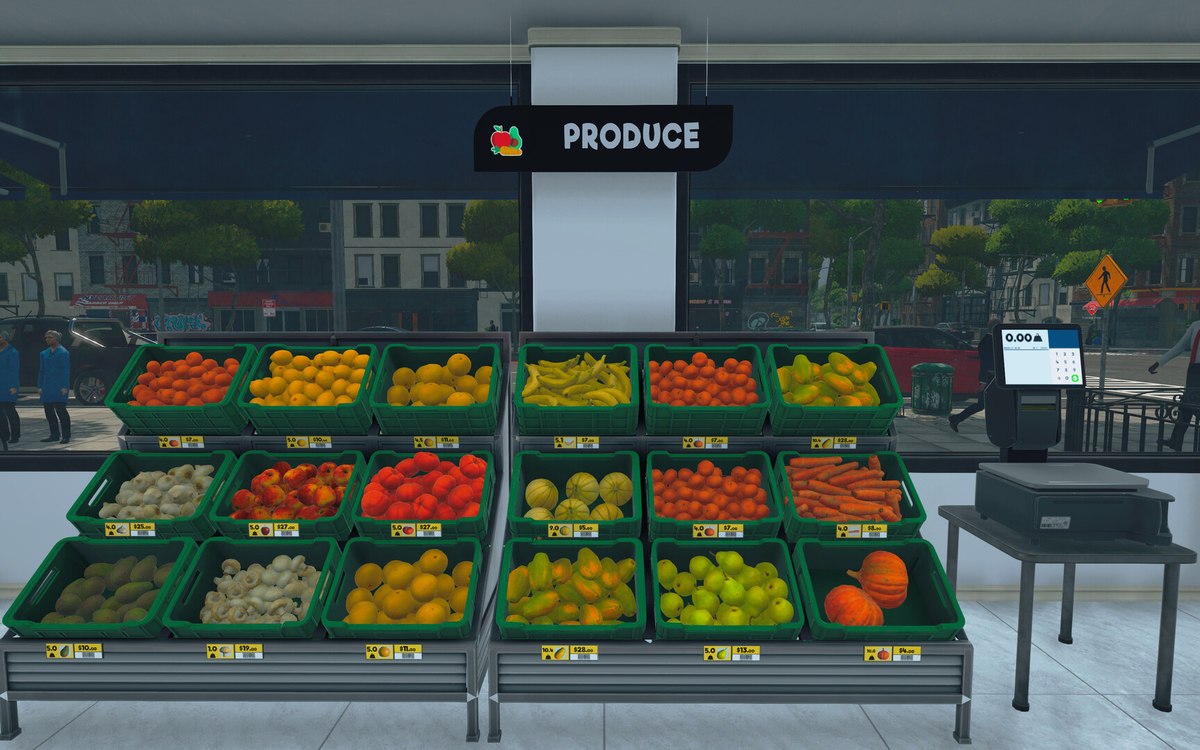 Running the shopThe management tabs on the computerThe computer keeps its functions in separate tabs.
Sources
A local copy of the game, read only. Grounding for each step is on the technical reference pages; no number is estimated.