
Guide
Keeping the tills moving as the shop grows
How the checkout changes in Supermarket Simulator as the shop gets busier: serving the queue yourself, moving a till rather than rebuilding it, hiring cashiers as cashiers, and adding a self-checkout that has rules and can need repairs.
Applies to
1.6.0 (223), read from the copy of the game this site was built from (see the sources page)
Before you start
- A shop that is open with at least one checkout placed
- Some money for a till or a hire if you are adding one
- A queue you can watch while you work
Steps
- Expect the end of a sale to be a step of its own rather than something that happens on its own.
finishing a checkout is separate from the act of scanning, which is what lets a served customer leave and the next one step up - Move a checkout position rather than taking the lane apart when the layout changes.
a checkout position can be picked up and moved on its own, so the layout is adjustable without rebuilding the till - Hire a cashier as a cashier rather than as general help.
a cashier is its own kind of worker with its own hiring information, and cashier items exist separately from the checkout machine - Let the cashier take the checkout over rather than trying to serve alongside them.
there is a starting step for a cashier-run checkout that is distinct from you scanning at it - Check that a self-checkout can be used at all before you rely on it for a queue.
the game tests whether the automated machine may be used rather than treating it as an ordinary lane - Do not walk away from a working self-checkout; wanting help is a separate question from working.
whether a customer wants assistance is tracked apart from whether the machine functions - Watch whether anyone is actually at the till instead of guessing from the queue.
the game keeps track of whether a customer is present at the checkout, which is what the rest of the lane reacts to - Expect the machines to be drawn in less detail as they get further away.
a checkout carries a renderer whose job is to decide how much of it to draw, which is how several tills can stand in one shop - Treat a broken self-checkout as a repair job rather than a replacement.
the game has its own handling for repairing an automated checkout - In a shared shop, expect the tills to be kept in step with the manager rather than each player's screen.
the checkout and its automated version have networked forms and a networked manager behind them - Remember the machine is one kind of checkout rather than a system apart.
a checkout carries a type, and the automated machine is one of those types
Common mistakes
- Treating a self-checkout as an ordinary staffed lane.
- Assuming a working machine cannot still want help.
- Taking a till apart when its position could simply be moved.
- Hiring general helpers when the queue needs cashiers.
Related entries
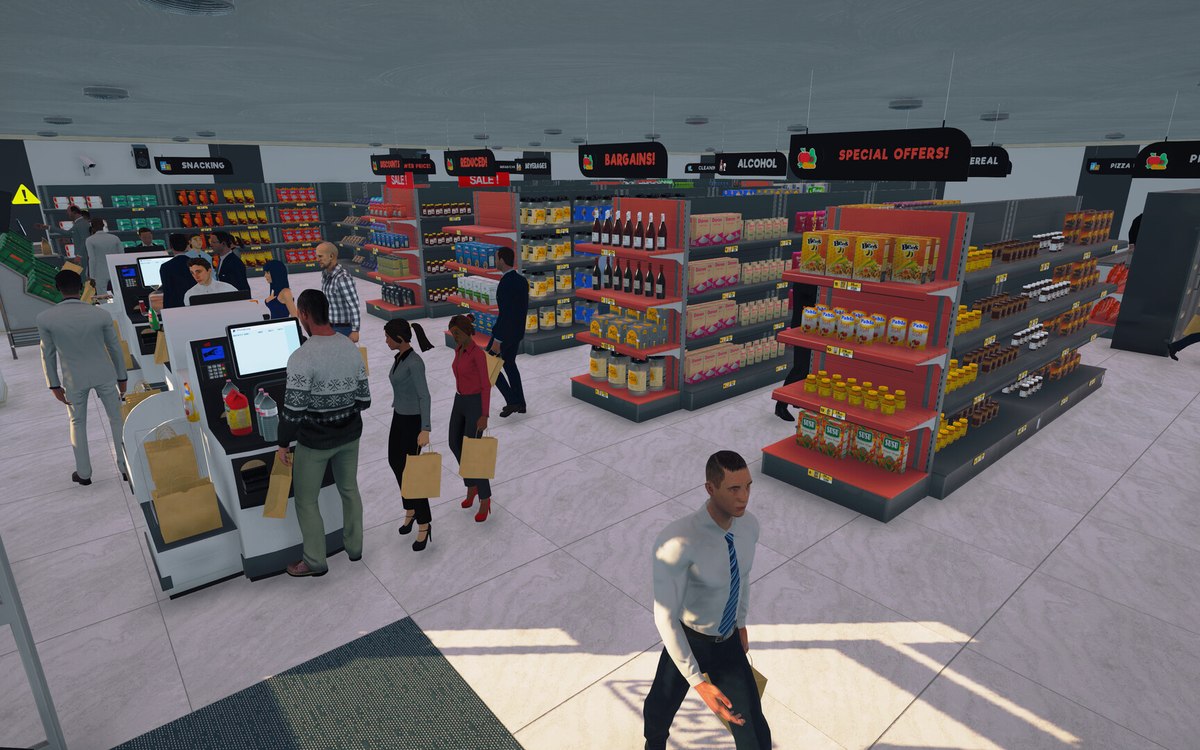 CheckoutThe self-checkout and its rulesThe self-checkout is an automated checkout with a check for whether it can be used.
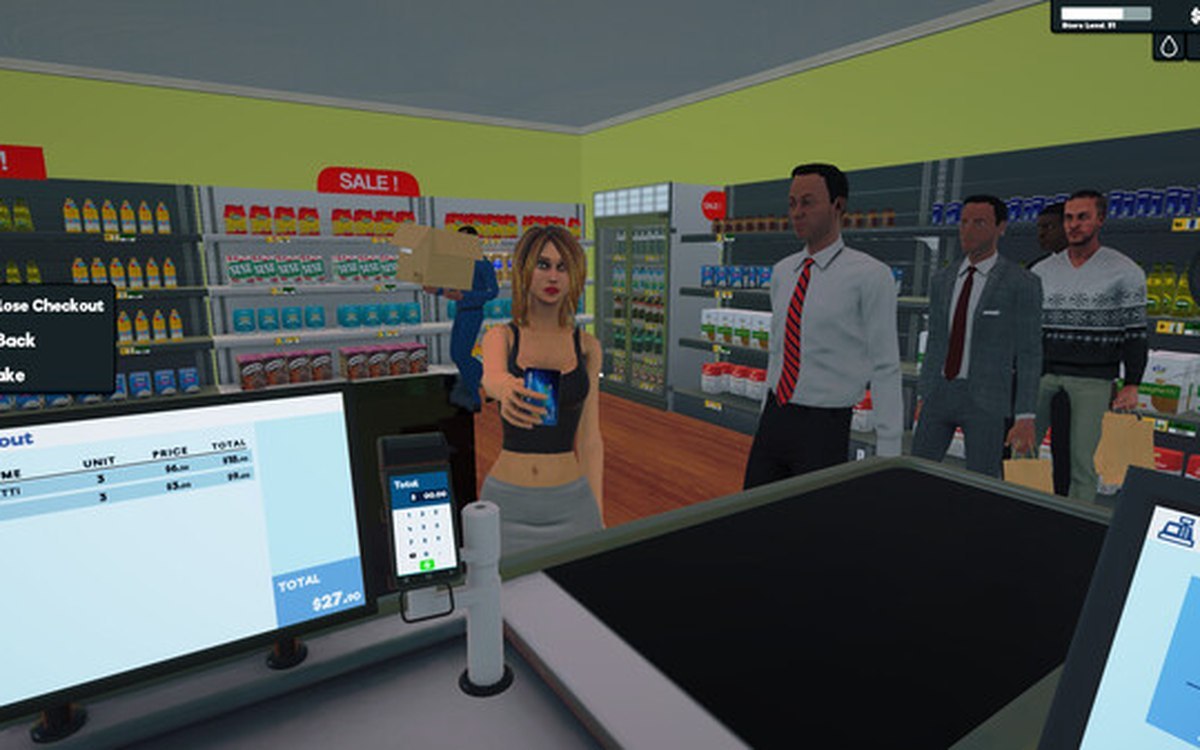 StaffHiring a cashierA cashier is a defined worker type in the game.
Related guides
- Keeping the route from the door to the till clear
A layout guide for Supermarket Simulator that follows the route a customer takes: the entrance, the walkable ground the game prepares, the fittings that stand in the way, the shelf approach and the queue at the till.
Sources
A local copy of the game, read only. Grounding for each step is on the technical reference pages; no number is estimated.