
Guide
Keeping the back room usable
How the back room works in Supermarket Simulator: storage as sections rather than one pile, the tab that shows it, the cells you can sort, crates as objects with a grid of their own, the manager and door behind the sections, and the storage upgrade you have to buy.
Applies to
1.6.0 (223), read from the copy of the game this site was built from (see the sources page)
Before you start
- A shop that is open with a back room in use
- At least one crate or delivery to store
- Enough money for the storage upgrade if you are expanding
Steps
- Think of the back room as sections rather than as one pile.
storage is laid out in sections with a defined arrangement, so what you own is grouped rather than spread over one shelf - Look at what you have through the storage tab rather than by walking about.
storage has its own interface tab, so the state of the back room can be read from the same place you manage the rest of the shop - Sort the cells before the section is full, not after.
storage cells can be sorted, which is what keeps a section searchable as it fills - Buy crates knowing they are objects you then place.
a crate is an object of its own and is also sold as an item, so buying one is not the same as having somewhere for it - In a shared shop, expect the crate you move to move for everyone.
a crate has an interaction of its own and a networked version of it, so handling one is a shared event - Do not treat a crate as a bin with no order.
the game keeps a grid of numbers for a crate, which is why what is in one is arranged rather than tipped in - Expect the sections to be a system of their own behind their own door.
the sections are managed by their own manager with their own data and a door of their own, so the back room is a place in the shop and not only a list - Do not expect storage to grow by itself.
storage has its own upgrade level and a purchase behind it, so more room is bought rather than unlocked by time - Expect growth to be presented through the same sections.
growth is shown in sections too, so expanding the shop uses the arrangement you already know rather than a new screen - Buy a crate with a home in mind.
what you buy becomes an object in the shop, so a delivery with nowhere to go is a problem you made rather than one the game made for you
Common mistakes
- Treating storage as one flat list and losing track of what is where.
- Filling a section until nothing in it can be found.
- Buying crates with no space set aside for them.
- Expecting storage space to grow without buying the upgrade.
Related entries
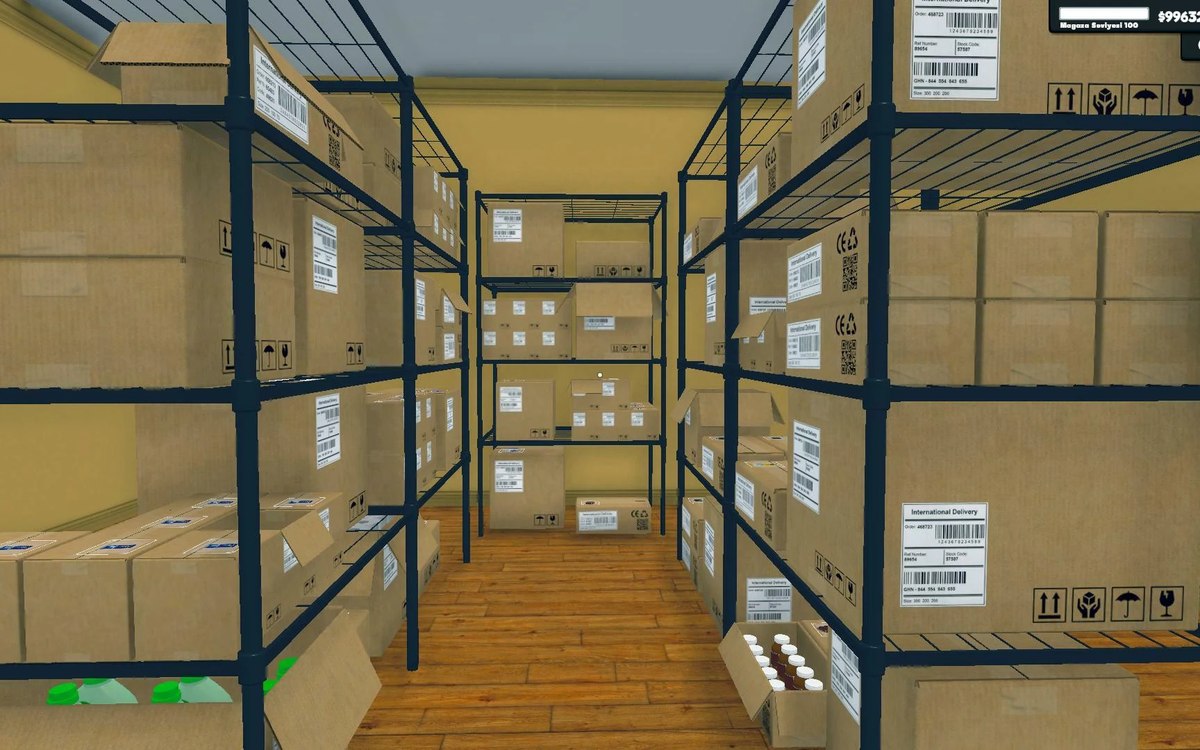 Shelves and stockStorage sections and sortingStorage is built from sections rather than one flat list.
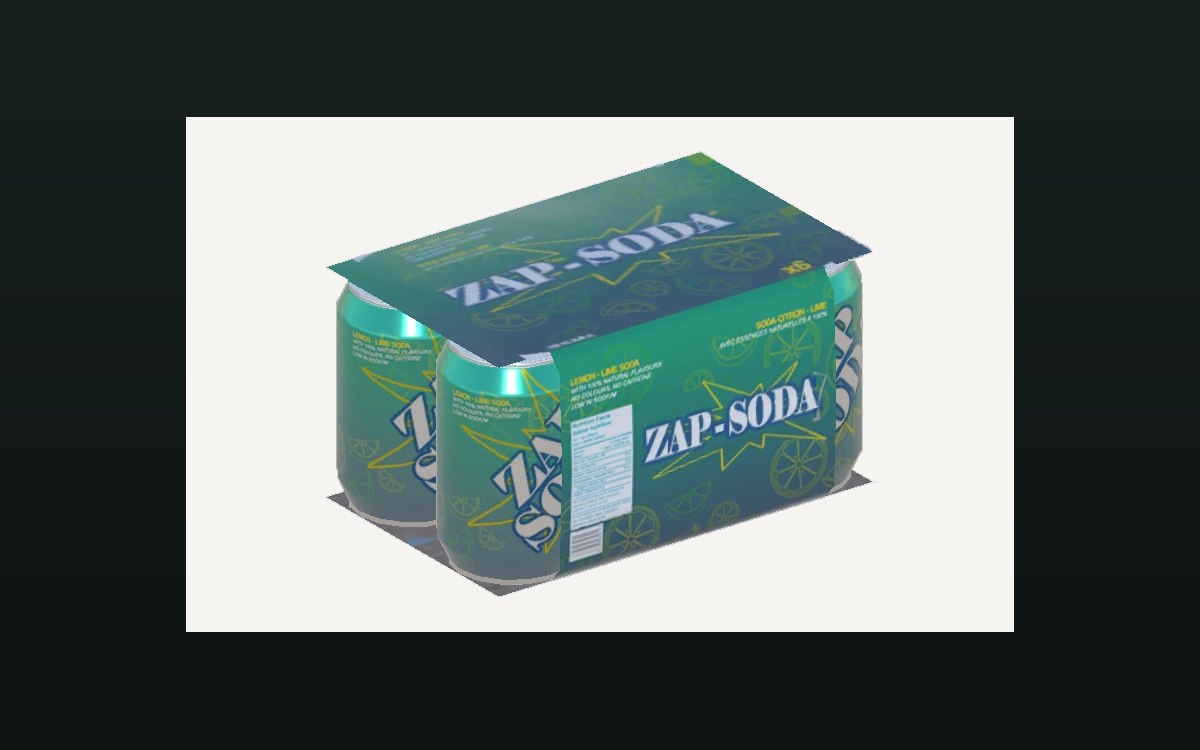 ProductsThe crates you can buyA crate is an object of its own in the game.
Sources
A local copy of the game, read only. Grounding for each step is on the technical reference pages; no number is estimated.