
Guide
Keeping a save you can go back to
How saving works in Supermarket Simulator: where a shop actually lives, what a save slot holds, how the game brings an older shop forward when the build changes, and why keeping more than one slot is worth it.
Applies to
1.6.0 (223), read from the copy of the game this site was built from (see the sources page)
Before you start
- A shop worth keeping
- Access to the save slots screen
- A moment before you change something big
Steps
- Know where the shop actually lives: in a save slot, chosen from a panel of slots rather than a single file.
a shop is kept in a save slot, with a panel of slots of its own - Read a slot before picking it, because a save has a record of its own and sits among entries rather than being an unnamed file.
a save has its own record and sits among entries - Save before a big change and load deliberately after it, because writing into a slot and loading from one are separate behaviours.
writing into a slot and loading from one are separate behaviours - Expect a moment while it writes: the save is managed and announced rather than silent.
a manager keeps the save and an event announces it - Do not interrupt the game while it is saving, because the shop is written in chunks through a handler and a root record.
the save is written by a handler and a root record in chunks - Keep more than one slot so that a shop you have outgrown is still there.
slots are chosen from a panel and each save has its own record - After a game update, expect a saved shop to be brought forward rather than refused.
the game keeps a changelog updater so a save can be brought forward when the build changes - If a loaded shop behaves oddly, remember that the game resets its shared services rather than reusing them.
there is a hub for resetting shared services so a saved shop can be loaded cleanly - Do not assume money, stock and licences come back by themselves: each is restored by its own manager.
money, stock and licences are kept by managers of their own that a save has to restore - Remember that even the mess is saved, because dirt, dust and rubbish each have a save record of their own.
dirt, dust and rubbish have save records of their own
Common mistakes
- Playing on one slot only and having nothing to go back to when a shop goes wrong.
- Closing the game while it is writing, when the save is written in chunks rather than at once.
- Assuming an old save will be refused after an update rather than brought forward.
- Expecting a load to wipe the shop, when what happens is that the shared services are reset and the managers restore their own parts.
Related entries
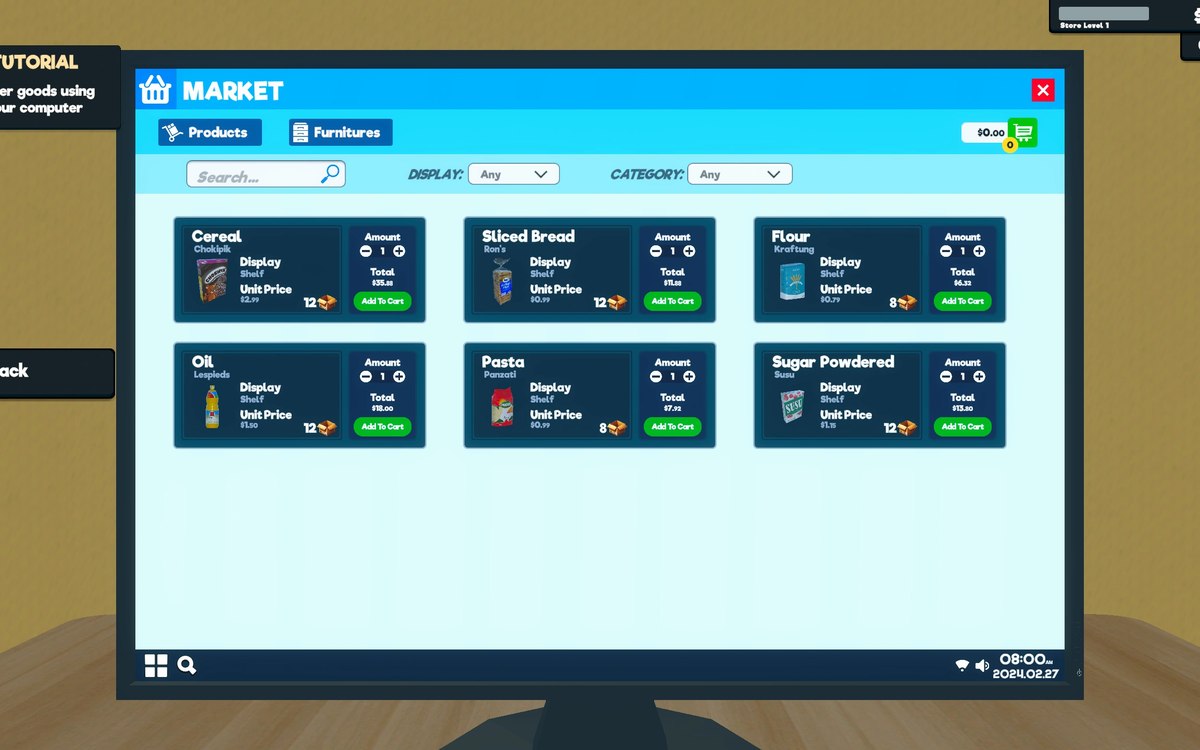 InterfaceHow your shop is savedThe game has a save file handler, a helper around it and a root record of its own.
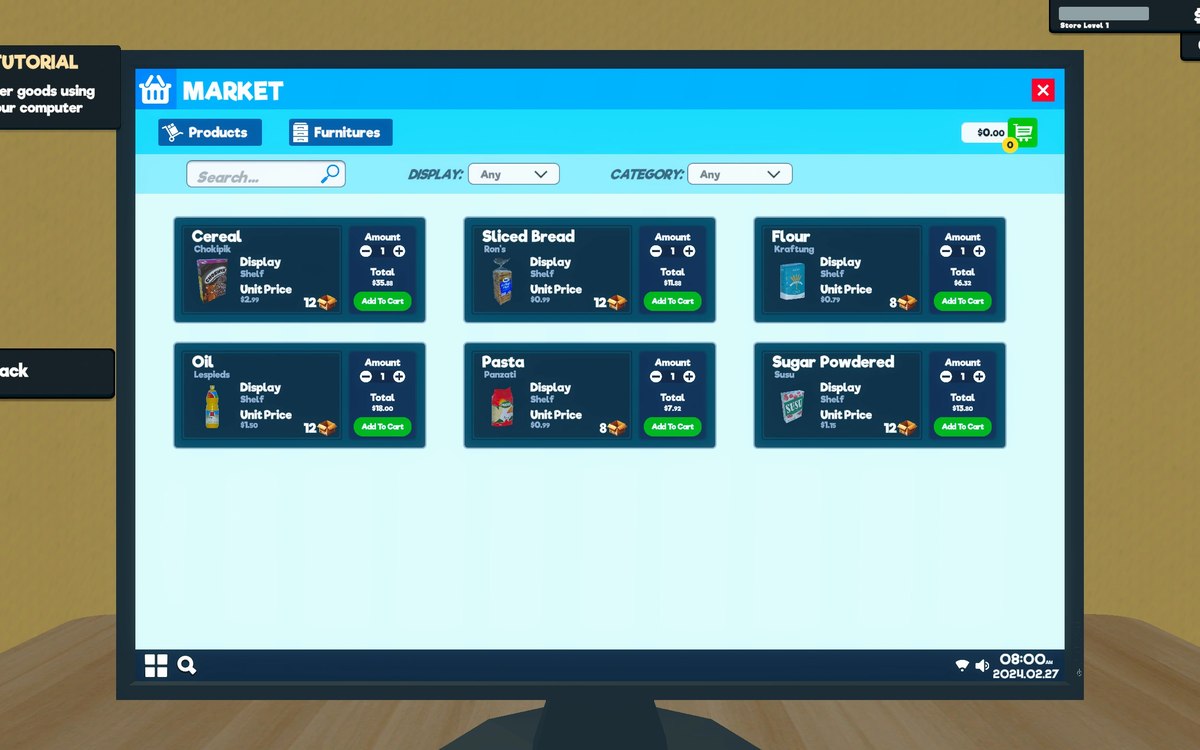 InterfaceSave slots and what each one holdsA shop is kept in a save slot, with a panel of slots of its own.
 Basics and answersWhich version of the game this site documentsThis site documents the build whose version the game itself reports: 1.6.0 (223).
Sources
A local copy of the game, read only. Grounding for each step is on the technical reference pages; no number is estimated.