
Guide
Keeping a record of what your shop did
Where Supermarket Simulator writes things down for you, so you can check orders, money and warnings instead of trying to remember them.
Applies to
1.6.0 (223), read from the copy of the game this site was built from (see the sources page)
Before you start
- A shop that has taken at least one order
- At least one bill that comes due
- The computer or tablet within reach
Steps
- Let the notebook hold your orders rather than trying to remember them.
orders are kept in a notebook and a container of its own, with a display of its own - Go to the money window for loans, bills and growth instead of hunting through menus.
those screens are built on a window made of tabs, with a tab each for loans, bills and growth - Open the loan payments tab when the question is a repayment rather than a loan.
a loan has a payments tab of its own beside it - Look for licences and storage in the same arrangement.
licences and storage sit in the same window of tabs - Read warnings as their own system rather than as more popups.
warnings are run by a system of their own and kept in a pool - Match the warning to what is actually happening before you act on it.
warnings are sorted into kinds, with an interaction warning type and a baker warning type among them - Check on a delayed warning rather than assuming nothing happened.
a warning can be stopped as well as started, with a delay routine of its own
Common mistakes
- Tracking orders in your head when the game writes them into a notebook.
- Looking for a bill under the loan's own screen instead of the payments tab.
- Treating a warning as decoration rather than as something that tells you what to do next.
- Assuming a warning that has stopped means the problem is gone.
Related entries
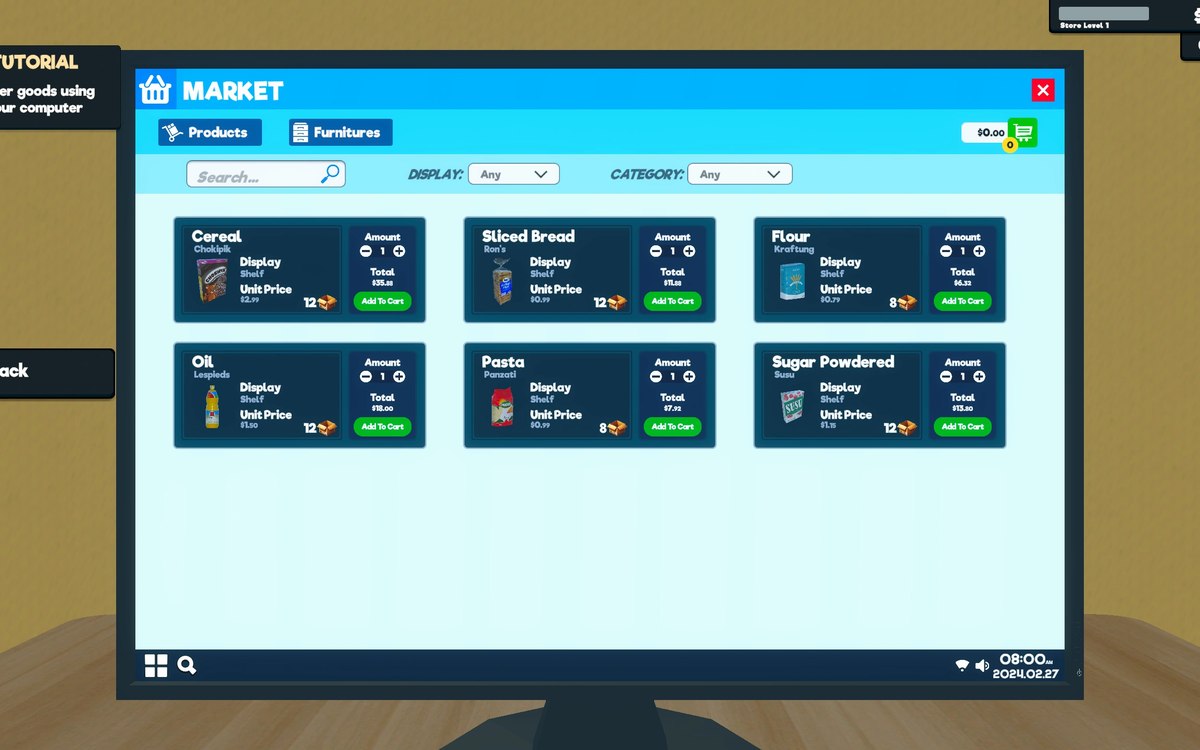 ProductsThe notebook your orders are written inOrders are kept in a notebook held in a container of its own.
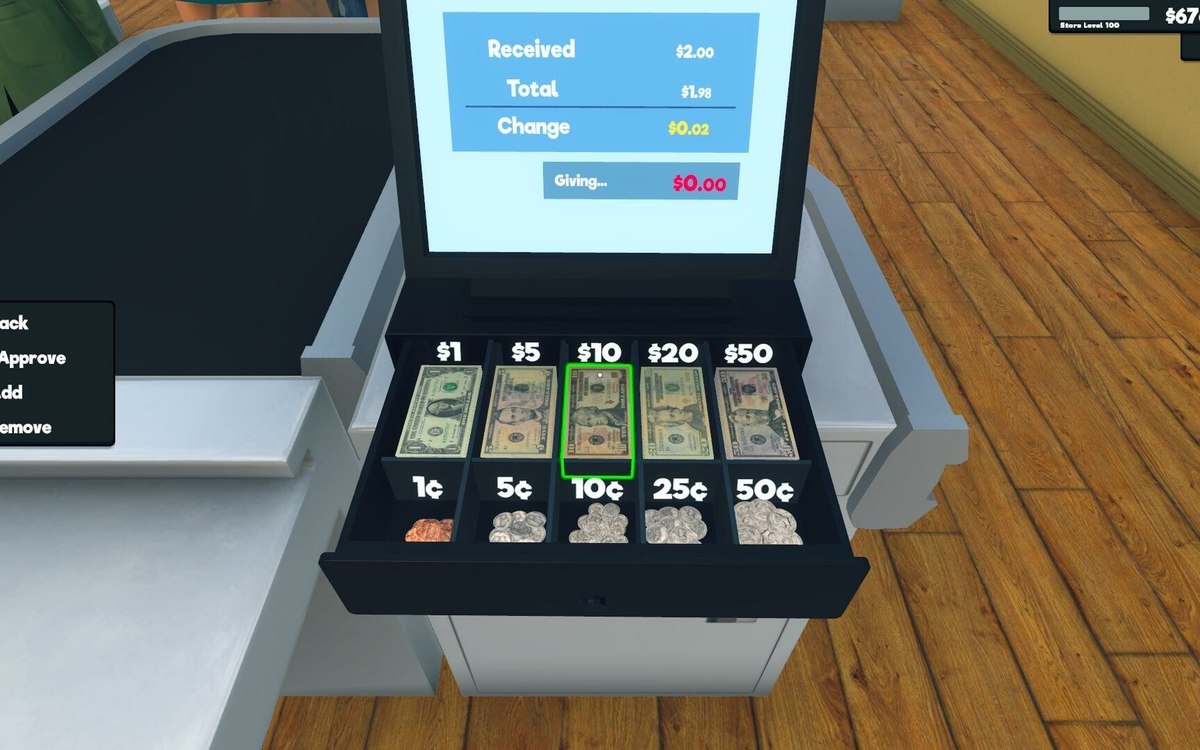 InterfaceThe window the money tabs live inThe money screens are built on a window of their own.
 InterfaceHow the game decides to warn youWarnings are run by a system of their own, apart from the popups.
Sources
A local copy of the game, read only. Grounding for each step is on the technical reference pages; no number is estimated.