
Guide
How the game shows you yourself
What is driving the body and the view in Supermarket Simulator, so first-person settings are understood rather than guessed at.
Applies to
1.6.0 (223), read from the copy of the game this site was built from (see the sources page)
Before you start
- A save loaded
- A controller or keyboard and mouse
- The settings menu within reach
Steps
- Expect two controllers rather than one: the first-person view and the player character.
the game keeps a first-person controller of its own and the player character has a controller of its own - Know that the body is posed rather than animated as one fixed piece.
an IK handler poses the body rather than playing one fixed animation - Expect the surfaces you wear to be applied by their own controller.
a skin controller applies the avatar's surfaces - Let the game decide which device you are on, and expect the prompt to follow.
input devices are handled by a manager of their own, with a kind of key display - Know that blinking is a system rather than a decoration.
blinking is a system of its own, with a controller, a kind of blink and reasons for one - Change the view in one place, because the camera has its own controller and presets.
the view is run by a camera controller of its own and camera setups can be kept as presets - Remember there is a camera that is not yours as well.
there is a free camera of its own, separate from the one the player carries - Expect a camera setting to be announced and answered rather than applied once.
camera settings are invoked and listened for rather than applied in one place, and the picture is fitted to the screen by a fitter of its own
Common mistakes
- Looking for one camera setting when the view, the presets and the free camera are separate.
- Assuming the body you do not see is animating like a character in front of you.
- Wondering why a prompt changed shape instead of reading it as a key-display kind.
- Treating a screen-fit change as a gameplay setting.
Related entries
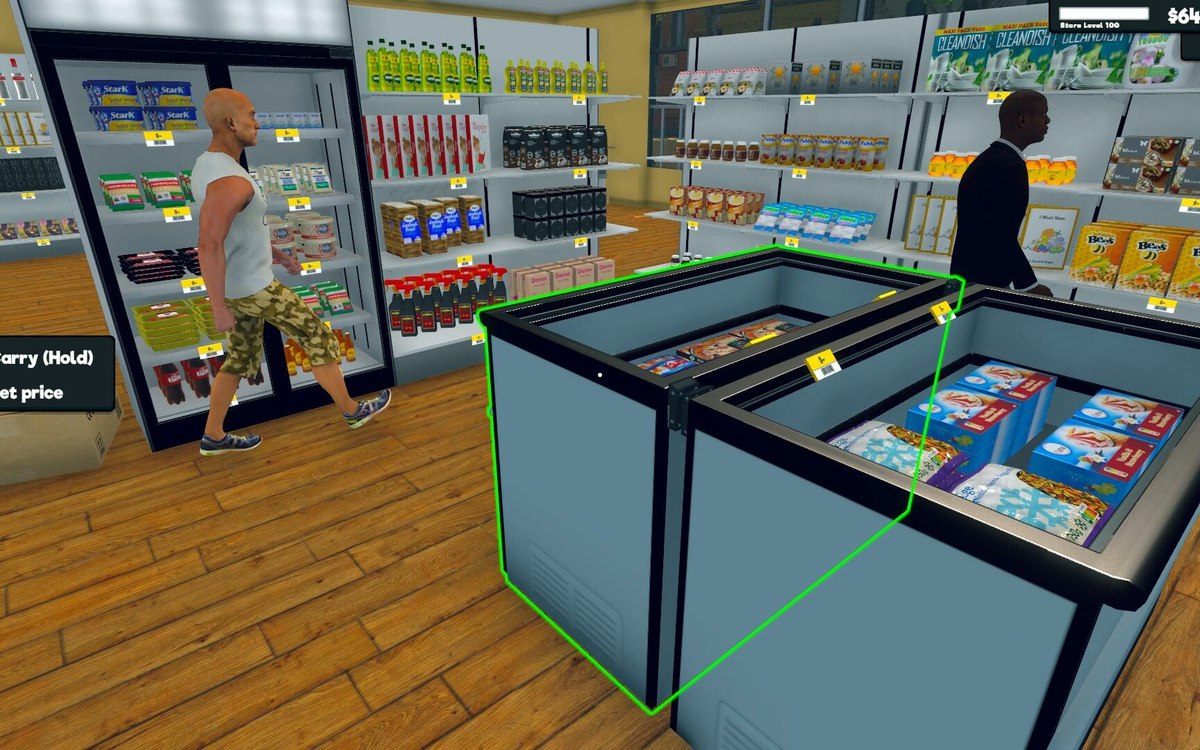 InterfaceThe body you do not seeThe game keeps a first-person controller of its own.
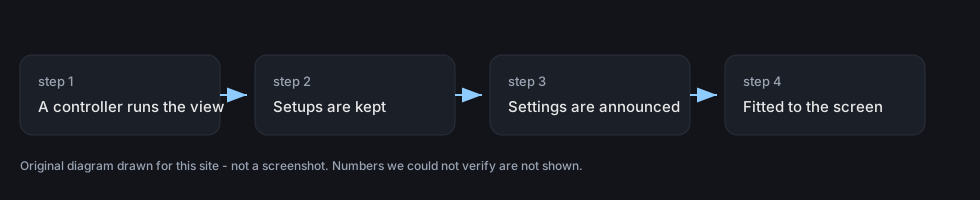 InterfaceThe camera you play throughThe view is run by a camera controller of its own.
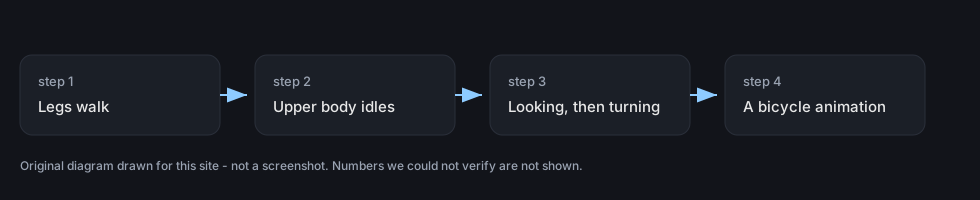 InterfaceThe animations your body playsThe body has an upper idle state of its own.
Sources
A local copy of the game, read only. Grounding for each step is on the technical reference pages; no number is estimated.