
Guide
Fitting out a meat and dairy section
How to set up and stock the meat and dairy section in Supermarket Simulator, given that it is a fixture of its own with goods named one by one.
Applies to
1.6.0 (223) (see the sources page)
Before you start
- Floor space for a section
- The shop's own wall paint
- Money for the first delivery
Steps
- Place the section as a unit rather than lining up ordinary shelves.
the section has a base, a collider, a left and a right door and a panel of its own - Paint the wall to match the section.
a wall paint is named for the section, and a level-of-detail piece carries a second spelling of dairy - Order the cheese by kind rather than as one line.
a Comté, a Gruyère, a Mimolette, a mozzarella, a parmigiano and a parmesan are each named - Give the eggs and the milk their own rows.
eggs come as a bio kind and milk under a named brand, each named on the pack as well - Do not forget the meat side of the same section.
a ham of its own and a ham pastry stand beside the cheeses - Expect the section to need cleaning.
spilled milk has a dirt decal of its own, and the section carries its own sheets
Common mistakes
- Putting cheese on a general shelf and losing the section's own display.
- Buying one kind of cheese and calling the section stocked.
- Leaving the wall unpainted so the section looks borrowed.
- Ignoring a spill because the section is chilled rather than the floor.
Related entries
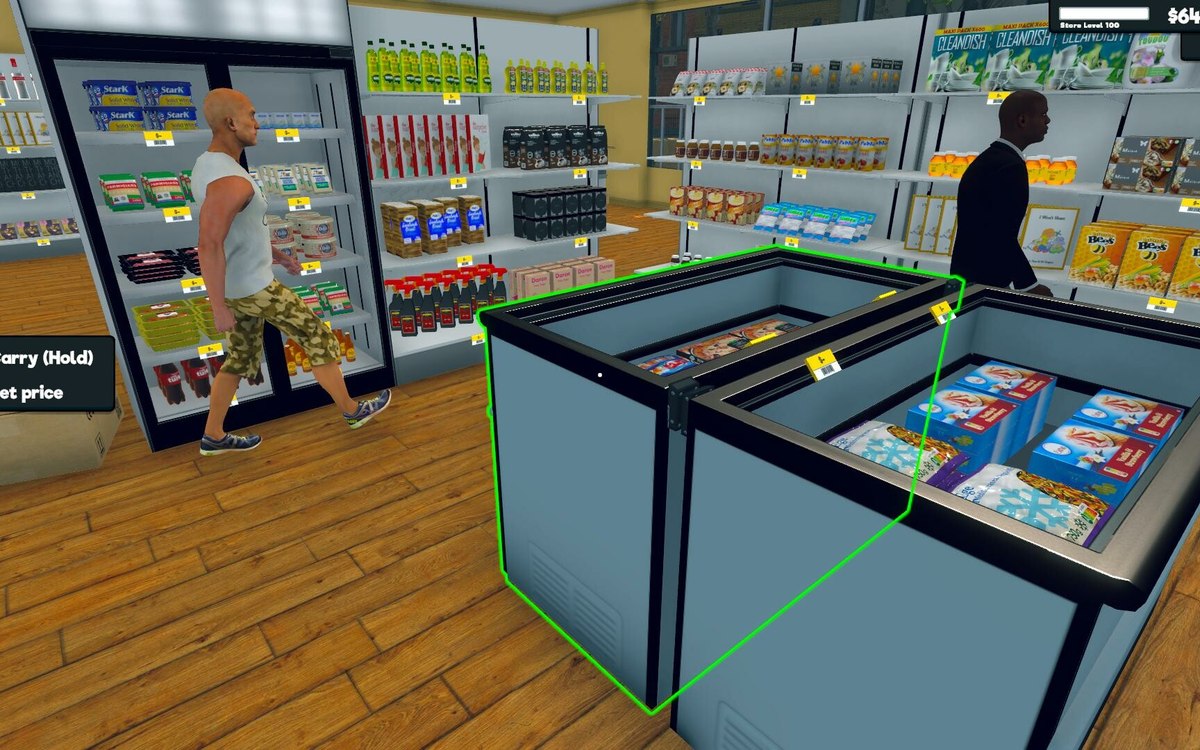 Layout and decorationThe meat and dairy sectionThe section is a fixture of its own, with a base, a collider, a left and a right door and a panel named for it.
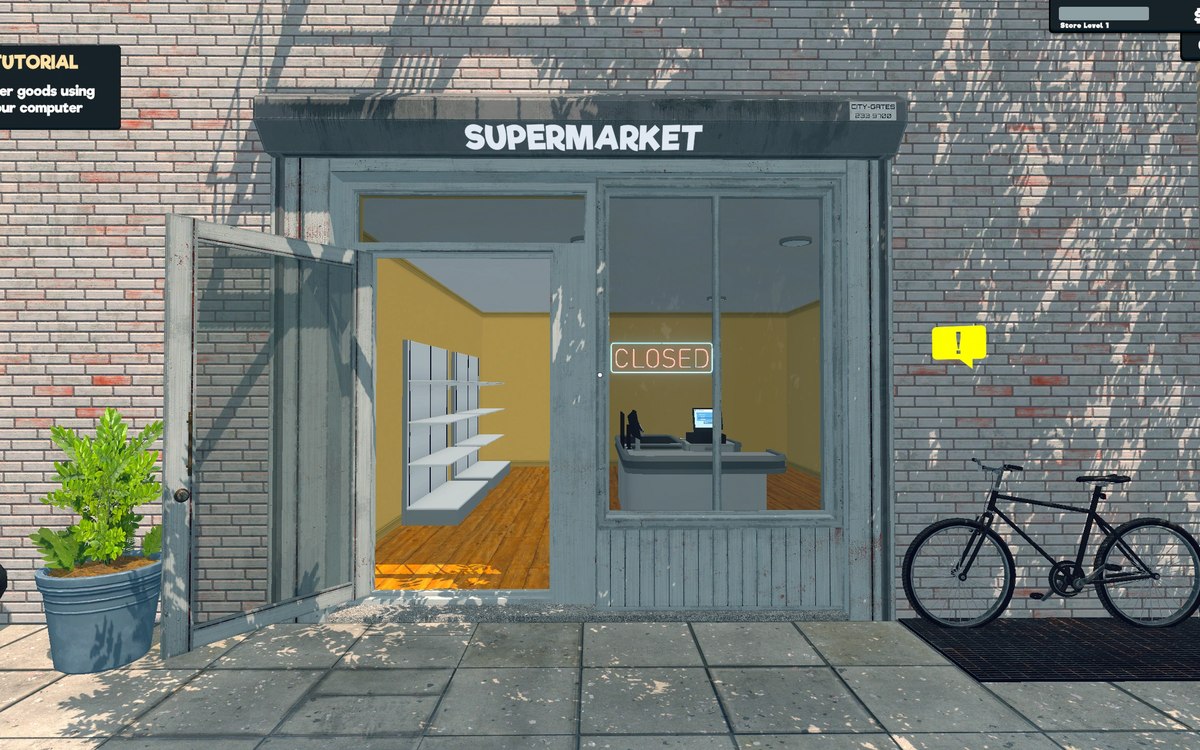 Running the shopFurniture and shop layoutFurniture arrives in a box that has to be handled before the piece can be used.
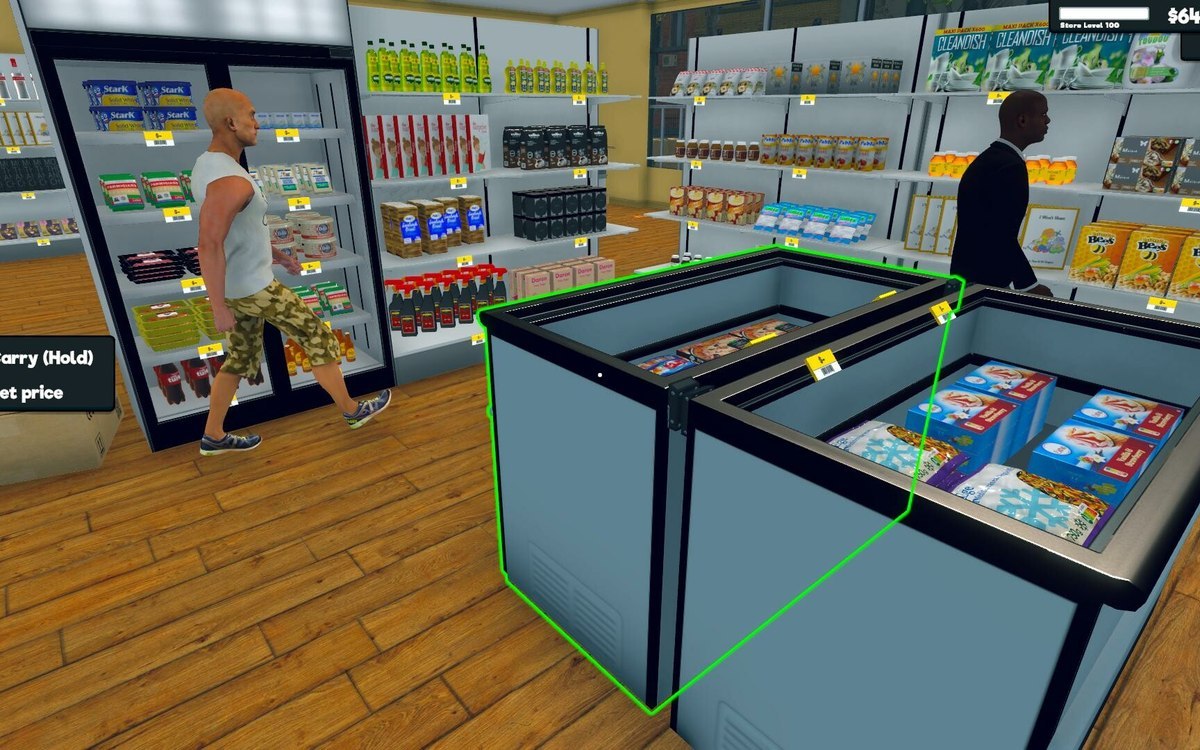 Running the shopThe fridges and freezersThe chillers are named in sizes: a mini, a medium and a double fridge, and a single, a double and a triple freezer.
Sources
A local copy of the game, read only. Grounding for each step is on the technical reference pages; nothing here is estimated.