
Guide
Choosing and shelving fresh produce
How to handle the fresh side of a Supermarket Simulator shop, given that each fruit and vegetable is its own named good, that the produce stall places goods for you, and that weighing is a routine on the scale.
Applies to
1.6.0 (223) (see the sources page)
Before you start
- A produce stall or the space for one
- A scale with a barcode to scan
- Room in the chiller for what you buy
Steps
- Buy fresh goods as individual lines rather than as one lump of stock.
each fresh good is shipped with a picture of its own, an artichoke, an avocado, a banana and a carrot among them - Set them out on the produce stall and let the stall space them.
the produce stall has a calculator of its own for where a product goes - Take anything sold by weight to the scale, not to the shelf.
the scale is a system of its own with a manager, a controller and its own data - Scan the barcode or key in the code when the scale asks for it.
both ways of identifying a weighed good are provided - Wait for the customer the scale is weighing for rather than walking away.
the scale has a step where it waits for the customer - Keep the tinned goods in their own lines beside the fresh ones.
tinned goods are named per brand and per kind, green beans, cayenne pepper, crushed pineapple, mixed fruit, tomato and corn among them
Common mistakes
- Putting fresh goods on an ordinary shelf slot and wondering why they do not sit right.
- Walking off while the scale is still waiting on a customer.
- Mixing tinned lines together so that two brands share one space.
- Buying produce before checking what the scale needs for it.
Related entries
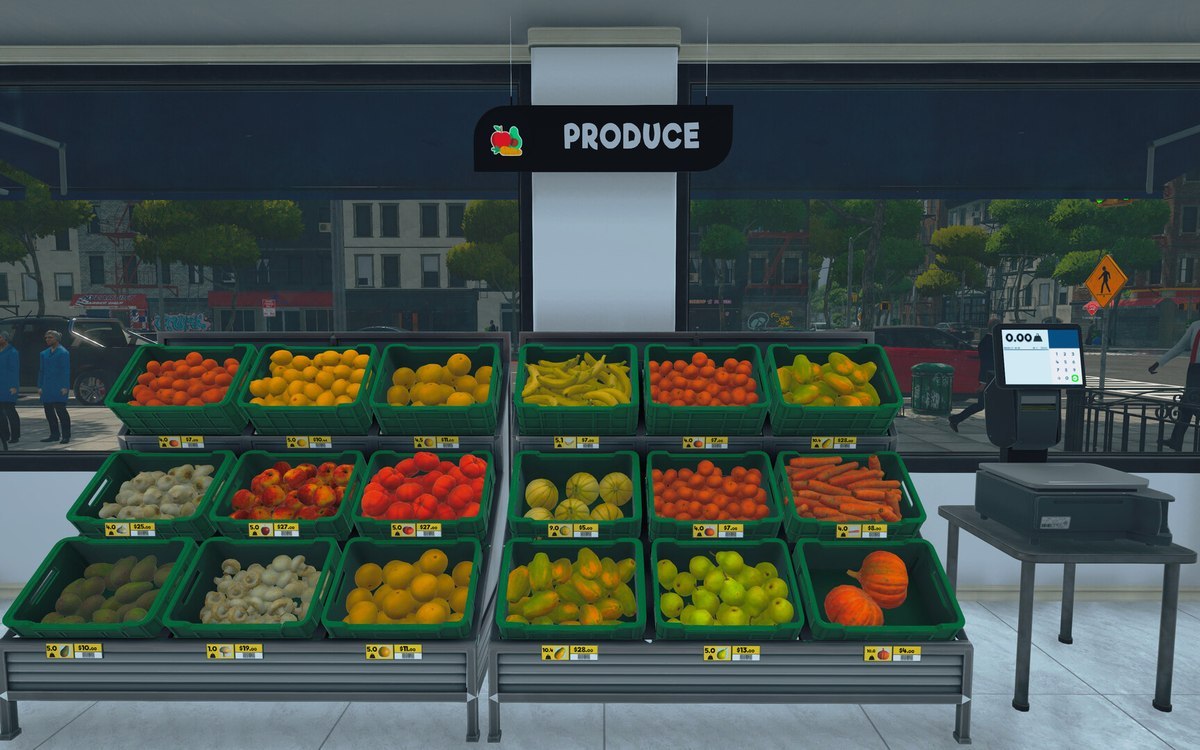 ProductsThe fresh produce in the shopEach fresh good is shipped as a picture of its own, an artichoke, an avocado, a banana and a carrot among them.
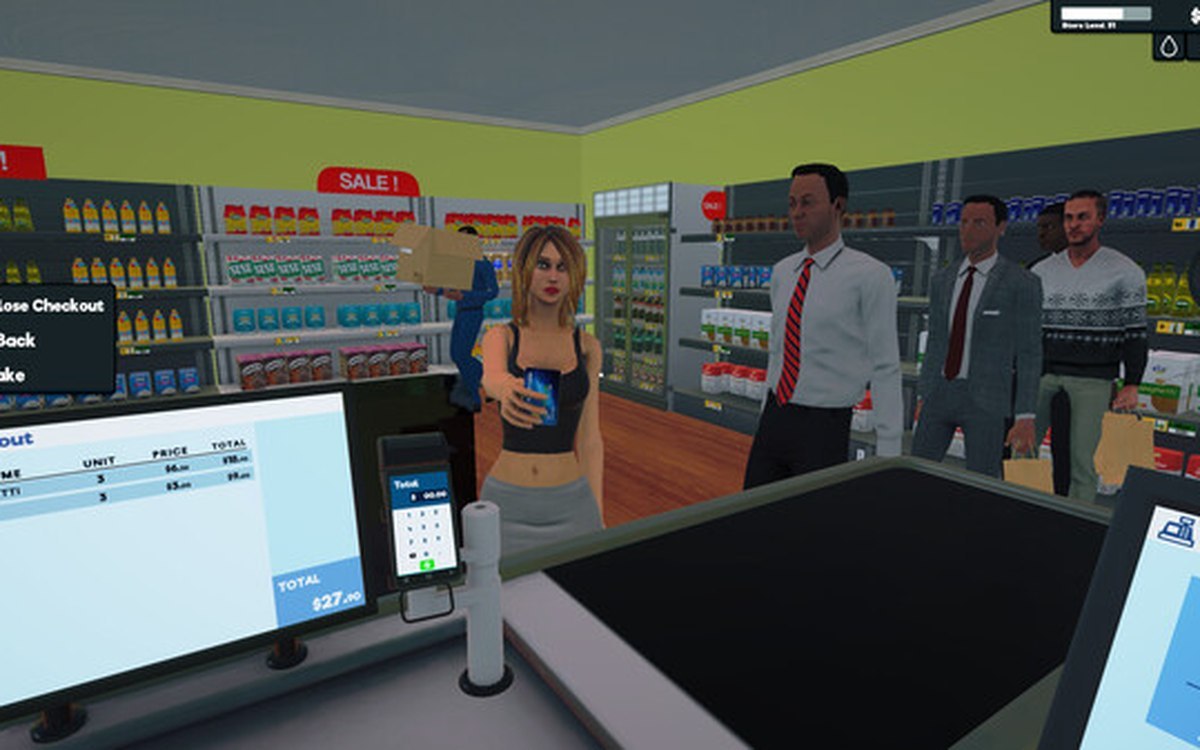 ProductsThe weighing scale and barcodesThe scale is a system of its own, with a manager, a controller and its own data.
Sources
A local copy of the game, read only. Grounding for each step is on the technical reference pages; no number is estimated.