
Guide
Choosing an entrance that suits the shop
How to change the front of a Supermarket Simulator shop, using the entrance variants, the overlay and the name sign the game provides.
Applies to
1.6.0 (223), read from the copy of the game this site was built from (see the sources page)
Before you start
- A shop you are allowed to change
- Money for the change
- A doorway customers already use
Steps
- Decide on the entrance before spending on decoration behind it.
the entrance is a system with a manager of its own - Look at the variants rather than settling for the first front you were given.
the game keeps a holder and signboards for entrance variants - Change it through the overlay rather than expecting it to swap on its own.
there is an overlay and a change item for it - Set the name sign in the same visit, since it sits on the entrance.
the entrance name has its own setter - Leave the doorway clear after rearranging the front.
the entrance is built from its own brick, wall and trim pieces
Common mistakes
- Decorating the inside and never touching the front.
- Changing the entrance and forgetting the name sign.
- Blocking the doorway after rearranging the front.
Related entries
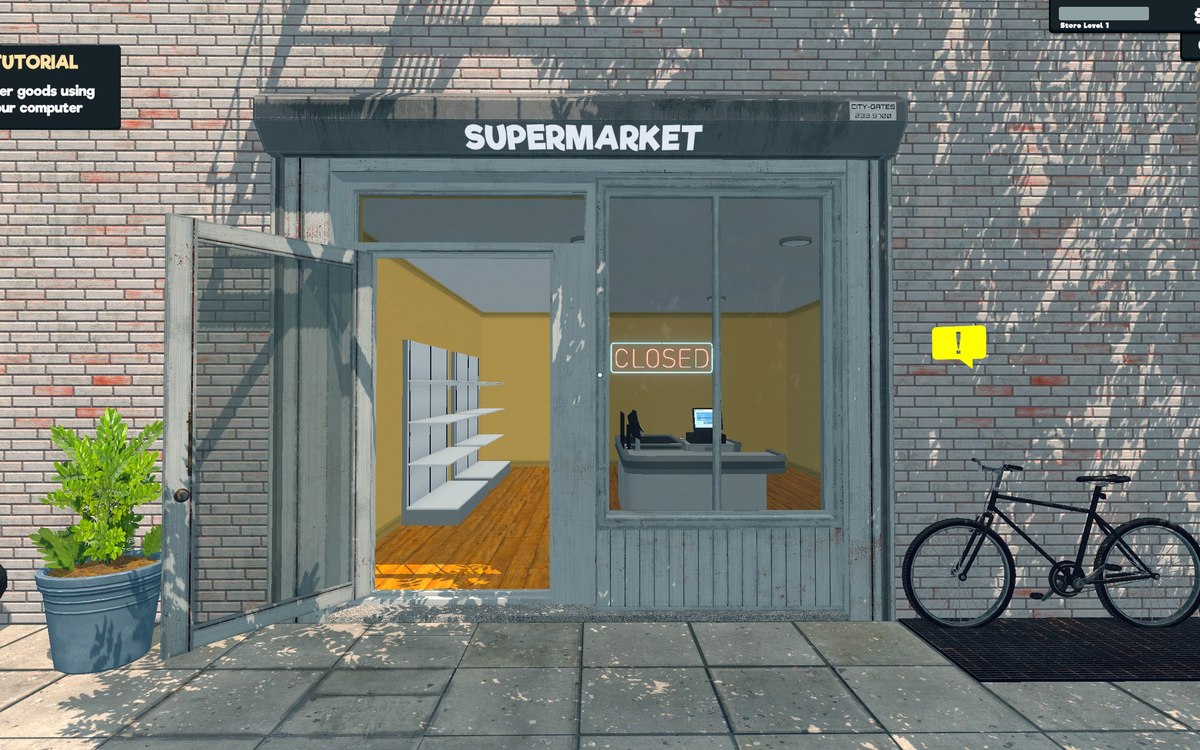 Running the shopThe shop entranceThe shop entrance is a system with a manager of its own.
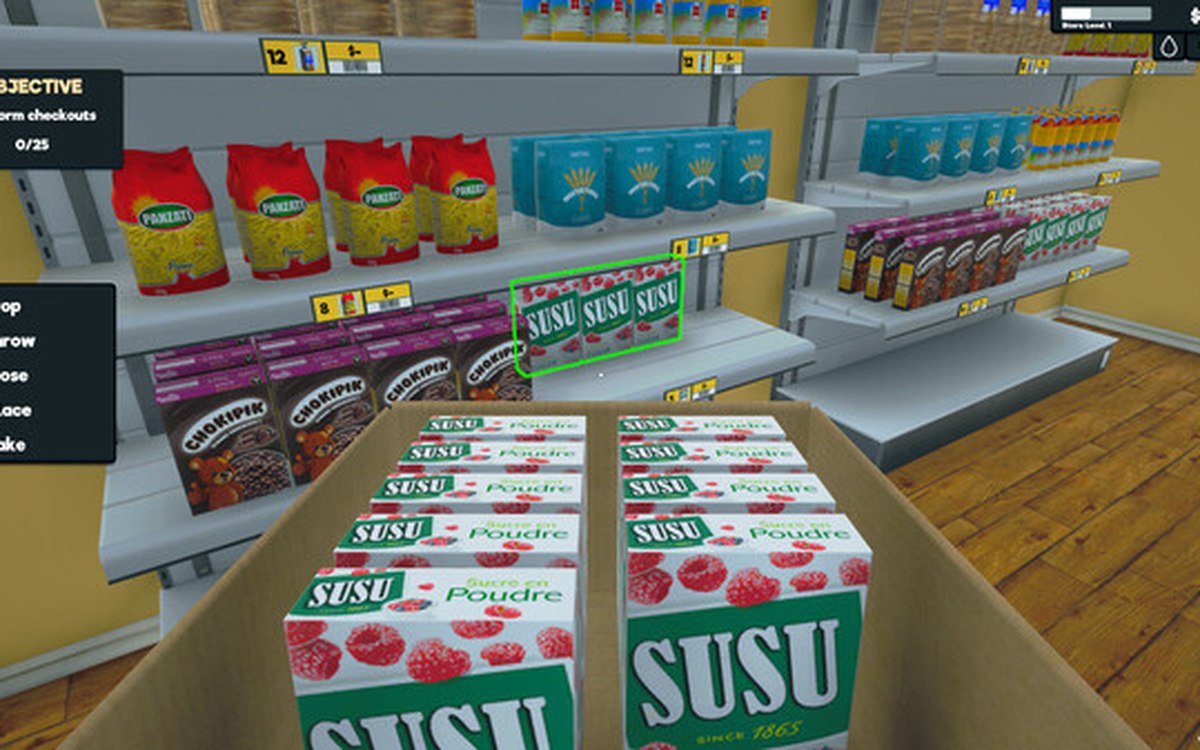 Layout and decorationSigns, labels and organising the shopCategory signs carry an icon chosen from the game's own set.
Sources
A local copy of the game, read only. Grounding for each step is on the technical reference pages; no number is estimated.