
Guide
Buying and using the bat
How to get the baseball bat into a player's hands in Supermarket Simulator, and what the game says to use it on.
Applies to
1.6.0 (223) (see the sources page)
Before you start
- Money for the market order
- A shop that has been opened for the day
- A free tool slot
Steps
- Buy the bat from the market rather than waiting to find one.
the game names a bat sale item and sets the player an objective to buy one from market - Pick it out of the tool wheel once you own it.
the game keeps a handler for the tool wheel's input hint, which is how it tells a player to hold a key and choose the bat - Aim it at the shoplifter rather than at the stock.
the game's own description says to hit the shoplifter and force them to drop the stolen items - Swing and expect the goods to fall.
the shoplifter's half of that exchange is kept in an interaction of its own - Watch the swing rather than guessing the reach.
a swing and a bat swing are named beside an idle of its own - Keep the bat in the tool wheel rather than on a shelf.
the bat has an icon of its own and a mesh with its own sheets
Common mistakes
- Looking for the bat in the shop's own stock list instead of the market.
- Carrying the bat in a hand that was needed for the counter.
- Swinging at the shelf the thief is standing next to rather than at the thief.
- Assuming a hit ends the theft rather than making the thief drop what was taken.
Related entries
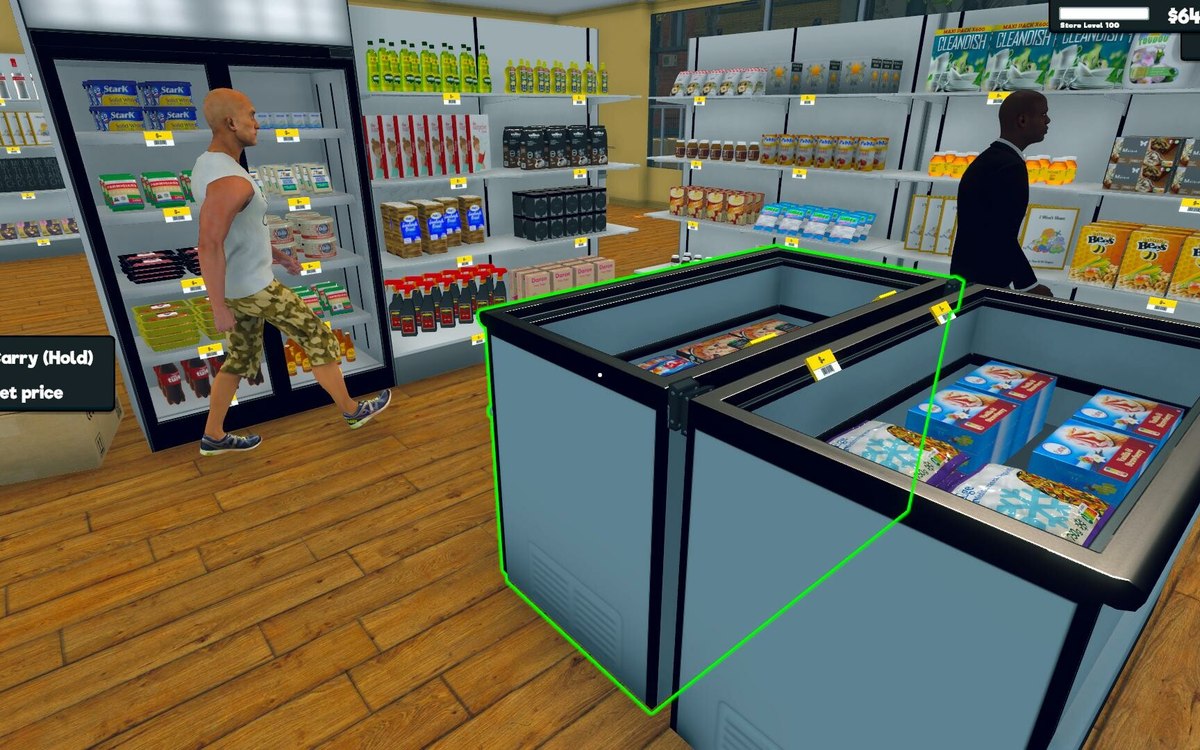 CustomersThe baseball bat and what it is forThe bat is a sale item of its own in the game, and the game sets the player an objective to buy one from the market.
 CustomersShoplifters and the door detectorA shoplifter is its own kind of behaviour in the game.
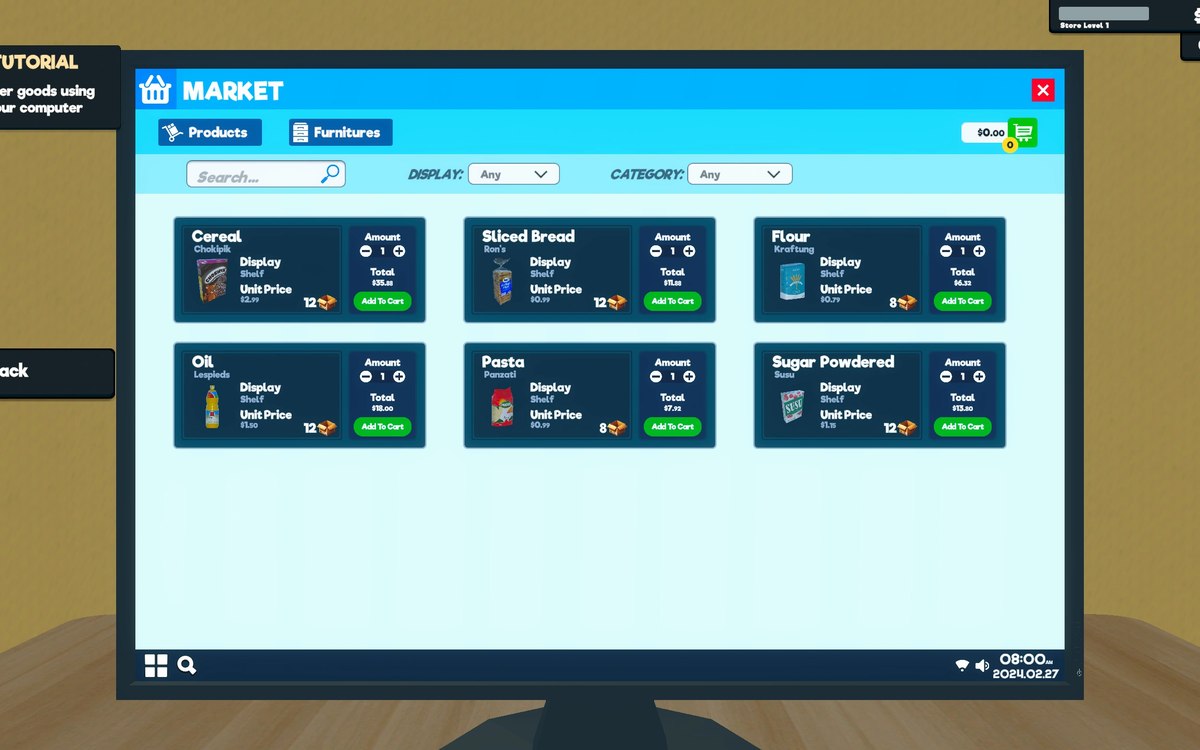 InterfaceThe list you buy fromWhat can be bought is kept as sales items with a kind of sale of its own.
Sources
A local copy of the game, read only. Grounding for each step is on the technical reference pages; nothing here is estimated.