
Guide
Buying a licence and knowing what it unlocks
What a licence actually is in Supermarket Simulator — an item with a tab, a record on each product and a difference between unlocked and active — so a purchase is understood rather than guessed at.
Applies to
1.6.0 (223), read from the copy of the game this site was built from (see the sources page)
Before you start
- Enough money for a licence
- The computer or tablet in reach
- A product line you want to sell
Steps
- Treat a licence as an item you buy rather than as a switch you flip.
a licence is bought as an item, listed in a tab of its own with an indicator for a purchase - Read the licence tab as a screen with its own layout.
the licence tab has a layout configuration of its own - Know that the connection runs the other way as well: the product carries the licence, and separately the game describes what a licence unlocks.
a product carries a licence record and there is separate data describing what a licence unlocks - Keep unlocked and active licences apart in your head.
unlocked licences and active licences are kept apart, and a set of licence numbers can be disabled - Expect the purchase to be checked rather than simply charged.
buying a licence is checked, with a store-side handle and a result, and there are add-on licences - Use the icons to scan a long licence list.
licence icons are kept on sheets grouped by kind and by range of licence numbers
Common mistakes
- Assuming a bought licence is an active one.
- Looking for a product's licence on the shelf rather than on the product record.
- Ignoring add-on licences because the main purchase looked complete.
- Hunting through a long list by name when the icons are grouped by kind and number.
Related entries
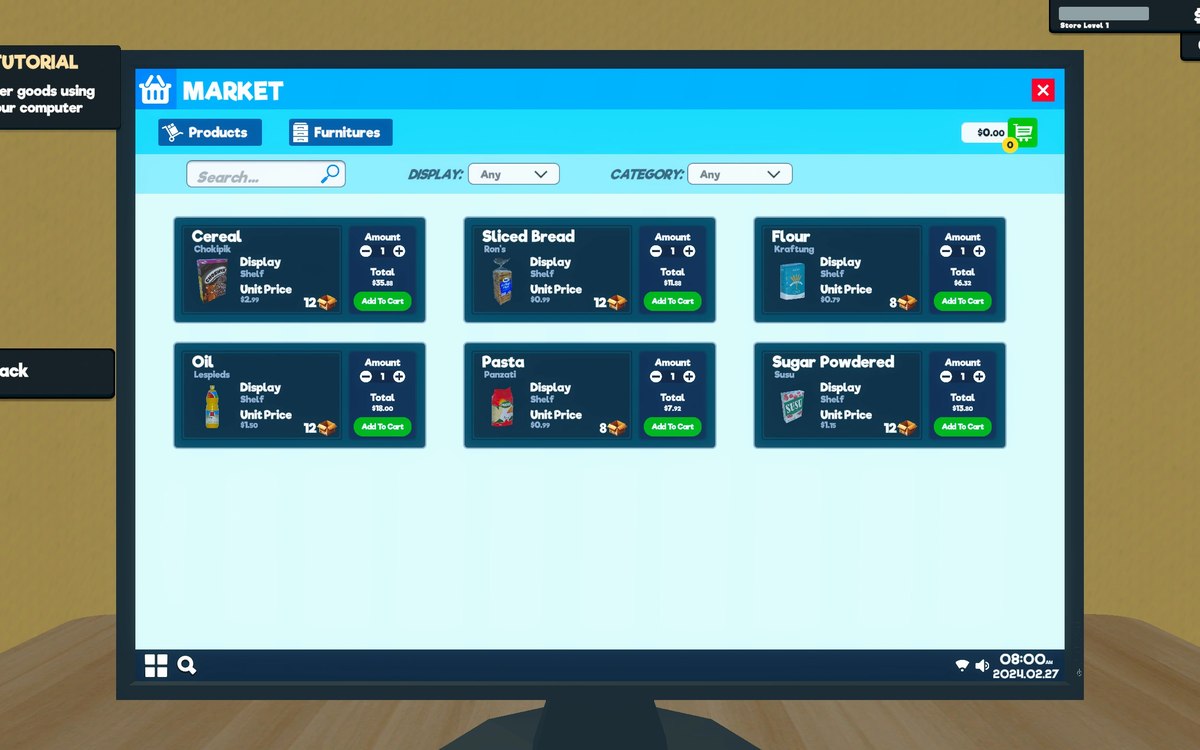 Upgrades and licencesLicence items and the icons that go with themA licence is bought as an item, listed in a tab of its own with an indicator for a purchase.
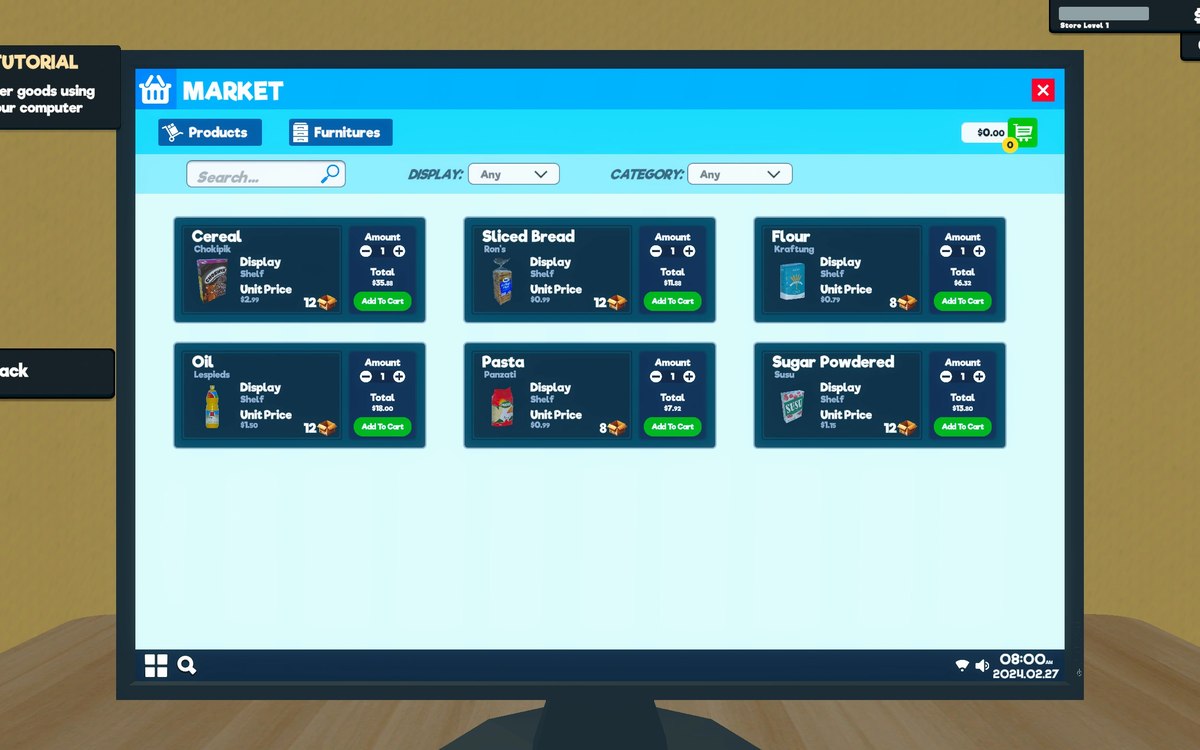 Upgrades and licencesStore upgrades and licencesLicences are separate objects in the game.
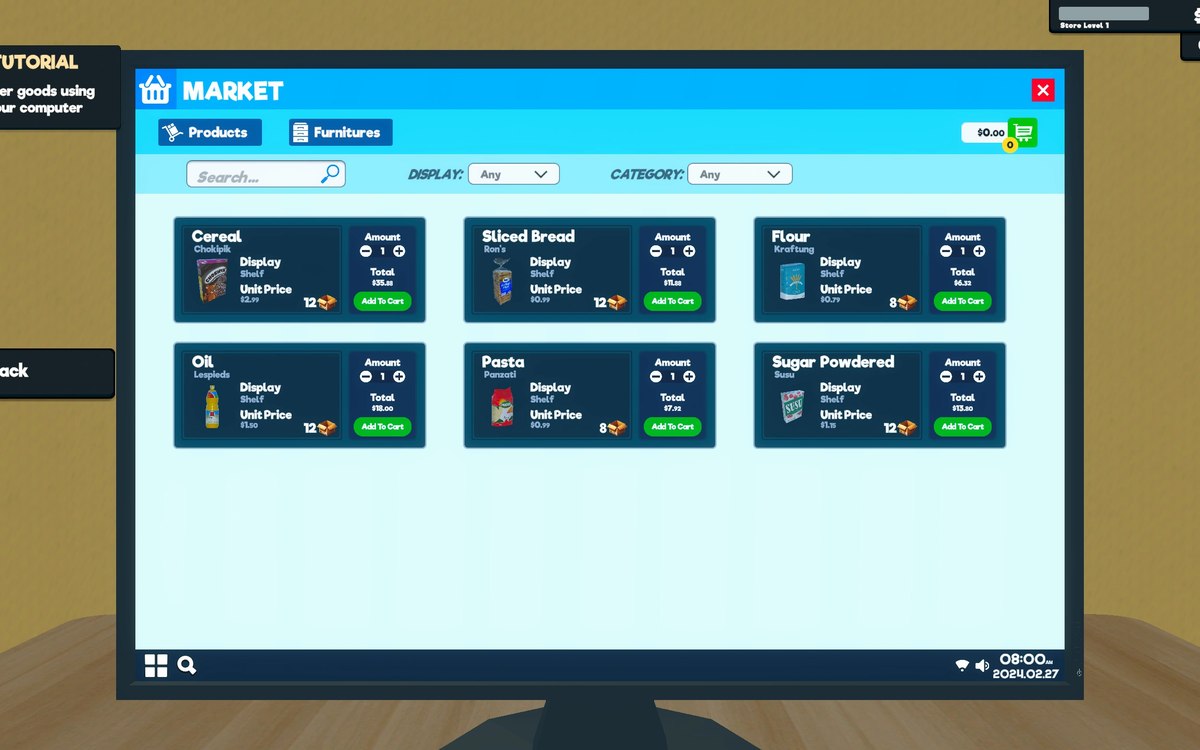 InterfaceThe list you buy fromWhat can be bought is kept as sales items with a kind of sale of its own.
Sources
A local copy of the game, read only. Grounding for each step is on the technical reference pages; no number is estimated.