
Upgrades and licences · Supermarket Simulator · read from a local copy
Licence items and the icons that go with them
A licence is bought as an item, listed in a tab of its own with an indicator for a purchase.
In Supermarket Simulator a licence is an item you buy rather than a setting you turn on: the game lists licences in their own tab, keeps unlocked and active licences apart, and ships its own icon sheets for them.
What the game establishes
- A licence is bought as an item, listed in a tab of its own with an indicator for a purchase. (checked against the game's own files)
- The licence tab has a layout configuration of its own. (checked against the game's own files)
- A product carries a licence record, and there is separate data describing what a licence unlocks. (checked against the game's own files)
- Unlocked licences and active licences are kept apart, and a set of licence numbers can be disabled. (checked against the game's own files)
- Buying a licence is checked, with a store-side handle and a result, and there are add-on licences. (checked against the game's own files)
- Licence icons are kept on sheets, grouped by kind and by range of licence numbers. (checked against the game's own files)
In play
A licence in this shop is bought as an item rather than switched on in a menu. The game has a licence item, a tab that lists licences, and an indicator that shows one has already been bought.
The licence tab has a layout of its own. There is a configuration for that layout, so the list of licences is built by the game rather than being a picture with numbers painted on it.
Products are tied to licences through their own records. A product carries a licence of its own and there is separate data describing what a licence unlocks, which is how one purchase can open a group of goods at once.
Unlocked and active are not the same list. The game keeps the licences that are unlocked apart from the ones currently active, and a set of licence numbers can be disabled, which is how a shop can hold a licence without its goods being on sale.
Buying a licence is checked before it is granted. There is a store-side handle and a result the game examines, along with add-on licences that arrive with something else, so a licence is not simply added the moment money is spent.
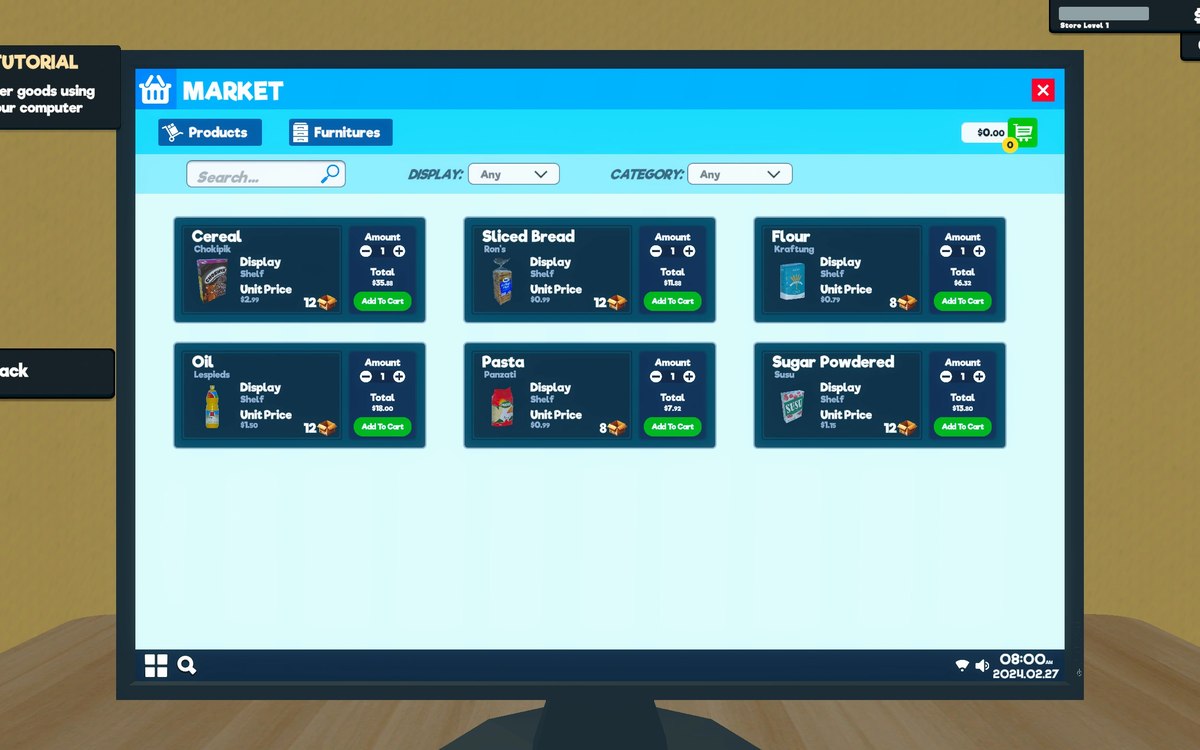
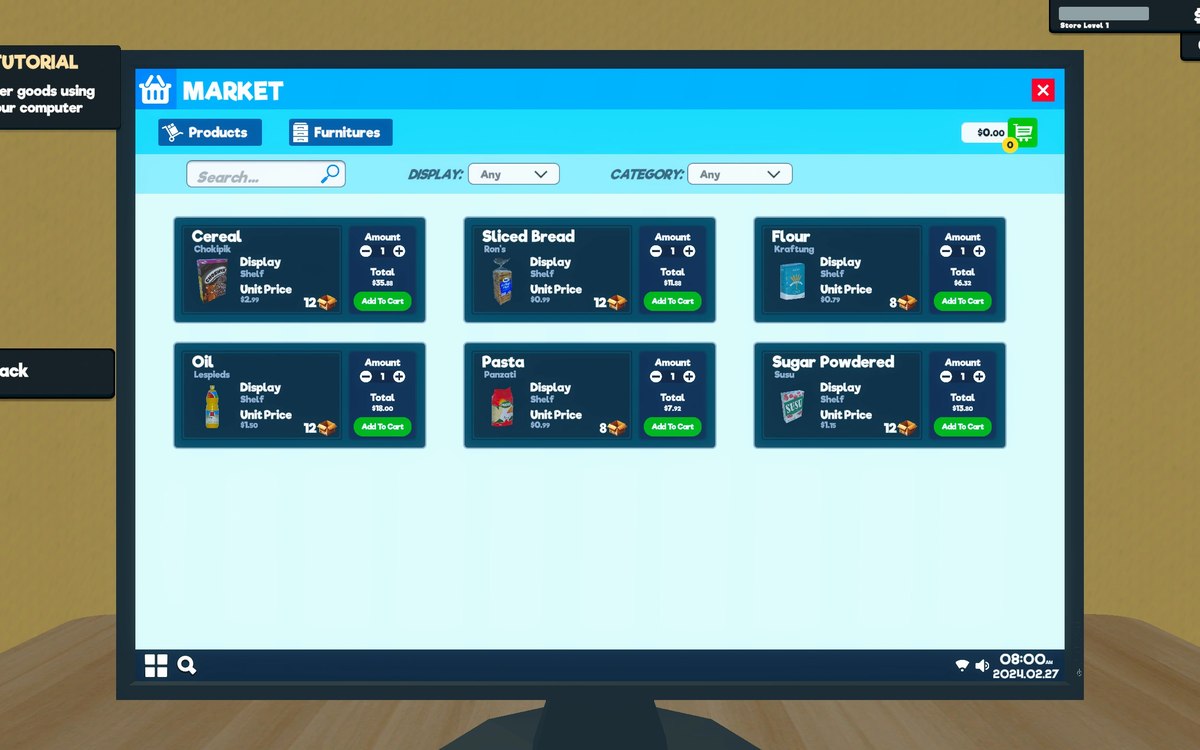
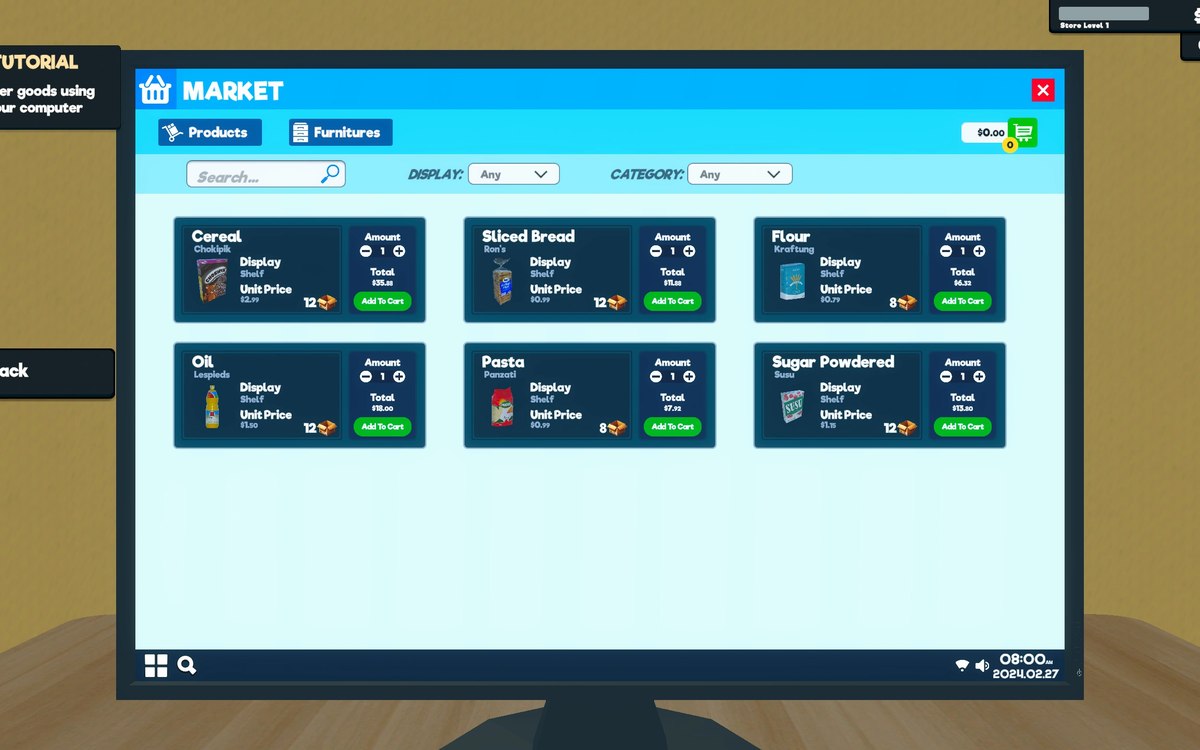
Each licence has an icon, and the icons are kept on sheets rather than one picture per file. The two sheets beside this entry are the game's own: a set of grocery product icons and the sheet it uses for fruit and vegetables.
What this entry does not tell you: what any licence costs, what each one unlocks, or the order in which they become available. We have not verified those numbers, so we do not print them.
Related
 Upgrades and licencesStore upgrades and licencesLicences are separate objects in the game.
 ProductsOrders and what you can orderOrders and their data are modelled by the game.
Version and sources
A local copy of the game, read only. The grounding for each fact is listed on the technical reference pages; nothing here is estimated. Documented build: 1.6.0 (223).