
Guide
Buying a crate without filling the back room
How to buy and open crates in Supermarket Simulator without turning the storage room into a wall of unopened stock.
Applies to
1.6.0 (223), read from the copy of the game this site was built from (see the sources page)
Before you start
- Room to put a crate down
- Money for the crate as well as for ordinary stock
- Shelves that will take what comes out
Steps
- Decide where the crate will be opened before you buy it.
a crate is an object of its own rather than a shelf - Buy it as its own purchase rather than assuming it arrives with an order.
the game has a sale item for a crate - Open it in the shop rather than leaving it sealed in the back.
a crate has an interaction for dealing with it in the world - Expect the contents to be laid out rather than all in one place.
the game keeps a numbered grid for a crate - Check the shop when you are in a shared game, since the crate is shared.
the crate interaction is carried on the network
Common mistakes
- Buying crates faster than you can open them.
- Opening one with nowhere to put the contents.
- Assuming a crate is a shelf and leaving it sealed.
Related entries
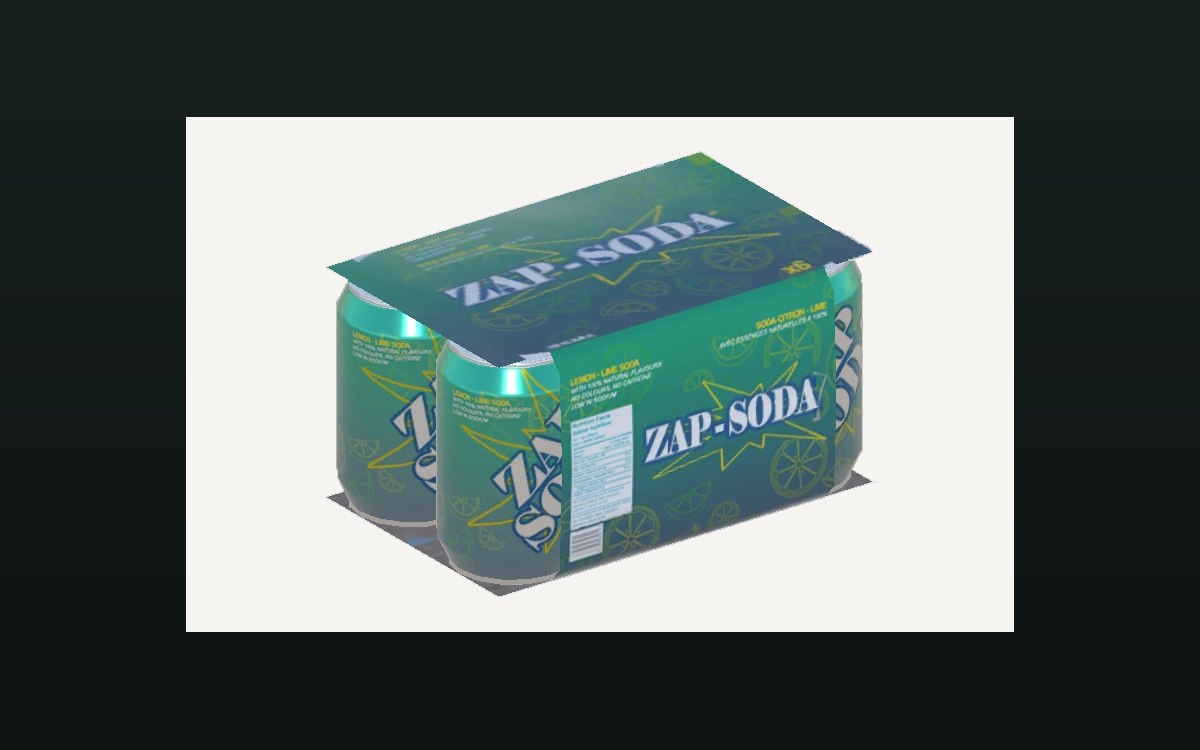 ProductsThe crates you can buyA crate is an object of its own in the game.
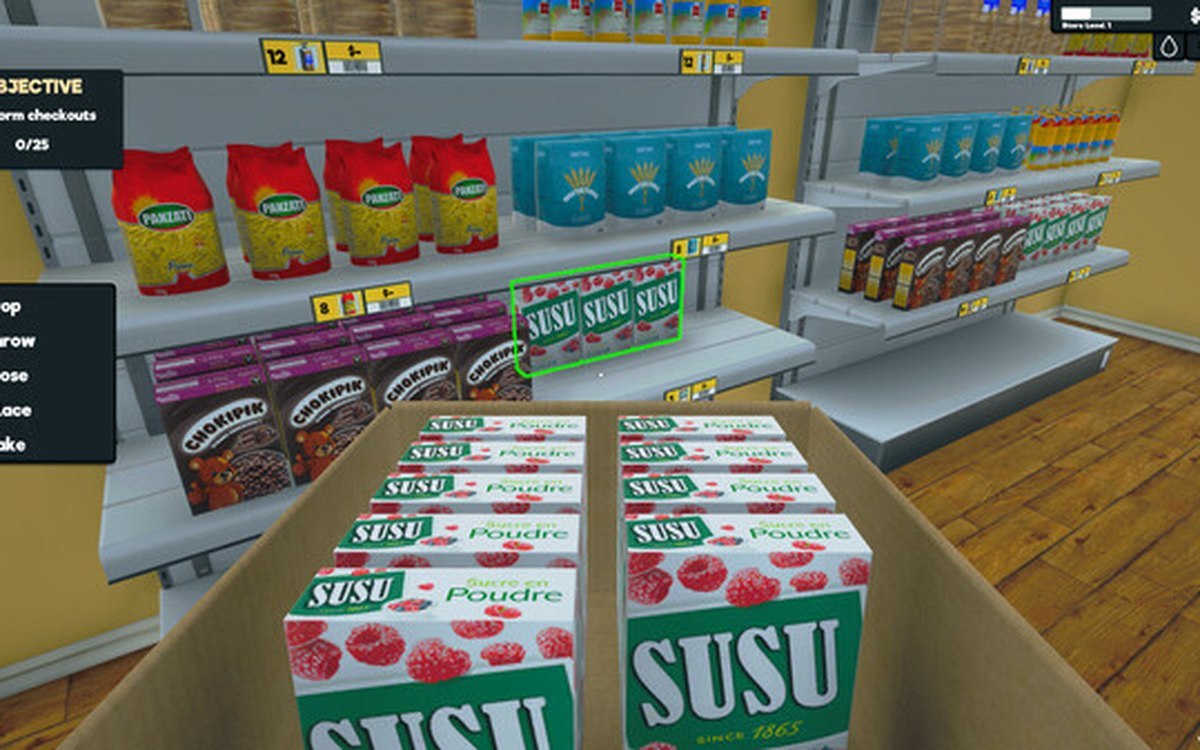 ProductsProducts and what arrives in a deliveryEvery product is identified by its own product id.
Sources
A local copy of the game, read only. Grounding for each step is on the technical reference pages; no number is estimated.