
Guide
Running the shop from the tabs
How to use the management tabs on a Supermarket Simulator computer so hiring, the shop layout and the music are dealt with once rather than in a rush.
Applies to
1.6.0 (223), read from the copy of the game this site was built from (see the sources page)
Before you start
- A computer in the shop
- Money for whatever you are changing
- A moment before the shop fills up
Steps
- Do your hiring before the shift rather than in the middle of it.
hiring has a tab of its own on the computer - Change the shop name and its doors in the same visit, not separately.
customisation covers the name and door placement together - Check what a restocker has been told to do rather than assuming they know.
the game keeps restocker management records - Set the music once and leave it alone.
music sits in a tab alongside the other management screens - Finish at the computer before customers arrive.
the computer is a placed object you have to walk to
Common mistakes
- Hiring in the middle of a rush.
- Moving the doors and forgetting the shop name.
- Assuming a restocker needs no instructions.
Related entries
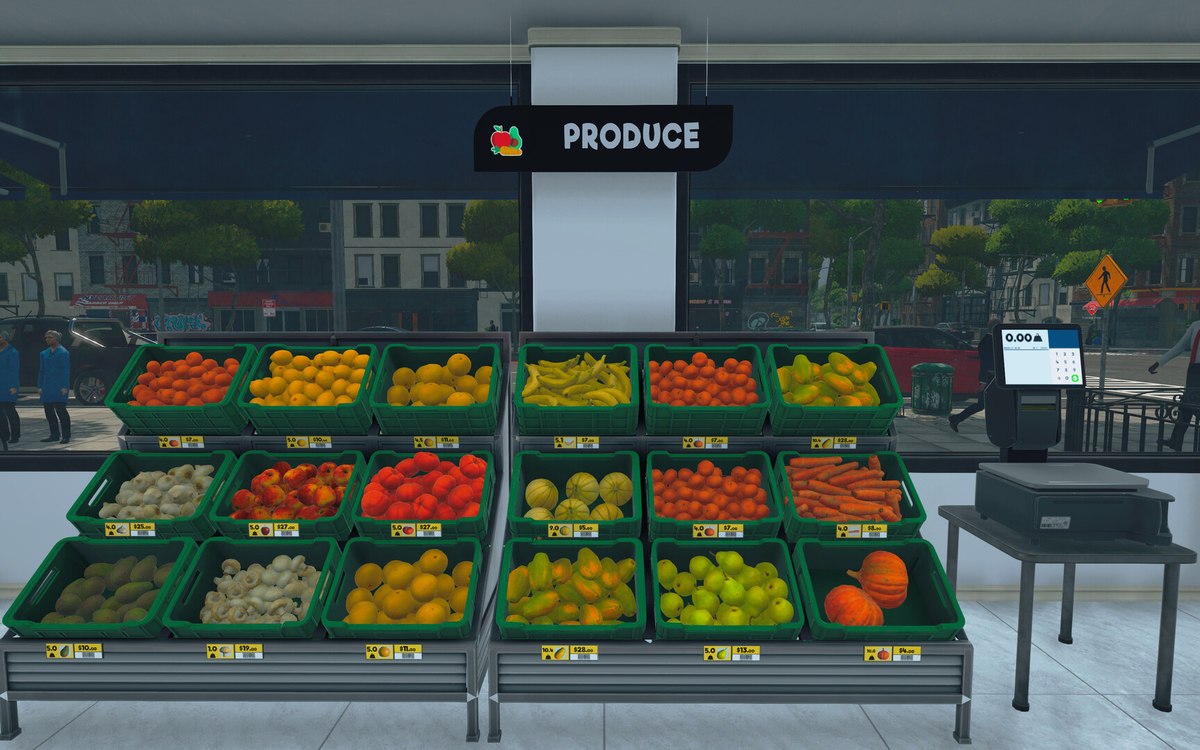 Running the shopThe management tabs on the computerThe computer keeps its functions in separate tabs.
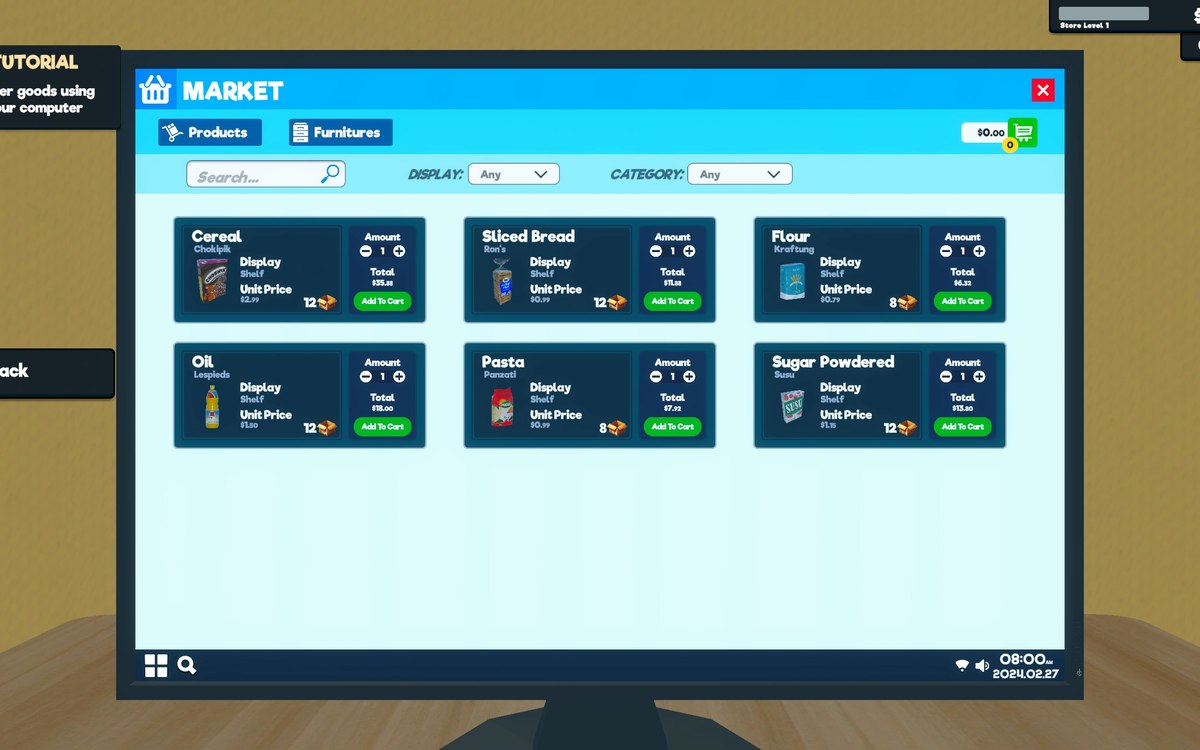 Running the shopThe shop computerThe shop computer is an object of its own with its own desk.
Sources
A local copy of the game, read only. Grounding for each step is on the technical reference pages; no number is estimated.