
Guide
Playing with a controller without losing the prompts
How to move Supermarket Simulator onto a controller without fighting the interface: what the game redraws for you, why a screen can still show key pictures, how a menu is walked, where typing goes, and where vibration actually comes from.
Applies to
1.6.0 (223), read from the copy of the game this site was built from (see the sources page)
Before you start
- A shop that is open and running
- A controller connected and recognised by the machine
- A screen you can watch the prompts change on
Steps
- Switch to the pad and let the game redraw the prompts rather than rebinding anything first.
the game carries a switch and a deeper switch for the pad along with an icon switcher, so what is shown for an action is chosen rather than bound by hand - If one screen still shows key pictures, look at that screen's layout before you touch your bindings.
there is a dispatcher for the pad layout, so a screen can be toggled for a pad separately from the global switch - Expect to walk through a menu instead of pointing at it.
menu items are made selectable for a pad and the focus is checked, which is why a selection moves down a list rather than a pointer sweeping across it - When something will not become selectable, look for a missing selectable parent rather than rebinding the button.
selectable parents are what make a list behave under a pad, and there is even a separate one for a bill entry - Keep the controller in your hands when a name or a search needs text.
text entry is handed to a virtual keyboard while a pad is in use rather than forcing you back to the keyboard - Judge vibration by the game's own haptic settings, not by the pad's.
there is a haptic manager with patterns, durations and a preset configuration behind it, so what the pad does is chosen by the game - Do not assume one screen's behaviour carries to the next.
whole screens have handlers of their own, including the vending machine, its computer slot and its individual slots - Expect the buying screens to rearrange themselves for the pad.
the sale items for furniture, paint, produce and loans each carry a pad adjuster of their own - Treat a missing button picture as a prompt problem rather than a lost input.
the game ships its own button pictures for the prompts it draws
Common mistakes
- Rebinding buttons when the screen only needed its pad layout toggled.
- Expecting a pointer-style menu when the pad walks through selections.
- Calling a list broken when it simply has no selectable parent.
- Judging vibration by the pad's own software instead of the game's haptic settings.
Related entries
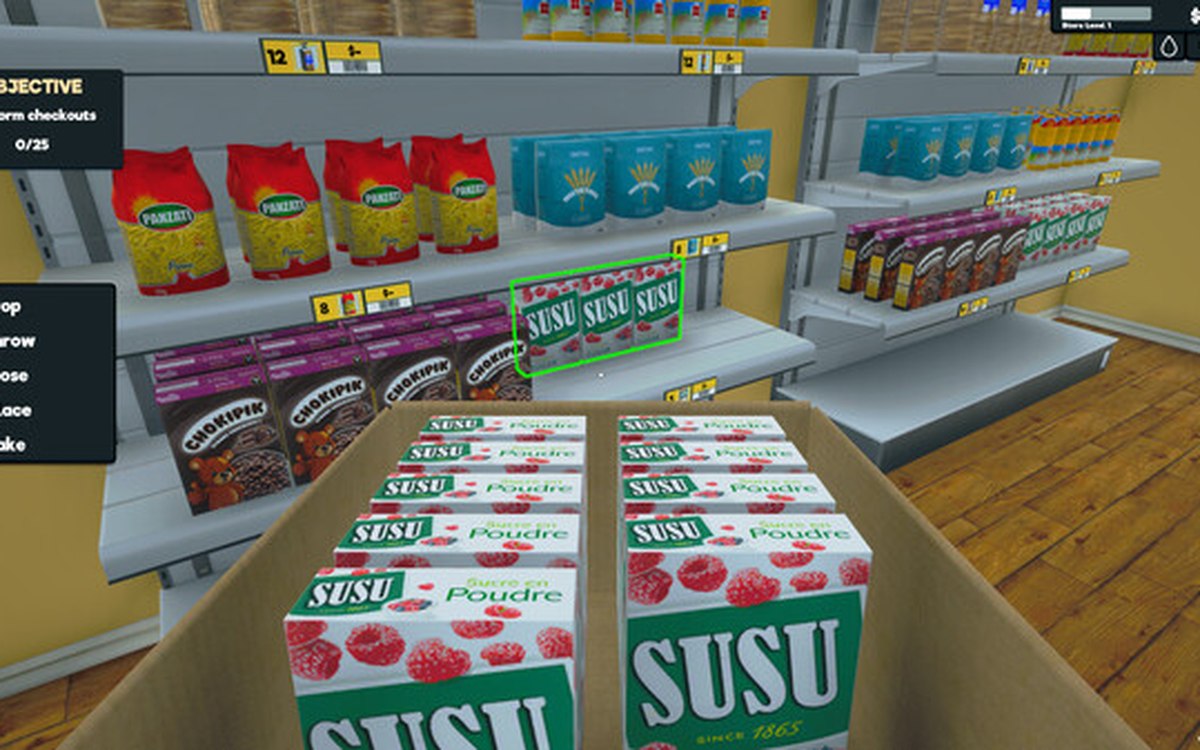 InterfacePlaying with a controllerThe game has a controller input manager and its own set of pad interface functions.
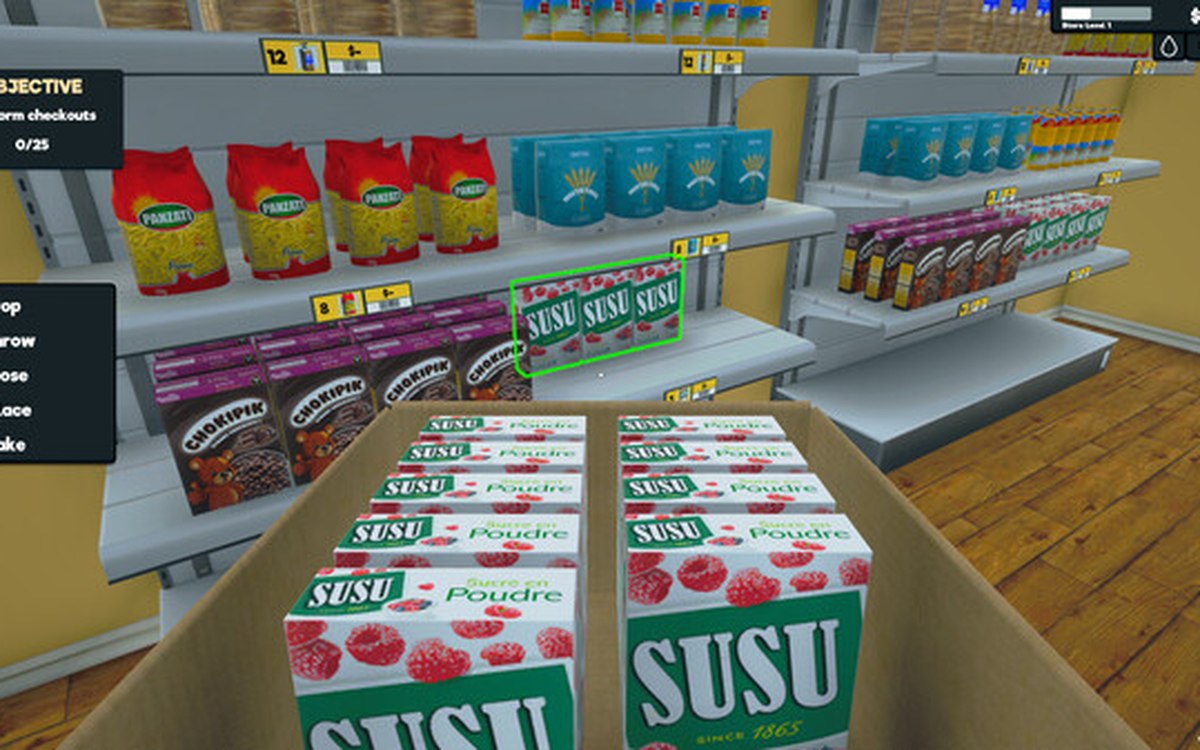 InterfaceThe devices the game can shakeThere is a base haptic device with an interface behind it.
Sources
A local copy of the game, read only. Grounding for each step is on the technical reference pages; no number is estimated.