
Guide
Painting the shop floor without wrecking your layout
How to change the shop floor in Supermarket Simulator using the game's own floor painting behaviour, and what to get out of the way before you start.
Applies to
1.6.0 (223), read from the copy of the game this site was built from (see the sources page)
Before you start
- A shop floor you own and can walk on
- A floor box available to you
- Shelving you are willing to move or work around
Steps
- Get hold of a floor box before you plan the colour, and keep it with you while you paint.
the floor is painted from a box you handle rather than from a menu - Move or work around the shelving instead of painting straight through it.
the floor is a surface the game repaints, so clutter in the way is what you will be working around - Paint one stretch, walk back and look at it, then carry on.
the texture you choose is stored separately from the surface, and it is what you pick that gets remembered - Treat a second coat as a proper repaint rather than a touch-up.
the game keeps the previous floor as its own record, which is what a repaint replaces - Finish the floor before you restock for the day.
the floor change is saved with the shop, so leaving it half done leaves the shop saved half done
Common mistakes
- Starting to paint with shelves and boxes still in the way.
- Assuming a floor change is free or instant.
- Repainting the whole shop on your busiest day instead of one section at a time.
Related entries
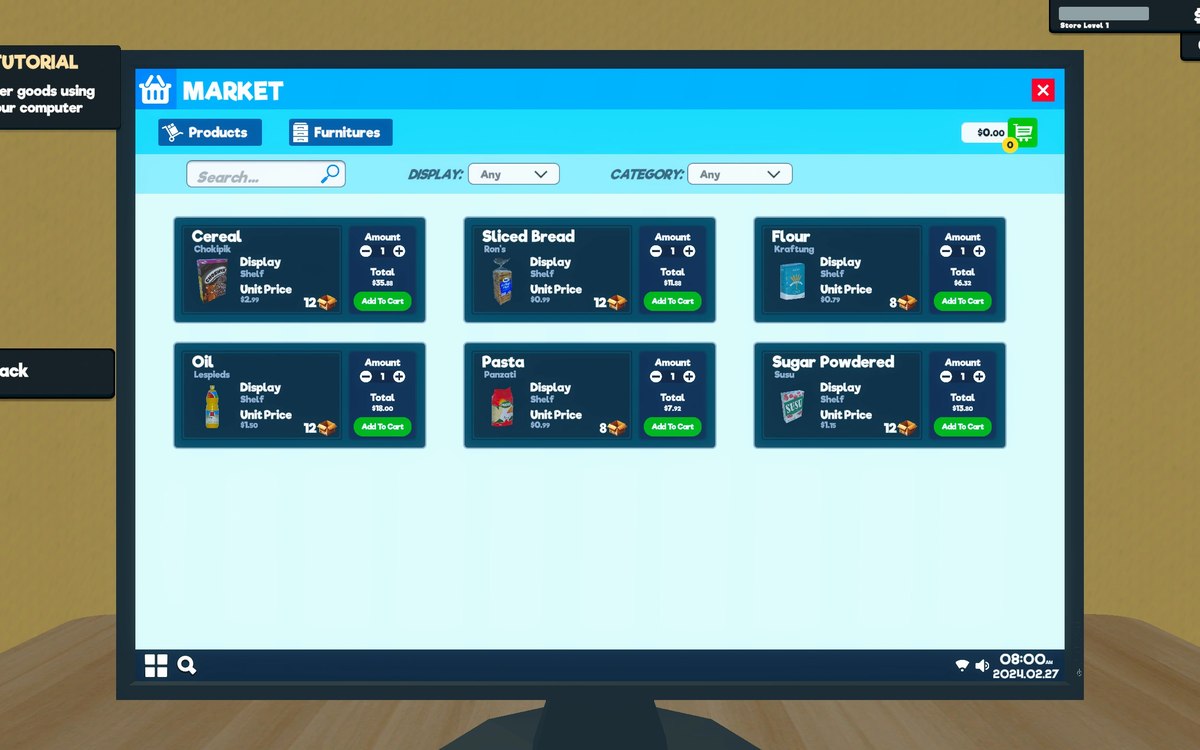 Upgrades and licencesStore upgrades and licencesLicences are separate objects in the game.
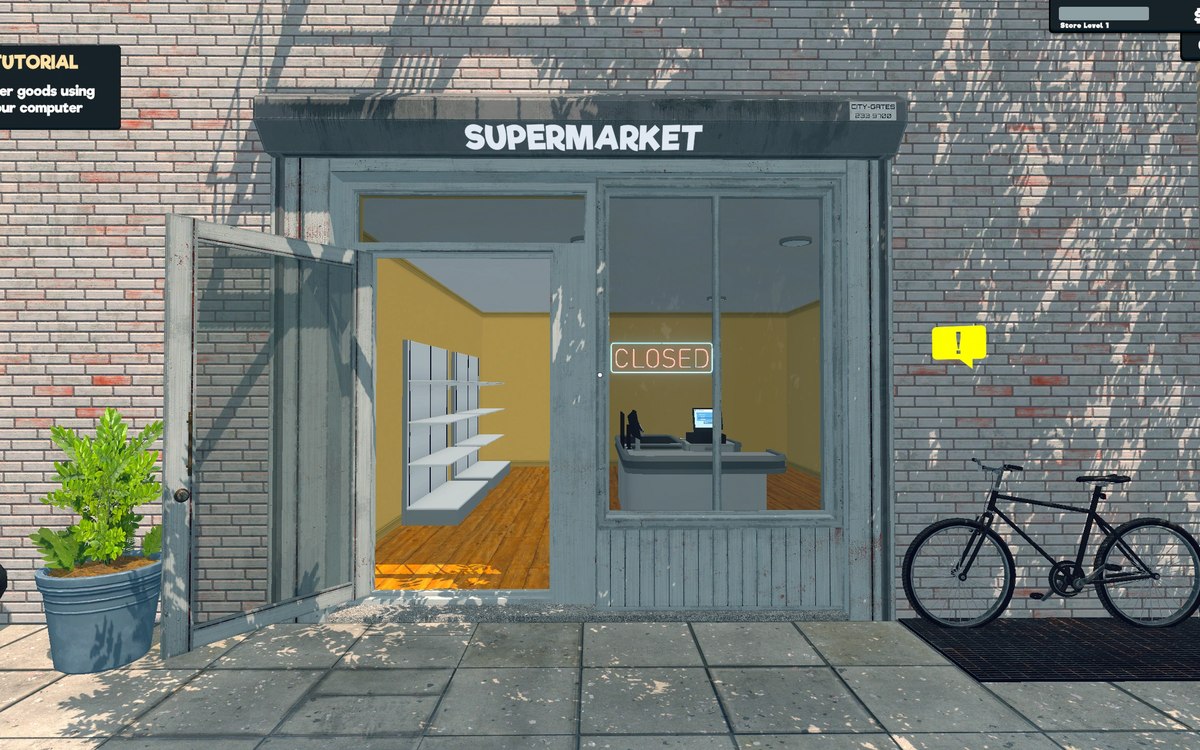 Running the shopFurniture and shop layoutFurniture arrives in a box that has to be handled before the piece can be used.
Sources
A local copy of the game, read only. Grounding for each step is on the technical reference pages; no number is estimated.