
Guide
Painting the floor and naming the shop
How to change how a shop in Supermarket Simulator looks: the floor is painted with a tool you hold and saved as a surface of its own, and the shop's name is a networked overlay that sizes itself.
Applies to
1.6.0 (223), read from the copy of the game this site was built from (see the sources page)
Before you start
- A floor box with the floor pattern you want to paint
- Enough money put aside for the floor you choose, and for repainting later
- A shop name you are happy for the whole crew to see
Steps
- Treat the shop's floor as work you do in the room rather than a setting you switch.
the floor is a surface the game keeps and paints, and the work is done with a box you hold - Choose from the floor patterns the game ships rather than expecting a free colour picker.
floor patterns are stored as their own textures and types - Expect a repaint to replace the floor you had rather than to stack on top of it.
the game keeps the previous floor as a record of its own - Paint again later without fearing the change is lost overnight.
the floor and its box are both saved - Look for the shop's name over the shop rather than in a corner of a menu.
a name is drawn on an overlay of its own - Name the shop knowing everyone in a shared shop reads the same name.
the customisation behind a name is networked - Type a long name without expecting it to run off the sign.
a font sizer fits a name to its space, and text can size itself so a translation of another length still fits - Treat tidiness as part of how the shop reads to the game, not only to the eye.
cleanliness is tracked against the shop's standing
Common mistakes
- Expecting a colour wheel when the game gives you the floor patterns it ships.
- Repainting without knowing the previous floor is kept as a record of its own.
- Assuming a name you set stays private to you in a shared shop.
- Treating cleaning as cosmetic when the shop's standing is what the game records.
Related entries
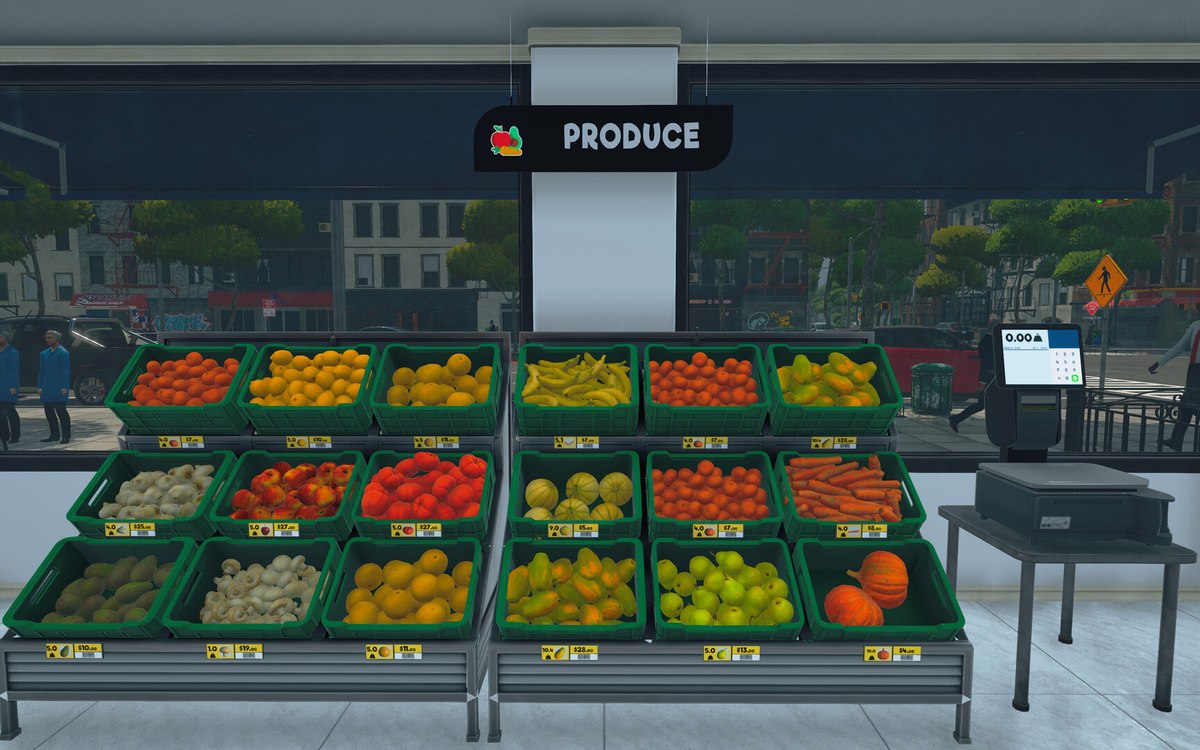 Layout and decorationFloors and floor paintingThe shop floor is a surface the game lets you paint, not a fixed part of the building.
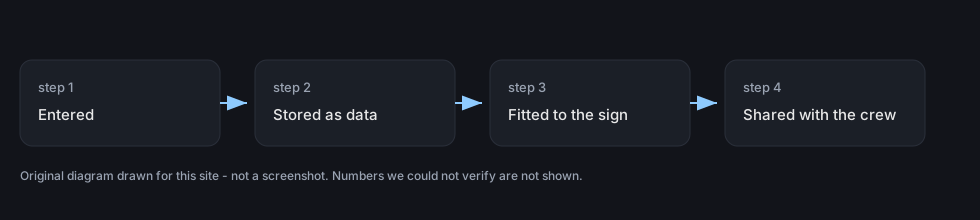 InterfaceWriting a name that fitsA name belongs to a customisation system with a manager, its own data and its own items.
 Running the shopCleanliness and the shop's standingCleanliness is tracked against the shop's standing.
Sources
A local copy of the game, read only. Grounding for each step is on the technical reference pages; no number is estimated.