
Guide
Growing the shop in the right order
How to spend on growth in Supermarket Simulator when the shop level, the upgrades and the storage each move on a track of their own.
Applies to
1.6.0 (223), read from the copy of the game this site was built from (see the sources page)
Before you start
- A shop trading well enough to spend on
- Some stock already in the back room
- An idea of what is actually limiting you today
Steps
- Work out whether the limit is shelf space or back-room space before buying anything.
storage has an upgrade level of its own, separate from the shop's - Buy storage when you are turning stock away, not when a shelf is merely untidy.
storage has to be purchased rather than arriving with the shop - Read the upgrade figure as the next step rather than as where you already are.
the upgrade level and its cost are tracked apart from the current level - Check what you have already bought instead of paying for it twice.
the game marks purchases you have already made - Spend on growth before you spend on how the shop looks.
the shop's level is tracked separately from its appearance
Common mistakes
- Buying decoration while the back room is overflowing.
- Assuming storage grows by itself as the shop levels up.
- Buying a licence that is already marked as bought.
Related entries
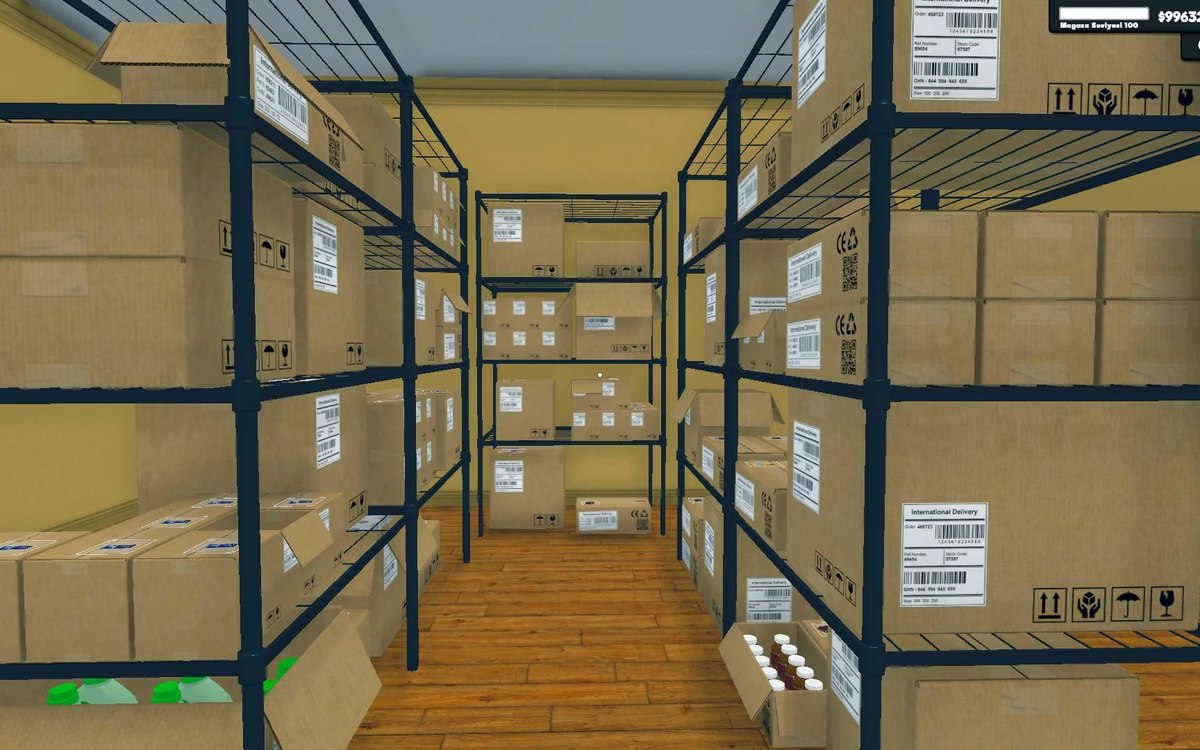 Upgrades and licencesRaising your storage and shop levelThe shop's level is run by a manager of its own.
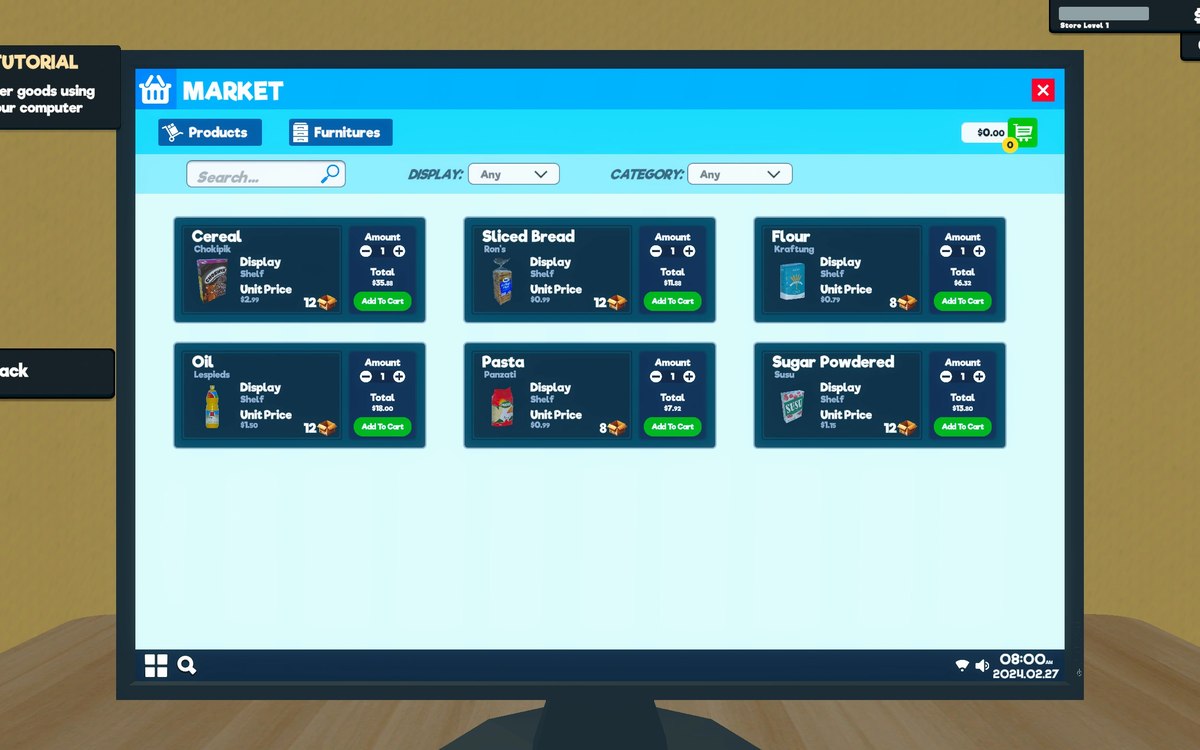 Upgrades and licencesStore upgrades and licencesLicences are separate objects in the game.
Sources
A local copy of the game, read only. Grounding for each step is on the technical reference pages; no number is estimated.