
Guide
Getting music into the shop
How to put music into a Supermarket Simulator shop using the player, the speakers and the tab the game already provides.
Applies to
1.6.0 (223), read from the copy of the game this site was built from (see the sources page)
Before you start
- A computer in the shop
- Money for a speaker
- A spot customers actually walk past
Steps
- Decide where the speakers go before you buy them.
speakers are placed objects with a manager of their own - Set what is playing at the computer rather than expecting it to change itself.
the music player has a tab among the management screens - Check that a speaker you have placed is set up, not merely switched on.
the game keeps a record for a speaker of its own - Expect the choice to be shared in a joint shop.
the music player is carried on the network - Plan speakers as fittings rather than as an afterthought.
they are ordinary electrical devices like the rest
Common mistakes
- Buying speakers and putting them where nobody walks.
- Looking for the track list in settings rather than at the computer.
- Expecting each player to hear something different.
Related entries
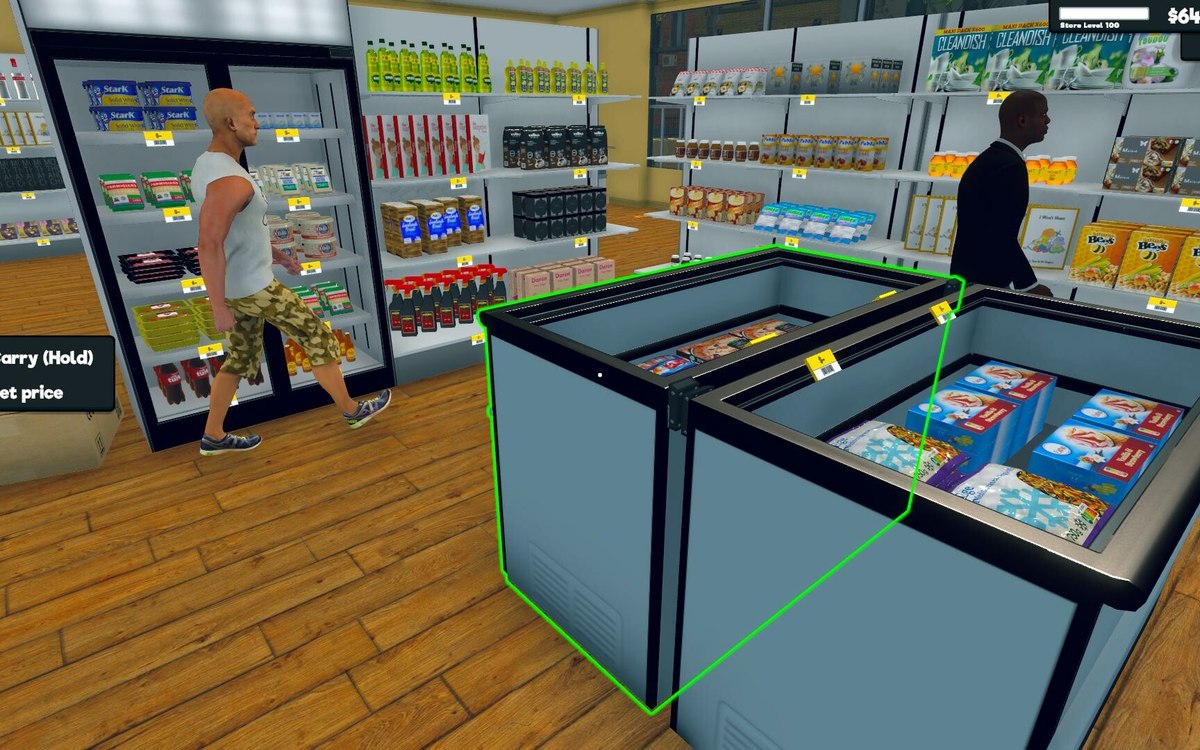 Running the shopMusic in your shopThe game runs music through a player manager of its own.
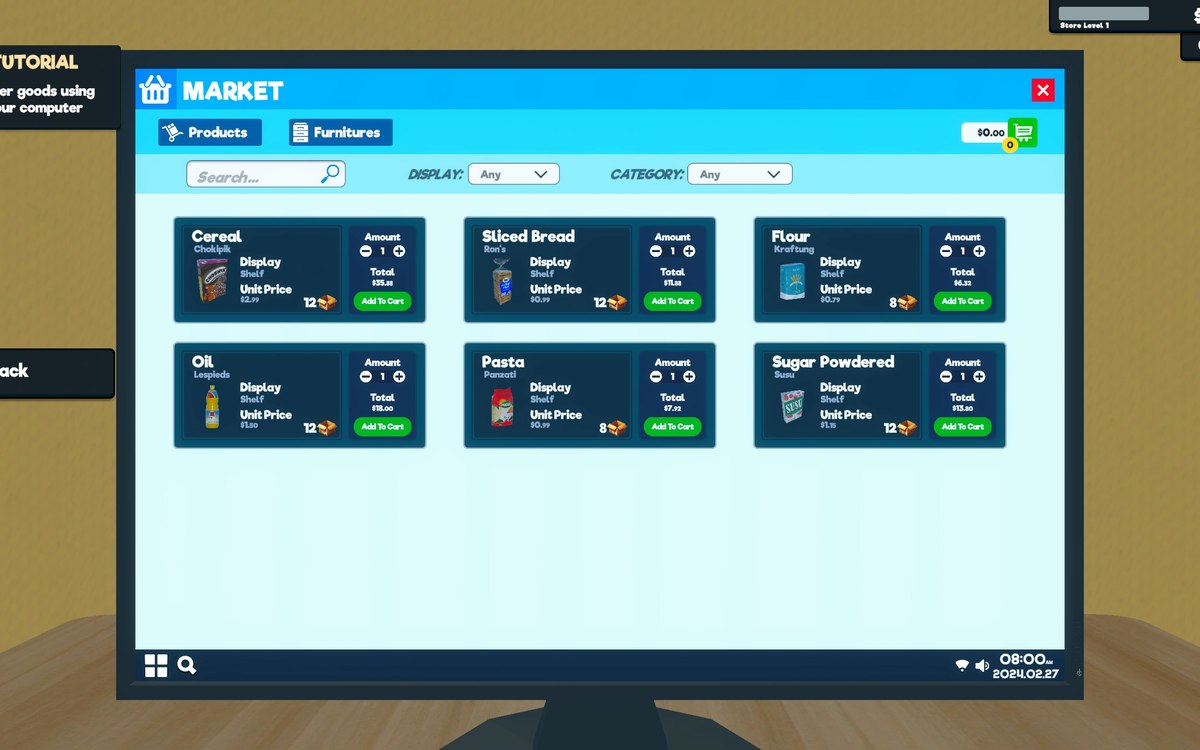 Running the shopThe shop computerThe shop computer is an object of its own with its own desk.
Sources
A local copy of the game, read only. Grounding for each step is on the technical reference pages; no number is estimated.