
Guide
Fitting out the chilled side
How to put the chilled part of a Supermarket Simulator shop together, given that fridges and freezers come in sizes and colourways, that the chiller carries display slots of its own, and that the build ships the pieces as named artwork.
Applies to
1.6.0 (223) (see the sources page)
Before you start
- Room along a wall or an aisle end
- Enough money for the size you actually need
- Chilled stock on the way
Steps
- Choose the size the aisle can take before you choose the one you like.
the chillers are named in sizes, a mini, a medium and a double fridge, and a single, a double and a triple freezer - Put chilled goods in the chiller rather than on an ordinary shelf.
the chiller has display slots of its own, one named for a fridge and one for a freezer (Display Slot (Fridge), Display Slot (Freezer)) - Match the chiller's colour to the furniture around it.
each size is named again in twelve colourways, from dune to viola - Keep the freezer for what is actually frozen and the fridge for the rest.
the freezers are named as their own line, a single, a double and a triple - Do not expect a wall finish to repaint the chiller: its surfaces are its own.
the fridge has a body sheet, a normal map and an emissive sheet, with a trim sheet beside them
Common mistakes
- Buying the biggest freezer and then finding no aisle wide enough for it.
- Treating the chiller as decoration instead of as where the chilled goods go.
- Leaving one grey chiller among colour-matched furniture.
- Putting frozen goods in a fridge because the two look similar from the front.
Related entries
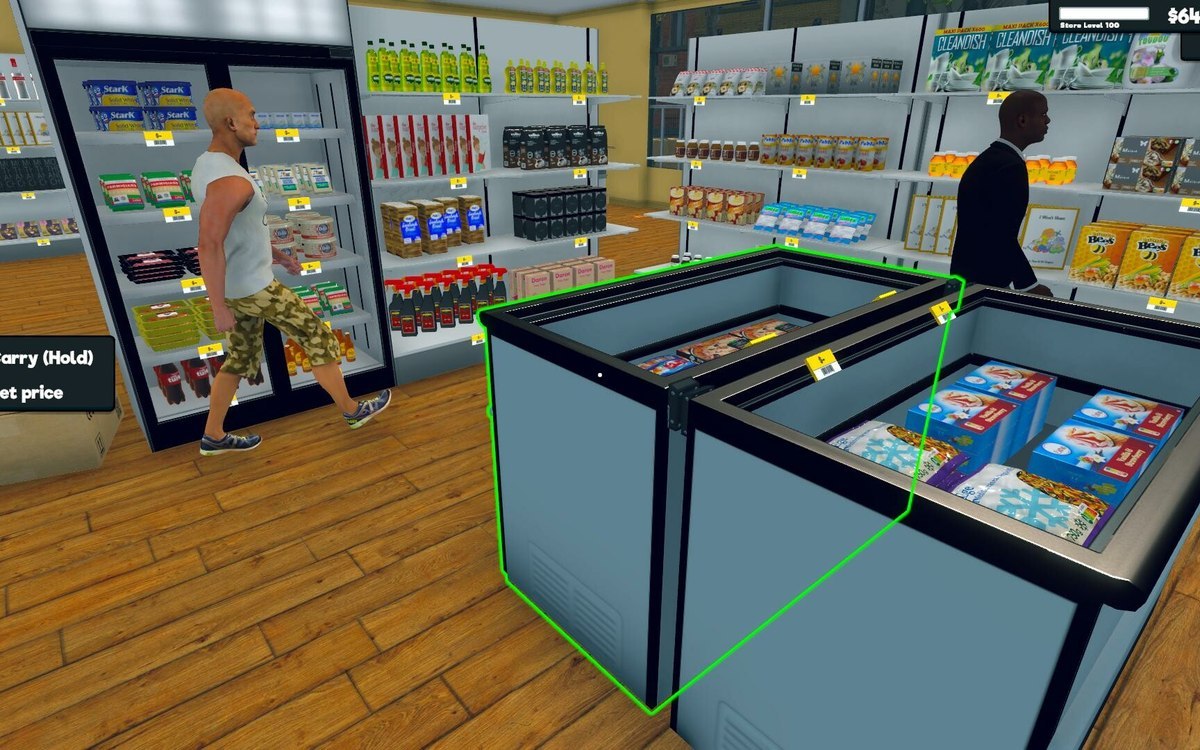 Running the shopThe fridges and freezersThe chillers are named in sizes: a mini, a medium and a double fridge, and a single, a double and a triple freezer.
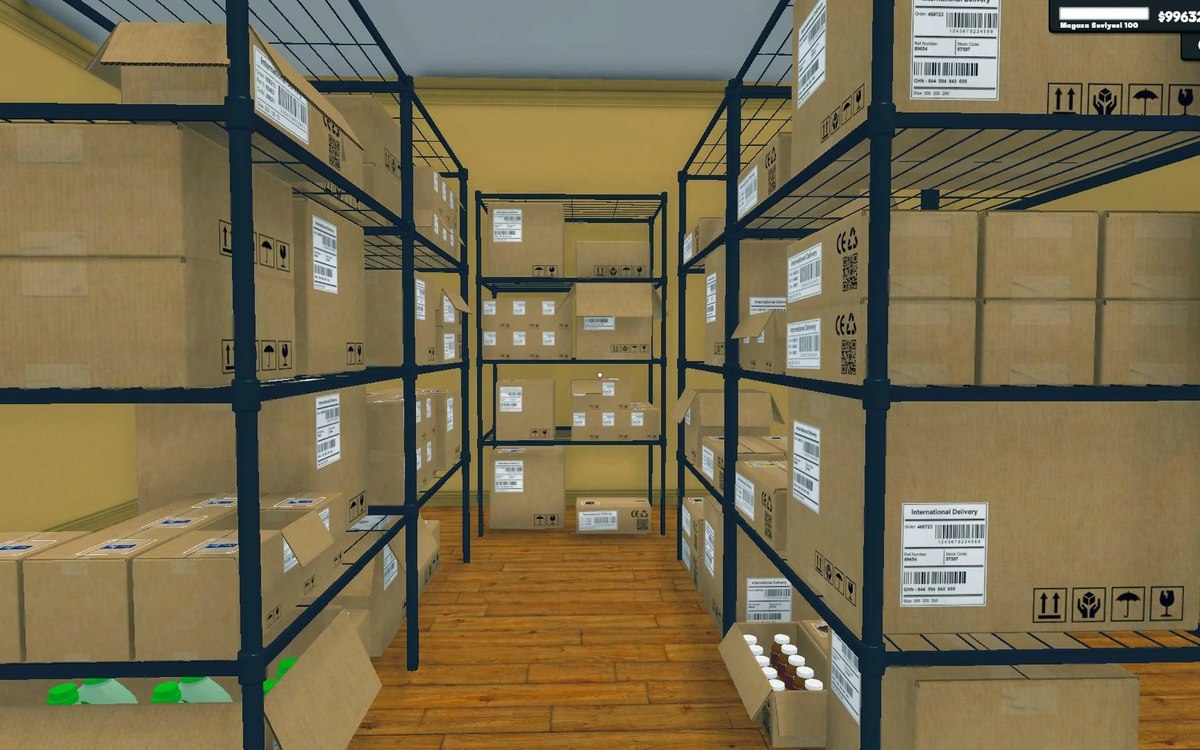 Shelves and stockShelf slots and display spaceA shelf is made of rack slots with records of their own.
Sources
A local copy of the game, read only. Grounding for each step is on the technical reference pages; no number is estimated.