
Guide
Closing the shop and keeping what you earned
How a day ends and how a shop is kept in Supermarket Simulator: ending the day as its own action, the takings and the clock that lead up to it, the save written in chunks, the mess and fixtures that are saved with it, and the reset that a loaded shop goes through.
Applies to
1.6.0 (223), read from the copy of the game this site was built from (see the sources page)
Before you start
- A shop that is open with at least one day traded
- A sale or two behind you so there are takings to close on
- Somewhere to be when the day ends
Steps
- End the day as an action rather than waiting for it to stop on its own.
moving to the next day is its own interaction, so closing up is something you do rather than something that happens to you - Read the day's takings before you move on.
the game tracks a daily profit and has a place to display it, so the day ends with a figure rather than a guess - Watch the clock and how far through the day you are while you trade.
the game updates a clock and shows the time, and it tracks the day's percentage, which is how much of the day is left rather than only what hour it is - In a shared shop, expect everyone to close up together.
the day cycle is carried on the network, so the crew shares one day rather than each having their own - Treat the shop as written in pieces rather than in one block.
the save is handled by its own handler and helper around a root record, and it is written in chunks - Do not leave a mess expecting it to be cleaned by closing the game.
dirt, dust and rubbish each have save records of their own, so what you left behind is part of the shop that is stored - Expect fixtures to be saved as well as stock.
floors and security cameras have their own records in the save rather than being rebuilt from the shop's defaults - Expect a loaded shop to be reset rather than the game restarted.
there is a hub for resetting the shared services the game uses, which is how a saved shop can be brought back in place - Expect the game to bring an older shop forward when the build changes.
the game keeps a changelog updater, so a save made on an older build is handled rather than refused - Expect the managers to restore what they own when a shop loads.
money, stock and licences are held by managers of their own that a save has to put back
Common mistakes
- Closing the game part-way through a day and expecting it to close as a finished one.
- Leaving dirt and rubbish behind and expecting a reload to clear them.
- Assuming a shop saved on an older build cannot be loaded.
- In a shared shop, expecting one player to be on a different day from the others.
Related entries
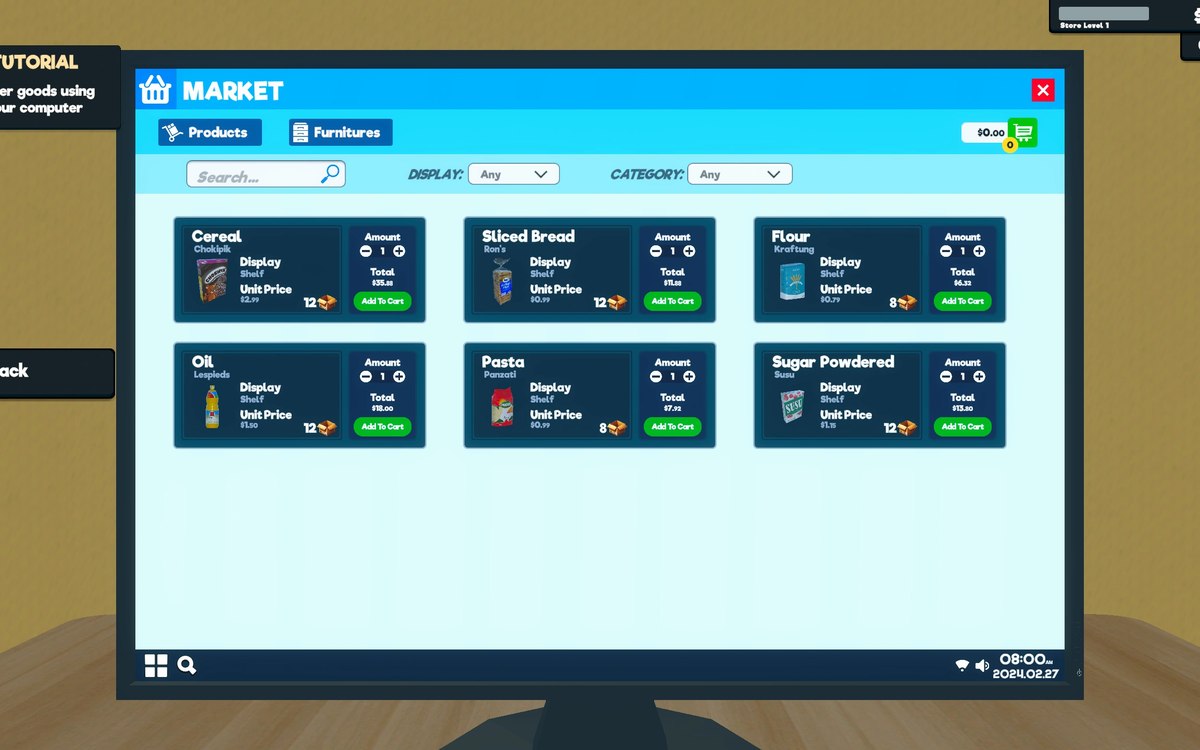 InterfaceHow your shop is savedThe game has a save file handler, a helper around it and a root record of its own.
 Running the shopThe day cycle and the clockThe shop runs on a day cycle with a manager of its own.
Sources
A local copy of the game, read only. Grounding for each step is on the technical reference pages; no number is estimated.